
Filming, editing, publishing — without leaving your phone: what once required a powerful computer and expensive software is now done on mobile, with stunning results. Vacation videos that finally look good, content for social networks, family memories turned into films: mobile editing has put video creation in everyone’s pocket. This guide takes you from « raw footage sent as-is » to real short videos — with the apps, basic gestures, and tips that make the difference.
What mobile editing really allows
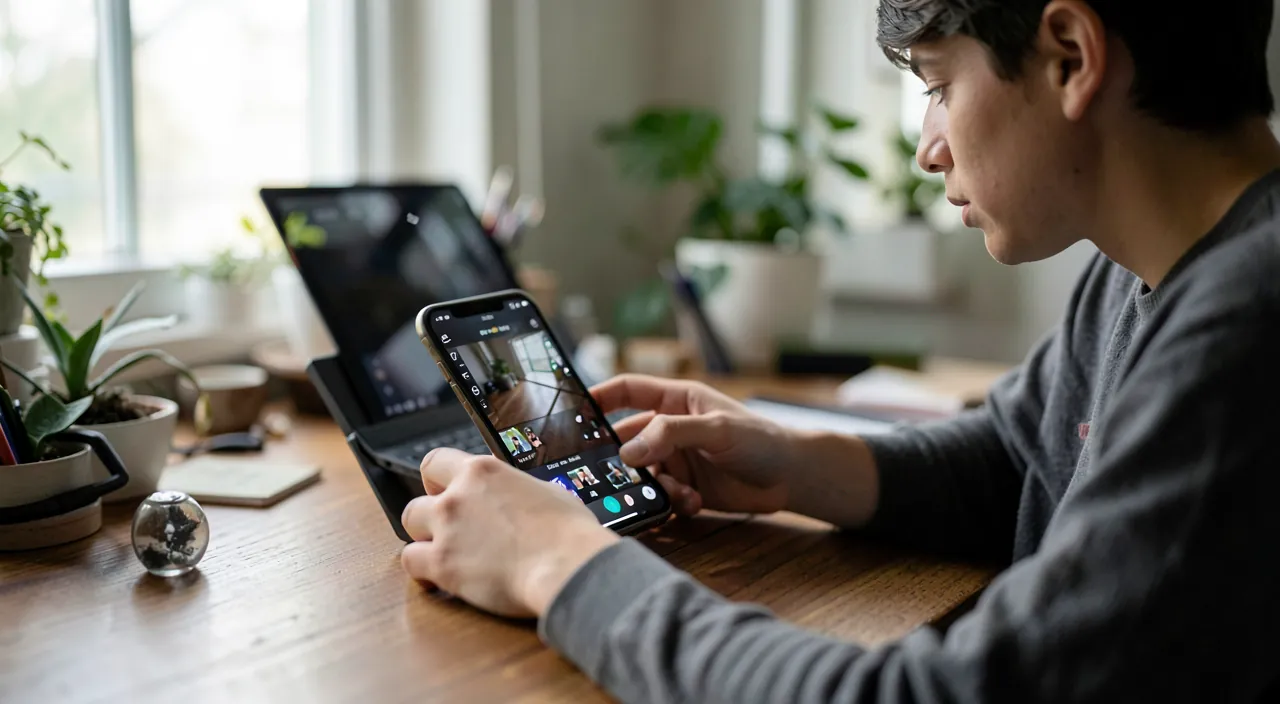
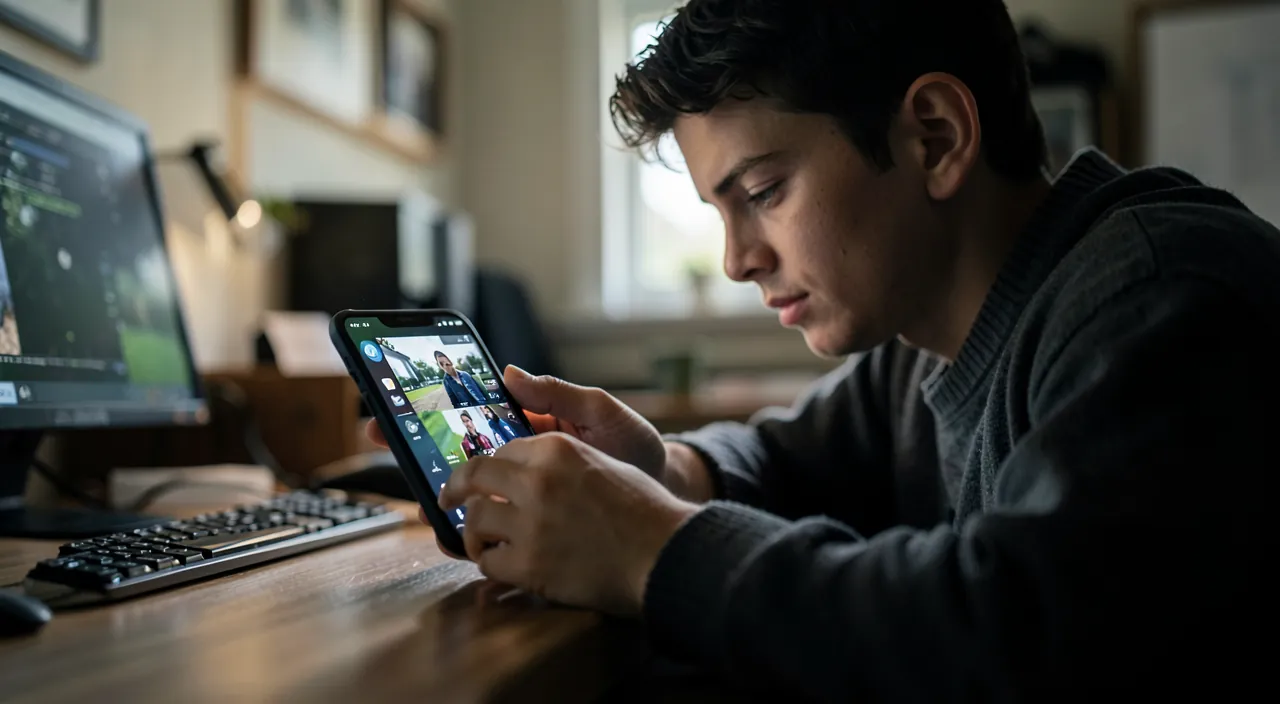
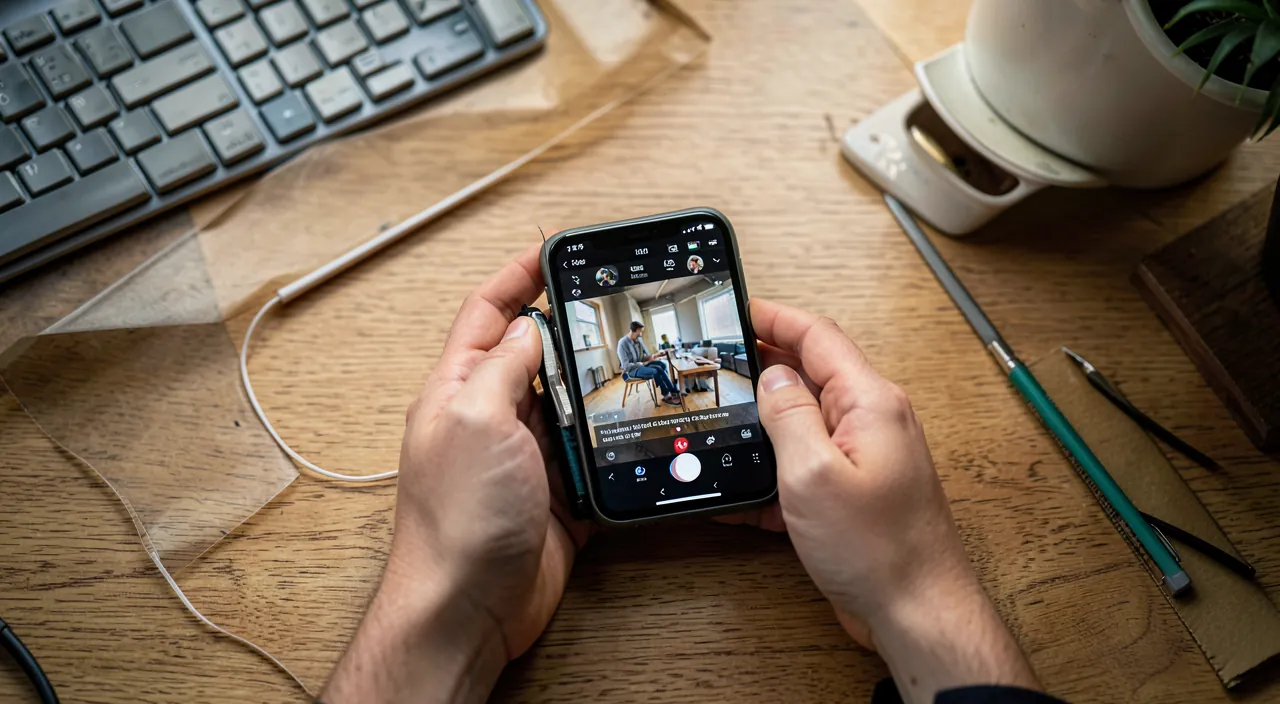
Let’s be clear: for the vast majority of uses — personal videos, social networks, small projects — the mobile is more than enough, and has been for a long time. Cutting and assembling shots, adding music and titles, adjusting colors and brightness, inserting transitions, exporting in high quality: it’s all there, in interfaces designed for touch. Recent phones handle 4K video editing without flinching. The computer still has the advantage for long projects, heavy effects, and professional work — but the bar keeps rising. To get started in video, the best studio is the one you already have in your pocket.
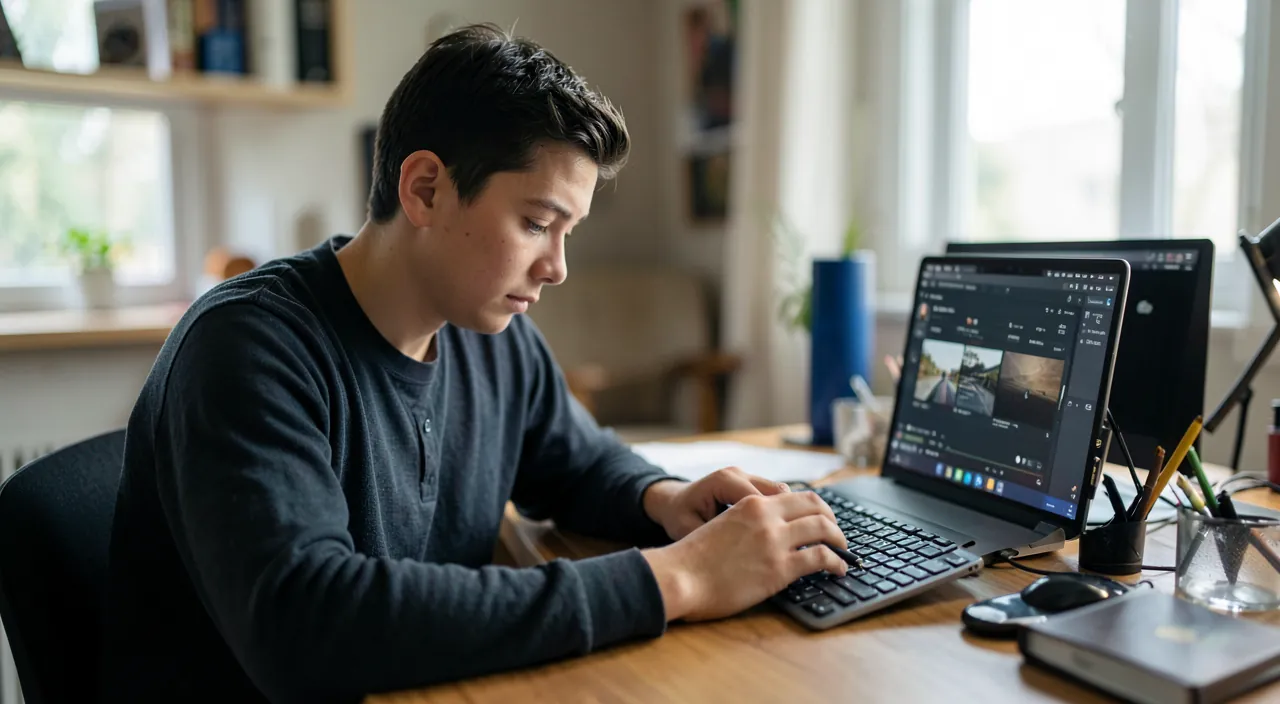
Mobile editing is now powerful enough for most everyday videos. You can cut, add music, adjust colors, and export high-quality videos right from your phone. It’s not just for professionals anymore.
A 2-minute travel video shot on an iPhone 14 Pro, edited with CapCut, and exported in 1080p takes about 30 minutes on a modern smartphone. The result looks polished with smooth cuts and background music synced to the action.
The basic gestures of a successful edit
- Sorting your rushes: before editing, eliminate the failed shots and identify the best ones — half the work.
- Cutting short: the king gesture of editing. Each shot trimmed to the essentials — you cut the hesitant beginnings, the dragging ends. A rhythmic edit is first and foremost short shots.
- Assembling in narrative order: even a vacation video tells a story — arrival, discoveries, highlights. Chronological order is a good start; emotional order is even better.
- Dressing it up subtly: a music that carries the whole, a few titles, simple transitions (a clean cut ages better than flashy effects).
- Adjusting the image: a touch of brightness and contrast unifies disparate shots.
The right reflex. The secret of edits that « look good »: syncing the cuts with the music. Choose the track first, then edit to it — a shot change on a strong beat, a speed-up on the chorus. This simple synchronization instantly gives a professional look, even with ordinary shots. Try it on your next travel video: the difference is striking.
Choosing the right app
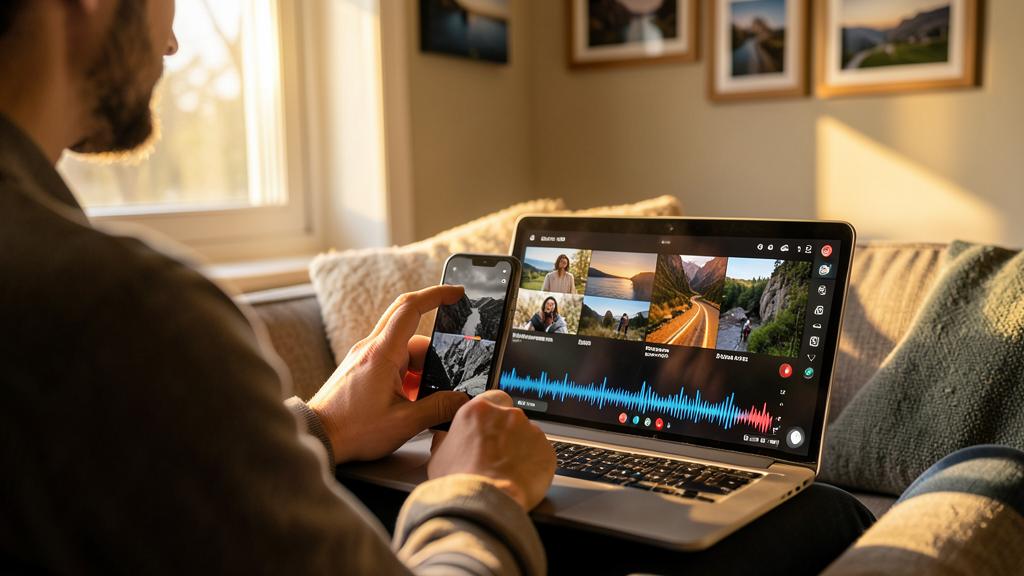
The offerings range from very simple to almost professional. Useful criteria: the learning curve — start simple, built-in or mainstream apps already cover a lot; the features you really need (multi-track, automatic subtitles — precious for social networks —, variable speed, background music); watermark-free export — check what the free version imposes; and the business model, sometimes expensive subscriptions for occasional use. The right path: master a simple app, then upgrade if — and only if — a real need arises.
Filming for editing: half the result
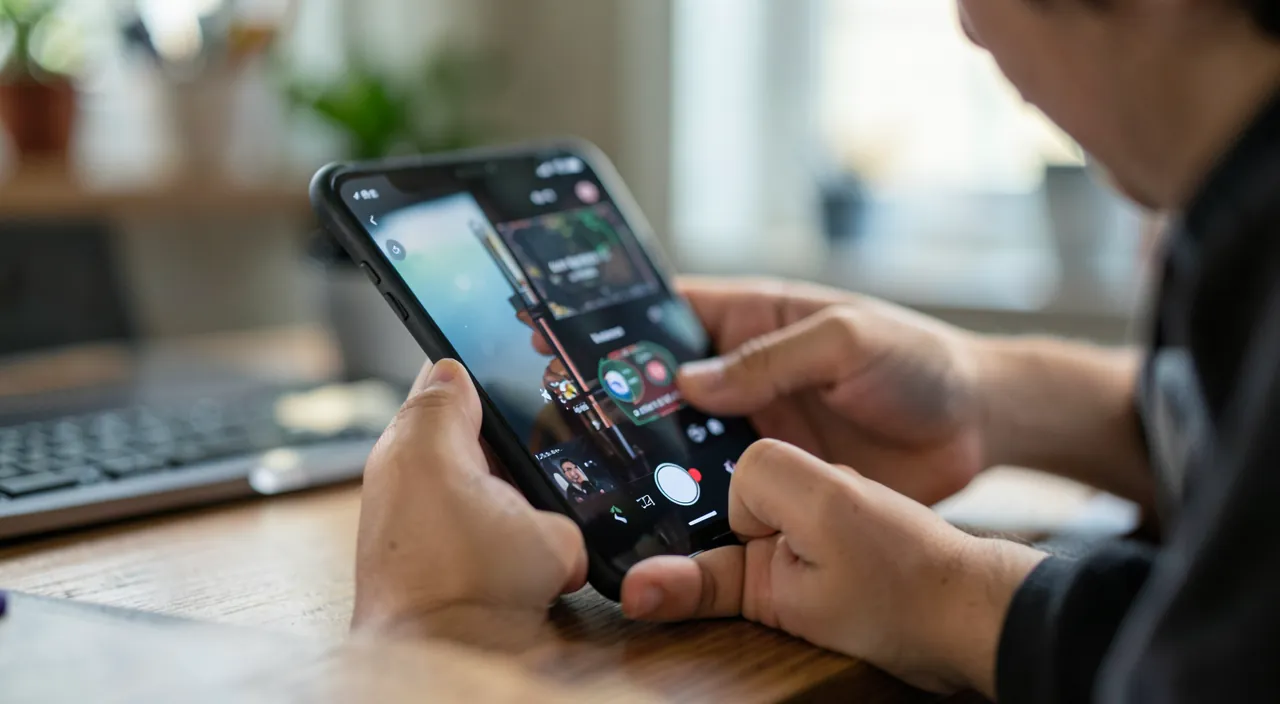
Editing starts with filming. A few shooting habits transform the possibilities: film steady (two hands, supports, slow movements); vary the shots — a wide shot to set the scene, medium shots, close-ups of details: it’s this variety that makes an edit come alive; leave room to breathe — three seconds of margin before and after the action make cutting easier; care about the sound if there’s speech (get closer, avoid wind); and film in the target format — vertical for social networks, horizontal for the living room screen. Ten seconds of thought before pressing record save hours of editing later.
To check. Music is the legal pitfall of editing: a commercial song over your video can get it blocked or muted on platforms. Use the royalty-free libraries built into apps or platforms — rich and high-quality — and save commercial music for strictly private videos. Also think about the right to image of the people you film before publishing.
Frequently asked questions
Is my phone powerful enough to edit?
If it’s less than four or five years old, very likely yes for everyday projects. Free up storage space before big projects: that’s what limits mobile editing, more than the power.
How long does it take to learn?
The basics — cutting, assembling, music, titles — are learned in an evening on a first project. Each subsequent video refines your eye: editing is learned by editing, not by watching tutorials on loop.
Are automatic subtitles worth it?
Yes, especially for social networks where many watch without sound: voice recognition does most of the work, a quick review fixes the mistakes. It’s one of the most valuable features of recent apps.
What to remember
Mobile video editing is mature: sorting, cutting short, assembling into a story, dressing it up subtly — the basic gestures are learned in an evening and transform your rushes into real videos. The secret of a pro look lies in two habits: editing to music (cuts on the strong beats) and filming for editing (steady, varied, with margins). Start with a simple app, beware of commercial music on platforms, and prefer royalty-free libraries. Your memories deserve better than raw footage forgotten in the photo library: an hour of editing, and they become films you watch — and share with pride.
Want to improve your content creation?
Leave a Reply
You must be logged in to post a comment.