
An entire library in your pocket, the evening book that opens to the right page on any device, text size that adapts to your eyes: digital reading has solid arguments — and yet, many try it without adopting it, due to lack of proper settings and good habits. Between reading apps, formats, purchases, and library loans, a quick overview changes everything. This guide comfortably sets you up for digital reading — without ever pitting the screen against paper.
What digital reading really changes
Its concrete strengths: availability — your entire library follows you, the next volume is bought in one minute, whether traveling or in line; adjustable comfort — font size, margins, line spacing, dark theme: the book adapts to your eyes, not the other way around, a true delight for tired eyes; synchronization — the page picked up exactly where you left it, from phone to tablet; and reader tools — built-in dictionary (a tap on a word!), search, highlights, and notes that sync. For reading in a foreign language, in particular, the dictionary at your fingertips transforms the experience.
Digital reading makes books easier to carry, read, and personalize. You can adjust the text to suit your eyes, pick up where you left off on any device, and even look up words instantly.
Imagine you’re reading “The Count of Monte Cristo” on your phone during your morning commute. Later, you switch to your e-reader at home, and it automatically opens to the exact page you left off. You tap on an unfamiliar word, and the app instantly shows its definition.
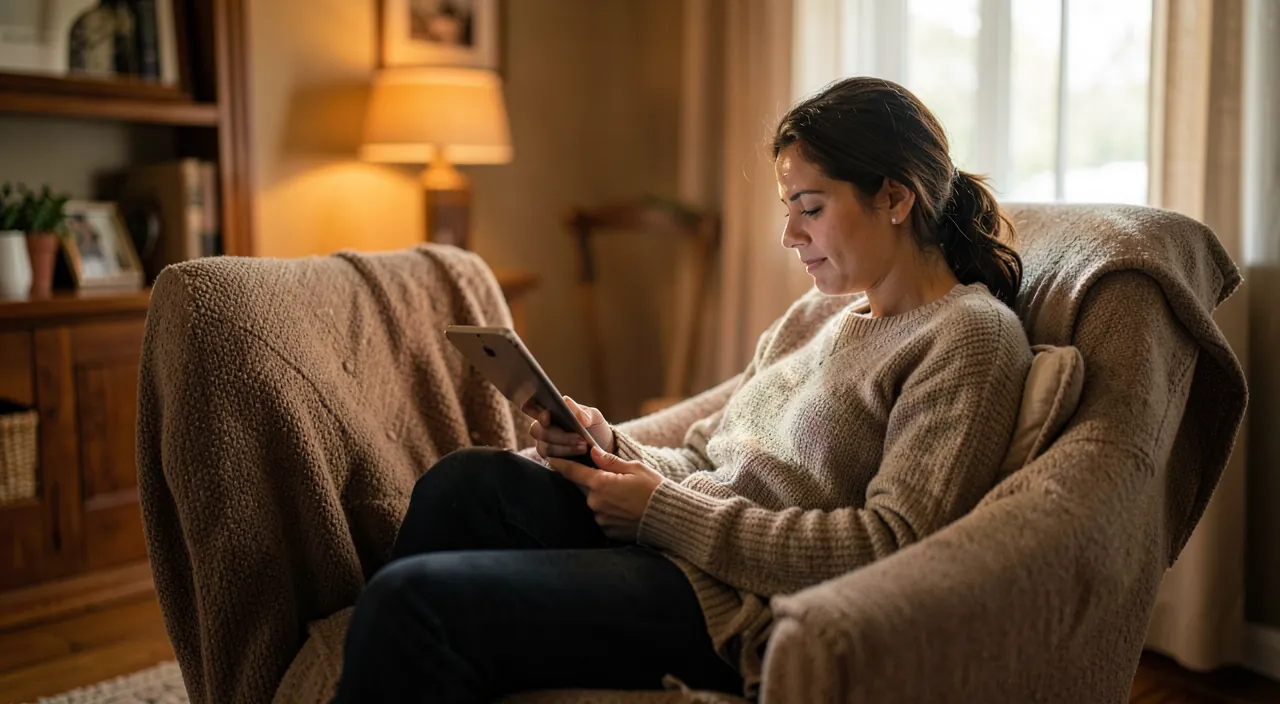
What to read on: phone, tablet, or e-reader
Three screens, three uses. The phone: always there — ideal for snatching a few pages in the day’s interstices; its bright screen, however, tires the eyes during long sessions. The tablet: comfortable for beautiful books, comics, and the press — but heavy in bed and full of distractions. The e-reader: its electronic ink screen, matte and without aggressive backlighting, reads like paper for hours on end, with weeks of battery life — it’s the tool for avid readers. Many combine them: the e-reader for quiet time, the phone on the go, with synchronization bridging the gap.
The right reflex. Wherever you read, take two minutes to adjust your comfort: font size one notch larger than “acceptable,” spacious line spacing, dark or sepia theme in the evening, moderate brightness. The difference between “reading on screen tires me” and hours of happy reading often comes down to these settings that nobody makes.
Building a library (without breaking the bank)
Sources to know: classic digital bookstores for new releases; public domain classics, free and legal by the thousands — all of heritage literature at your fingertips; and above all, too often overlooked: library e-lending — your municipal library subscription often gives you access to borrowing e-books from home, free and legally. Ask your library: it’s one of the most underused public services out there. A final word on formats: prioritize stores and apps that let you access your books across different devices — your library should belong to you for good.
Rediscovering the joy of reading through digital
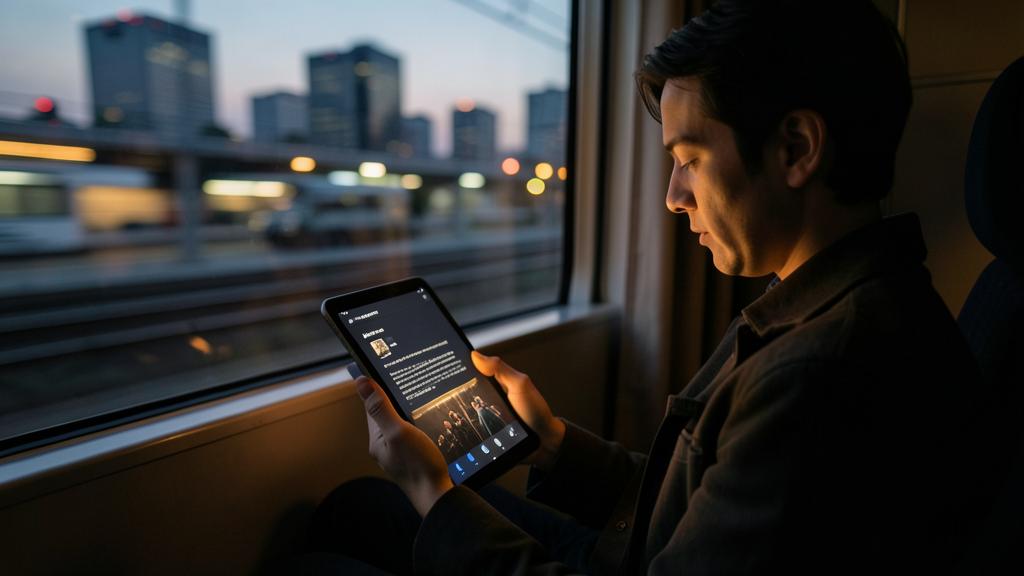
Delicious paradox: the device that distracts can also bring you back to reading. A few levers: the always-available book turns downtime (transit, waiting) into pages read — ten pages a day is twelve books a year; gentle goals and reading statistics in some apps keep the momentum going; and the focus mode during reading (notifications off) protects the bubble. In the evening, prefer the e-reader or a well-adjusted screen in dark mode, and keep the golden rule: the book wins when it’s easier to access than social media — put the reading app on the home screen, and the others further away.
To know before buying. Depending on the store, purchased books may be tied to an ecosystem: check that you’ll be able to read them on your current and future devices. Also think about backing up your notes and highlights if you make it a real work tool — and keep in mind that library lending, free, covers a huge part of everyday reading needs.
Frequently asked questions
Does reading on a screen damage your eyes?
It mostly tires them when poorly adjusted: too small font, excessive brightness, sessions without breaks. Well adjusted — or on an e-ink e-reader — digital reading is very comfortable, even for sensitive eyes that benefit from large fonts.
Ebook or paper: do you have to choose?
No — most happy readers mix them: paper for the pleasure of the object and beautiful books, digital for mobility, availability, and adjustable comfort. The real issue isn’t the medium, it’s reading.
How to borrow e-books from the library?
With your library card, via your network’s digital lending service: you borrow from home, the book returns itself at the deadline — zero late fees, zero fines. Ask your librarian, the sign-up takes five minutes.
What to remember
Digital reading deserves more than a disappointed trial: well set up, it offers an always-available library, precious adjustable comfort, synchronized page pickup, and a dictionary at your fingertips. Choose the screen for the use — phone for interstices, e-reader for hours — make the comfort adjustments nobody makes, and build your library wisely: free classics, your library’s digital lending (the underrated service that changes everything), and lasting purchases. Digital doesn’t bury paper: it adds reading opportunities — and ten snatched pages a day make twelve books a year.
Need help setting up your reading devices?
Leave a Reply
You must be logged in to post a comment.