
A finicky Wi-Fi ruins everything. Good news: 9 times out of 10, the cause is easy to identify.
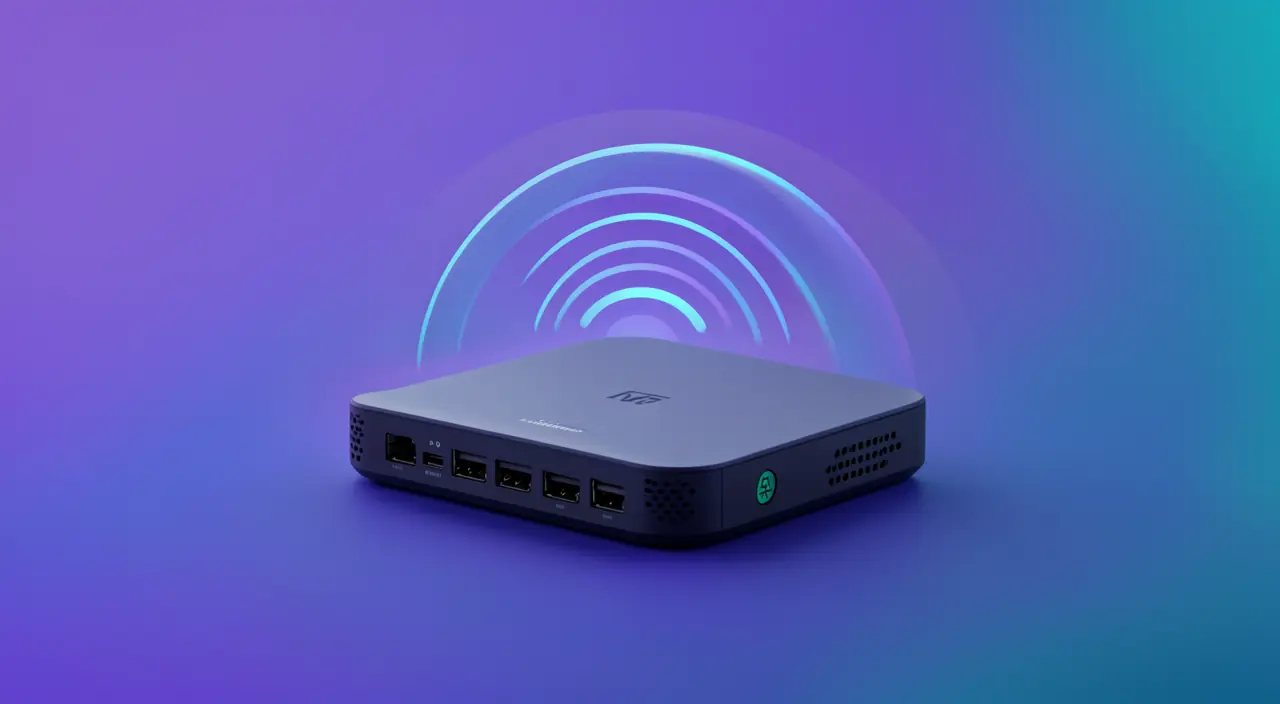
1. Place the box properly
In the center of the home, at a height, away from the microwave and thick walls. That already makes a big difference.
2. Test the speed
Compare near the box and then in the problematic room. A huge difference = a coverage issue, not a subscription problem.
3. The solutions
- Change the Wi-Fi channel (less interference).
- Switch to 5 GHz for speed, 2.4 GHz for range.
- Add a repeater or a mesh system for large areas.
If your Wi-Fi is slow in one room but fast near the box, the signal isn’t reaching far enough. Moving the box, changing the channel, or adding a repeater can help spread the signal better.
In a 150m² apartment, a Wi-Fi box placed in a corner near a brick wall struggles to reach the far bedroom. Moving it to the center and switching to 5 GHz improves speed in the living room, while a mesh node in the bedroom ensures stable coverage everywhere.
Still stuck? Our remote troubleshooting service diagnoses and fixes it with you, 7 days a week.

Leave a Reply
You must be logged in to post a comment.