
A password, no matter how strong, is no longer enough to protect your accounts. Data breaches, phishing, reused passwords: the ways a hacker can obtain your credentials are numerous. Two-factor authentication (or 2FA) adds a second barrier that, on its own, blocks the vast majority of hacking attempts. Easy to enable, it is today the most effective protection for your accounts. Here’s how it works and why you should adopt it everywhere.
The principle of two-factor authentication
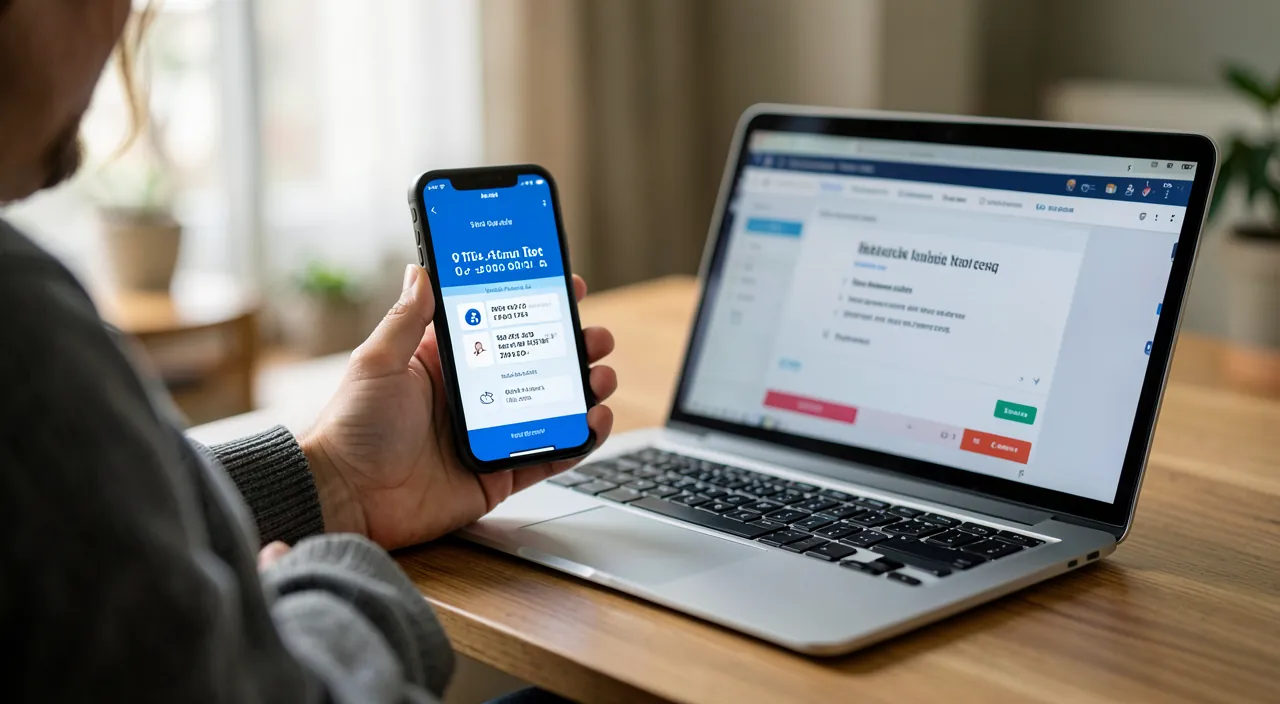
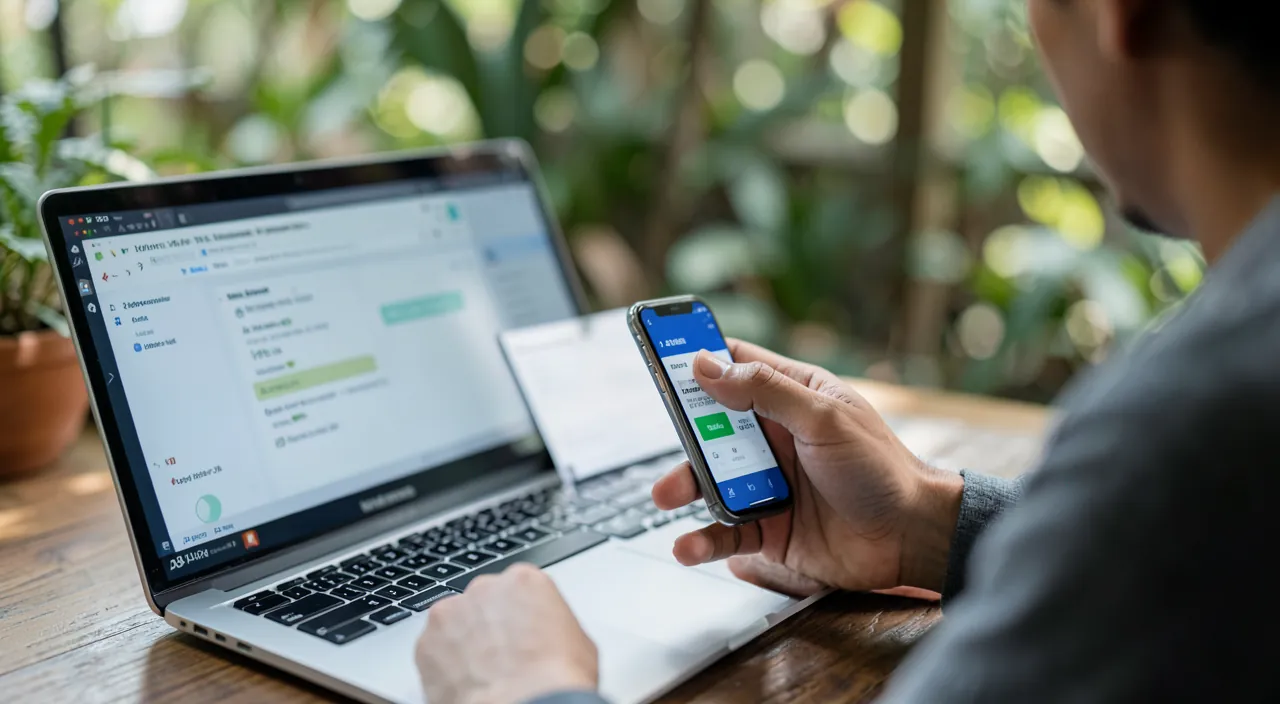
The idea is simple: to log in, you no longer just need to know your password; you also need to prove it’s you via a second element. You combine something you know (the password) with something you have (your phone, for example). Even if a hacker steals your password, they lack this second factor, and access remains blocked.
 Two-factor authentication: your best protection” class=”wp-image-2815″ srcset=”https://blog.elpisia.com/wp-content/uploads/2026/07/sec-2fa_2-2.webp 1280w, https://blog.elpisia.com/wp-content/uploads/2026/07/sec-2fa_2-2-300×165.webp 300w, https://blog.elpisia.com/wp-content/uploads/2026/07/sec-2fa_2-2-1024×563.webp 1024w, https://blog.elpisia.com/wp-content/uploads/2026/07/sec-2fa_2-2-768×422.webp 768w, https://blog.elpisia.com/wp-content/uploads/2026/07/sec-2fa_2-2-18×10.webp 18w” sizes=”auto, (max-width: 1280px) 100vw, 1280px” />
Why it’s so effective
The strength of two-factor authentication lies in this combination. The most common attacks rely on stolen passwords: hacked databases, phishing, reusing the same password across multiple sites. With 2FA, these stolen passwords become useless on their own. That’s why security experts consider it the most cost-effective measure: a few seconds of setup for considerable protection.
Two-factor authentication works by adding a second step to logging in. Even if a hacker gets your password, they can’t get in without the second factor, like a code from your phone. This makes your accounts much harder to hack.
The right reflex. Prioritize enabling two-factor authentication on your most sensitive accounts: primary email, banking, and social media. Your email is particularly critical: it’s often used to reset passwords for all your other accounts.
The different methods
- SMS code: simple and widespread, but the least secure of the three (interceptable in rare cases).
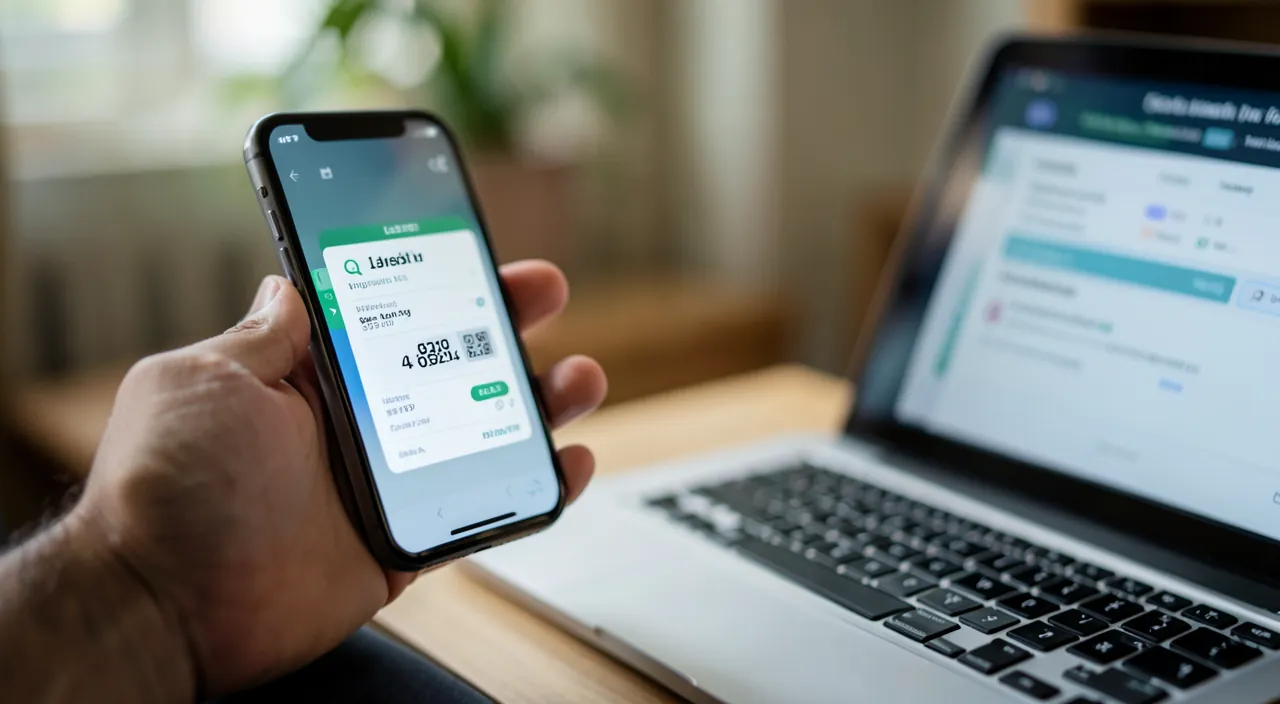
- An authentication app: it generates temporary codes, more secure than SMS, without relying on the network.
- A physical security key: the highest level, reserved for the most demanding needs.
For most uses, an authentication app offers an excellent balance between security and simplicity. Even SMS, if it’s your only option, is infinitely better than no two-factor authentication at all.
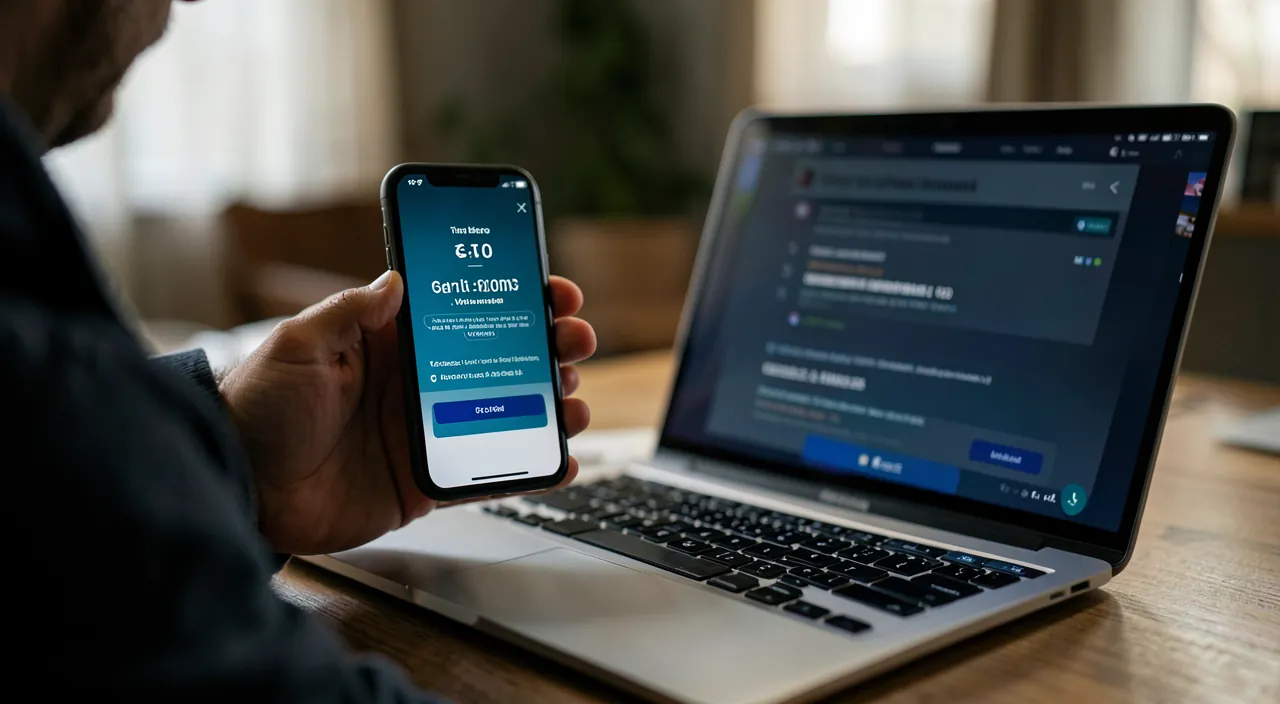
Imagine you use an authentication app like Google Authenticator. When you log into your bank account, you enter your password and then a six-digit code from the app. Even if a hacker steals your password, they can’t log in without that code, which changes every 30 seconds.
Overcoming hesitations
Some hesitate, fearing a daily hassle. In reality, the inconvenience is minimal: you generally only enter the second factor on your first login on a device, or occasionally. This small effort is nothing compared to the nightmare of a hacked account: identity theft, access to your data, contacts, and finances. A few seconds for lasting peace of mind: the math is simple.
To anticipate. Carefully keep the “backup codes” provided during setup, and don’t rely on a single device. Losing your phone without a backup solution can lock you out of your own accounts. Preparing a recovery method is just as important as enabling the protection itself.
Frequently asked questions
Is it complicated to set up?
No. Activation takes just a few minutes in the security settings of each account, and daily use is nearly seamless.
What if I lose my phone?
That’s where backup codes and recovery methods you’ve set up come in. Hence the importance of preparing them in advance.
Key takeaways
Two-factor authentication is today the best protection for your online accounts: by requiring a second factor in addition to the password, it renders stolen credentials useless and blocks the overwhelming majority of hacks. Enable it first on your email, banking, and social media, prefer an authentication app, and don’t forget to prepare your backup codes. A few minutes of setup for considerable peace of mind: it’s the best security reflex you can have.
Need help securing all your accounts?
Leave a Reply
You must be logged in to post a comment.