
The film that freezes at the decisive moment, the wheel that spins, the image that turns into pixel soup then freezes again: buffering during streaming is THE Saturday night failure — and the most unfairly blamed one: the platform is accused (rarely guilty), the box is restarted randomly (sometimes useful), while a five-minute diagnosis almost always identifies the real weak link among four: the incoming bandwidth, the Wi-Fi that distributes, the device that plays, or the service that broadcasts. The complete method to regain a smooth living room — for good.
The funnel diagnosis: WHO is buffering?
Five minutes of method avoid evenings of tinkering — three questions in order: 1) Is it THIS service or all of them? — test another platform (or any online video) on the same TV: one app that buffers while the rest works = the service (its status page — outages on major platforms exist and can be checked online — or its app to update/reinstall on the TV): you can do nothing more, and this case is the RAREST; 2) Is it THIS device or all of them? — the same service on the phone (Wi-Fi, near the TV): smooth on the phone but buffering on the TV = the TV device or its connection (see below); buffering everywhere = the connection; 3) Is it the LINE or the Wi-Fi? — the speed test near the box then in the living room (our Wi-Fi guides: the speed map): excellent near the box and poor in the living room = the Wi-Fi is distributing poorly (the most common case in homes); weak even at the foot of the box = the line (peak hours in the neighborhood, operator incident — its status page —, or simply insufficient subscription: 4K requires ~25 Mb/s STABLE per stream — multiply by the simultaneous screens in the household, and the math is quickly done on an old ADSL). In five minutes, you know WHO to treat — and half of households discover that their “streaming problem” is a known and fixable living room Wi-Fi issue.
Buffering usually comes from one of four things: your internet speed, your Wi-Fi signal, your TV device, or the streaming service itself. A quick test can show you exactly which one is the problem.
A family with a 300 Mb/s fiber connection notices buffering on their 65-inch 4K TV. Testing shows 280 Mb/s near the router but only 15 Mb/s in the living room. The solution? Moving the router closer or adding a mesh Wi-Fi node fixes the problem completely.
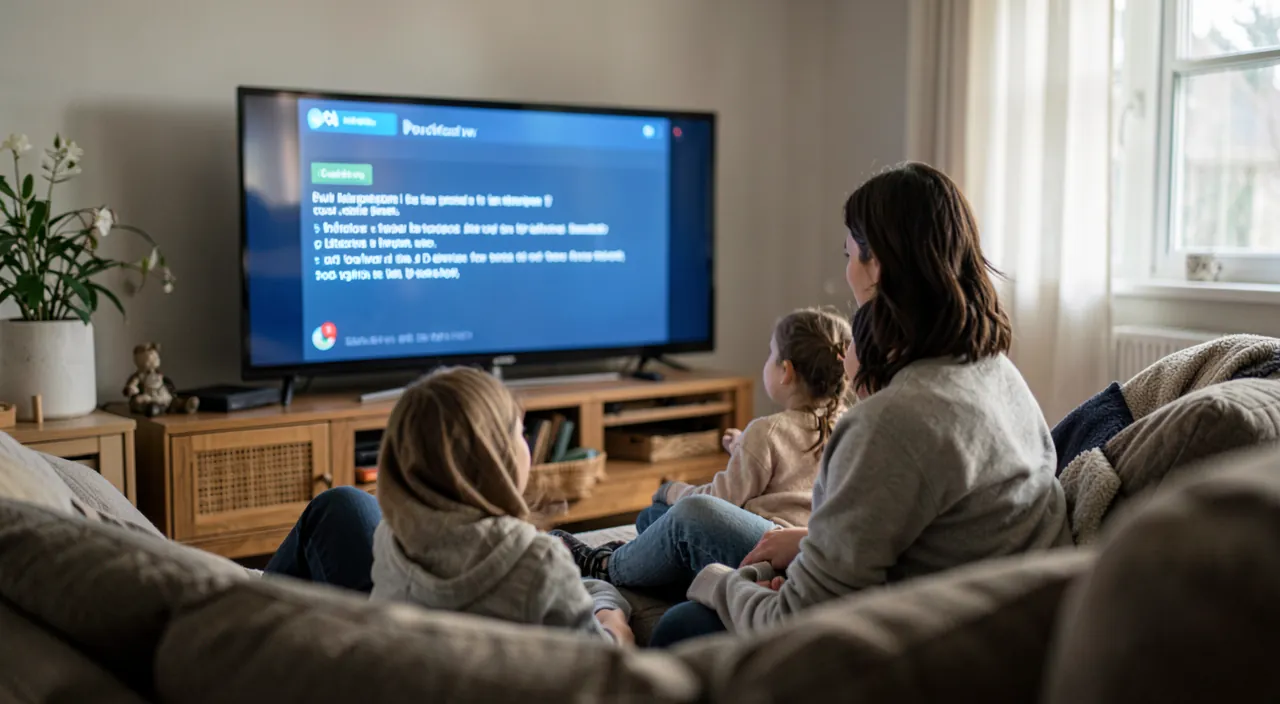
The king remedy: wiring the living room (and the alternatives)
For the most common case — the TV poorly served by Wi-Fi: Ethernet first — the TV, the TV box, or the streaming device are FIXED: the cable (a few euros, discreet in the baseboard) permanently removes the question (full speed, zero latency, no interference — our Wi-Fi guides make this THE rule: everything that doesn’t move gets wired): the box → TV connection fixes more buffering than all settings combined — start here if the distance allows; otherwise, the wireless arsenal in order of effectiveness: the 5 GHz band for the TV (if the box and TV are in the same room or almost), the mesh node in the living room (the real solution for homes — the satellite near the TV, ideally wired or well placed), the powerline adapter for thick walls (to test — our guides detail the three); and the hygiene that helps: the box restarted monthly, heavy consumers moved (the 80 GB game download that kills the evening movie — consoles can schedule downloads at night: the setting that few know and pacifies households), and device prioritization if the box offers it (the TV prioritized during family peak hours). The victory test: the speed measured ON the TV (test apps exist on connected TVs — or the built-in test service on some streaming platforms): 25 Mb/s stable on the TV’s counter = 4K flows effortlessly.
The right reflex. Learn to read the real-time quality: when it buffers, the image that becomes BLURRY then clear tells the adaptation (the service lowers the definition to match your speed — the problem is the connection), while the CLEAR image that freezes in jerks on a proven good speed blames the device that plays (see below). This image reading is worth a diagnosis — and the hidden menus of the platforms (the playback statistics, activable on most) display received speed and definition in real time for the curious: the counter that tells all.

When it’s the device that plays: the tired TV and its remedies
Proven good speed, persistent buffering on the TV alone — the player is at fault: the software gestures — the streaming app closed COMPLETELY and relaunched (not just exited — the real app kill in the TV’s manager), its cache cleared (the setting exists on Android TVs), the app updated, the TV restarted ELECTRICALLY (unplugged for thirty seconds — the connected TV never really turns off otherwise: the monthly remedy for TVs that “slow down”), and the TV’s system updated (our TV guides); the aging TV — the structural case: connected TVs over 5-6 years struggle (processor overwhelmed by modern apps, saturated memory, updates stopped): the remedy is NOT to change the TV — it’s the streaming box (30-150 €: the screen stays, the brain is replaced — our guides make it the best value purchase for the living room: regained fluidity, apps updated for years, and often a better image via better decoding); the peripherals in the chain — the worn or underpowered HDMI cable (4K HDR requires a certified cable — the mystery cable from 2012 causes blackouts: 10 € fixes it), the soundbar in HDMI relay that stutters (test the TV directly); and the case of the projected phone — screen mirroring that buffers is normal in weak Wi-Fi (our projection guides: casting does better than mirroring, and the TV’s app does better than both). Simple arbitration rule: less than 200 € of remedies (cable, Ethernet, box) solve the vast majority of living rooms — the new TV waits for the screen to die.
The particular cases of the modern household
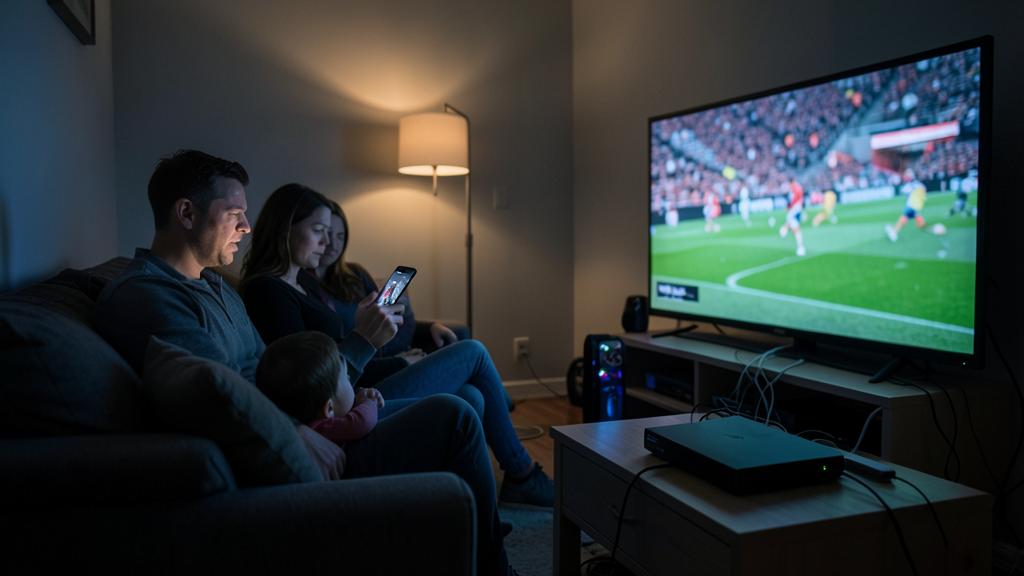
Specific situations: the live stream that buffers (sports, live TV over the internet) — more demanding than a movie (no buffer possible): the cable is almost mandatory for enthusiasts, and peak hours for the big match sometimes saturate the PLATFORMS THEMSELVES (the national peak — patience, or the alternative broadcast channel); the video call on TV and cloud gaming — even more sensitive to latency (our dedicated guides: Ethernet, period); the streaming multi-tap of the rainy Sunday — four simultaneous streams in the house: add the needs (4×15-25 Mb/s…) and compare to your subscription — the “Wi-Fi problem” is sometimes a simple arithmetic problem (fiber solves it, or lowered definition on secondary screens: the quality setting per profile exists on platforms); the secondary residence or poorly served area — the capped speed imposes the strategy: assumed adapted definition (HD is very watchable — 4K is a bandwidth luxury), downloading BEFORE (platforms allow downloading movies and series in advance on tablet/phone — the vacation solution par excellence), and 4G/5G as a backup (our guides); and the anomaly that returns at a fixed time — the neighborhood saturating the Wi-Fi channel in the evening (our channel guides), or the line collapsing during peak hours (document and report to the operator: dated logs make the cases — and sometimes commercial gestures).
Some situations need special attention. Live sports or video calls need the best possible connection. Multiple devices streaming at once require enough internet speed for all. And if problems happen at the same time every day, it might be your neighborhood’s Wi-Fi getting crowded.
During the World Cup final, a household with 100 Mb/s internet experiences buffering. Testing shows their 4K TV needs 25 Mb/s, their phone needs 10 Mb/s, and their laptop needs 5 Mb/s. That’s 40 Mb/s total – well below their 100 Mb/s plan. But during peak viewing times, their ISP’s network gets congested, dropping speeds to 30 Mb/s. The solution? Using Ethernet cables for all devices and scheduling large downloads for after the game.

Beware of fake paid solutions. The buffering household is a commercial target: the higher subscription sold by reflex (going from 300 Mb/s to 1 Gb/s changes NOTHING if the problem is the living room Wi-Fi — diagnose first: the line already excessive at the foot of the box doesn’t need to be more excessive), the miracle repeaters of aggressive ads (our Wi-Fi guides: branded hardware in the right place, not the oversold gadget), the “streaming optimizers” and VPNs sold as accelerators (a VPN SLOWS DOWN by design — its legitimate streaming use is elsewhere, and “boosters” don’t exist), and the new TV advised when a 40 € box would have sufficed. The honest sequence costs 0 to 150 €: diagnosis, cable, box, or node — in that order. Any seller who skips the diagnosis is selling something other than your solution.
Frequently asked questions
Why does it only buffer in the evening?
Peak hours — yours (all screens in the household on: add them up), the neighborhood’s (the shared node of cable/ADSL connections — fiber is less sensitive), or the neighbors’ Wi-Fi (channels saturated at 9 PM). The speed test at 3 PM THEN at 9 PM separates them: a massive documented difference orients (household → prioritization/arithmetic; neighborhood → operator/fiber; Wi-Fi → channel/5 GHz).

Lowering the quality manually, is that a real solution?
A real solution IN CONTEXT: on a capped speed (mobile, countryside, sharing), locked HD is smooth where adaptive 4K does the yo-yo (definition change jerks tire more than stable HD). On a good line, it’s a band-aid: the fixable problem (Wi-Fi, device) deserves better than resignation.
My operator says that “everything is normal”:
They see THEIR line (up to the box) — often normal in fact: your problem lives after (the Wi-Fi, the device), and it’s YOUR territory (this guide). If your measurements AT THE FOOT of the box contradict the operator (speed far from the subscription, documented drops at fixed times), insist with dated logs — our guides for faulty boxes give the escalation method.

What to remember
Buffering streaming is cured by the funnel: which service (one = its status page — the rare case), which device (the phone test near the TV), line or Wi-Fi (speed at the foot of the box vs. the living room) — then the targeted remedy: Ethernet to the TV as king (everything that’s fixed gets wired), the mesh node or 5 GHz otherwise, the streaming box for the tired TV (the new brain at 40-150 € that avoids the new TV), the certified HDMI cable, nighttime scheduled downloads — and the arithmetic of simultaneous streams vs. the subscription. By reading the image (blurry = connection, frozen = player) and refusing fake solutions (higher speed without diagnosis, boosters, VPN accelerators). The movie of next Saturday is playing now, cable in hand — and the spinning wheel won’t come back.


Persistent failure, capricious device? Our remote troubleshooting service quickly resolves your problem, without jargon.
Leave a Reply
You must be logged in to post a comment.