
The best ideas always come at the worst time: while walking, driving, in the shower, at 2 a.m. — never in front of a keyboard. And they evaporate in a few minutes, replaced by a vague regret of having « had something. » Voice notes are the tool that plugs this leak: ten seconds of speech capture what two minutes of typing would have lost along the way — and modern automatic transcription turns these recordings into usable text. Here’s how to turn voice notes into a real idea-capture system, not a graveyard of never-replayed recordings.
Capture: speed is everything
The rule of the game: between the idea and its capture, every second of friction kills — the gesture must be almost instantaneous. The shortcuts to set up: the Dictaphone/Voice Memos app pinned, but especially the unlock-free access — the Action button or the back tap (two taps on the back of the phone) configured to start a recording, the locked-screen widget, the smartwatch (raise your wrist, « record a note » — the fastest capture that exists), and the voice assistant (« Hey Siri, take a note » — which dictates directly into the Notes app): while walking or with hands full, the note goes out without taking out the phone. In the car, one rule only: voice via the assistant and nothing else — never the screen. And the content reflex that changes replaying: start each note with the context in three words (« Gift idea for Mom: … », « For the client quote: … », « Blog article: … ») — ten days later, these three words will make the difference between an archive and a riddle.
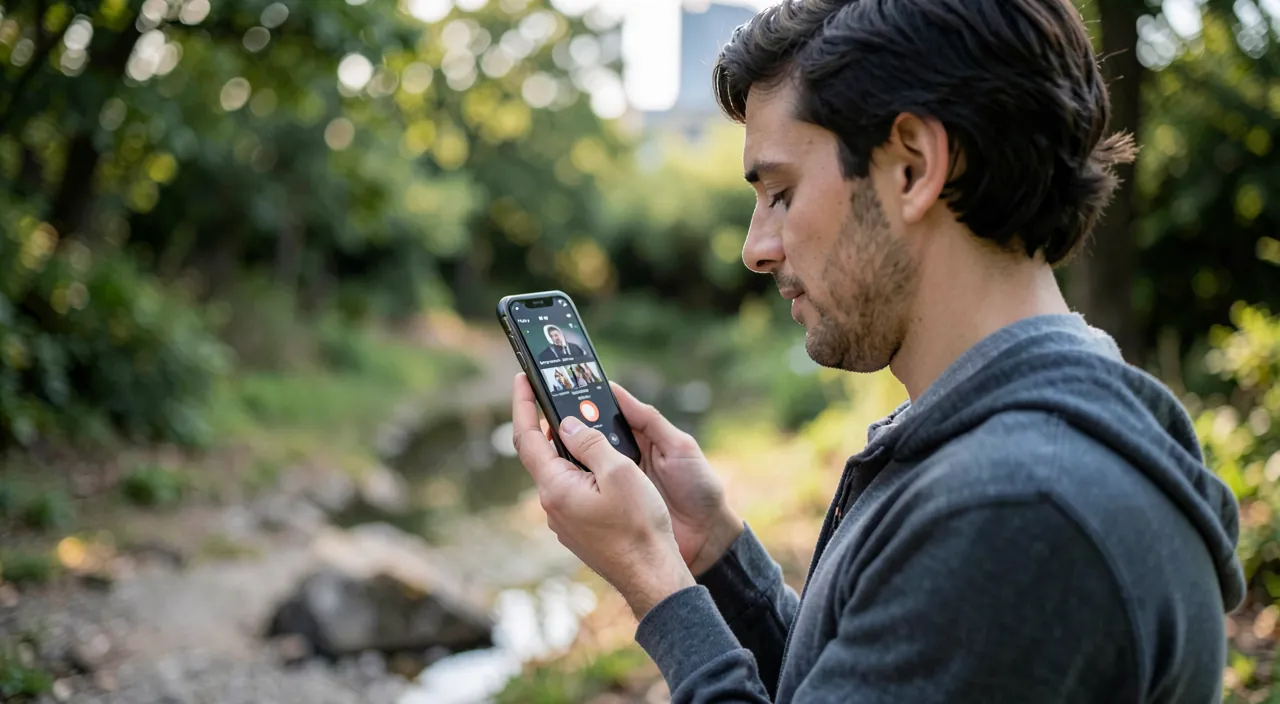
Voice notes work because they’re fast. The key is setting up shortcuts so you can record without thinking. Always start with a short context so you remember what the note was about later.
You’re in the shower and think of a great idea for a blog post. Instead of trying to remember it, you say, « Blog post: AI and aviation safety» into your phone’s voice assistant. Later, you’ll find it easily in your notes.
The transcription: the game-changer
The recent revolution: voice notes are no longer silent audio files — they become automatically transcribed text. Apple’s Dictaphone app transcribes recordings (text search included: find « quote » in three months among fifty notes), note-taking apps transcribe inserted audio memos, and specialized apps go further — live transcription, AI-generated summaries, extraction of actions to take (« you need to call Paul on Thursday » becomes a dated task). This shift fixes the historical flaw of voice notes: replaying — no one listens to ten minutes of audio, everyone skims ten lines of text. The modern flow: speak freely (audio captures the flow of thought, its fruitful hesitations, its useful digressions), then process the text — copy the essentials into the project note, create the reminder, discard the rest. Audio remains the faithful raw material (intonation, the detail you thought was secondary); text is the working interface — together, they do what no notebook ever did.
The right reflex. Institute the evening cleanup (or the next morning): two minutes to process the day’s voice notes — each note handled immediately according to its nature: a task → in reminders with its date; a project idea → copied into the project note; a fleeting thought → deleted without regret. The voice notes inbox must end up empty — it’s an inbox, not a library: the system’s value lies in its emptying, and two daily minutes ensure no captured idea dies in storage.
Beyond the idea: uses that benefit from voice
Voice notes excel far beyond the flash of genius: the hot debrief — after a meeting (medical, client, school), three minutes of spoken debrief capture what memory will have reformatted by that evening: the exact words used, the figures, the next steps (valuable for a loved one’s medical appointments — dictate in the hallway, instructions are forgotten at a documented speed); the moving list — groceries listed while emptying the fridge, the travel bag listed while mentally closing the suitcase; the spoken journal — those who never kept a written journal keep a dictated one very well (two minutes at bedtime — transcription makes it a readable archive); the rehearsal — the wedding speech, the job interview, the difficult conversation: record, listen, adjust — the tool of orators within everyone’s reach; the memos to others — family voice messaging (audio messages in messaging apps are social voice notes — and grandparents excel at them); and the ambiance capture — the voices of children, a grandfather’s accent, an ancestor’s story: voice notes are also family sound archives — think about it before the voices are gone.
Organize and protect: the lasting system
To last, three measures: minimal organization — no complex taxonomy: the daily cleanup empties the inbox, the app’s folders (or destination project notes) absorb what’s kept, text search does the rest — over-classification is the enemy of capture systems (every added second of organization is one less capture tomorrow); syncing — voice memos follow via the account (iCloud and equivalents): dictated on the phone, processed on the computer — check it’s active, voice notes are part of what a phone failure shouldn’t take away; and confidentiality — a voice note is a recording: the law and courtesy frame recording others (a conversation isn’t recorded without participants’ knowledge — for meetings, ask for consent; for your debriefs, speak AFTER the meeting: your summary is yours, others’ words are not), and sensitive notes (health, confidential work) deserve the phone’s protections — strong lock, and apps that encrypt for serious cases. The complete system boils down to a few things: a quick gesture, a context prefix, a daily cleanup, syncing — and years of ideas that, for the first time, survive their moment.

Beware the « capture everything » trap. When capture becomes too easy, the temptation is to record endlessly — entire meetings, 40-minute podcasts of ideas, daily streams of consciousness — imagining « I’ll process it later »: later never comes, the backlog grows, and the system dies under its own weight (with guilt on top). Voice notes are a tool for short capture: ten seconds to three minutes — beyond that, it’s no longer a note, it’s a replay commitment you won’t keep. For long content, dedicated tools (meeting recordings with automatic summaries) exist — but the discipline of brevity is the best guarantee that every captured note serves its purpose.
Frequently asked questions
Is transcription reliable in French?
Very good for note-taking — a few errors on proper nouns and technical terms, with no consequences since the original audio remains attached: the text is for finding and skimming, the audio settles doubts. Speak in complete sentences with context at the start of the note: accuracy improves even more.
Voice notes or direct dictation to text: which to choose?
Both have their moment: dictation (keyboard mic) when you already know what you want to write — the message, the list; voice notes when the idea is still forming — it captures the thought process, the nuances, what « clean » dictation would have filtered out. In short: dictation for writing, voice notes for thinking.
How to find a voice note from last year?
Via text search in transcriptions (one word from the content suffices) — hence the value of the context prefix and renamed titles for kept notes. If your archives predate automatic transcription, apps often retroactively transcribe old recordings: run them once, and memory becomes searchable.
What to remember
Voice notes solve the most universal problem of mental life: ideas arrive without a keyboard and die in minutes. The winning system: instant triggering (Action button, watch, assistant — zero friction is the condition), three context words at the start, short notes, automatic transcription as the working interface, and the daily cleanup that empties the inbox — tasks to reminders, ideas to their projects, the rest to the trash. Added to this are the golden uses: hot debriefs, spoken journal, rehearsals, archived family voices — and the safeguards: no recording others without consent, no endless captures you’ll never process. Ten seconds of speech at the right moment: that’s all that separates your best ideas from oblivion — might as well be ready.
Want to go further with your phone and apps? Our practical training is for you.
Leave a Reply
You must be logged in to post a comment.