
You put on your headphones, start your music or a call, and surprise: the sound only comes out of one side! Only one earbud works, the other remains silent. This is especially frustrating with wireless earbuds, where you immediately fear losing one for good. Rest assured: in most cases, this problem is minor and easily fixed. The causes are often simple: a discharged earbud, a synchronization issue between the two wireless earbuds, an off-center audio balance setting, dirt (earwax) clogging an earbud, or a connection issue. There is a methodical step-by-step process to identify and correct the problem. Let’s see why only one earbud works, how to restore sound on both sides, and how to prevent this from happening again.
Why only one earbud works
A silent earbud has several possible causes, often minor; knowing them helps target the issue. Wireless earbuds — SYNCHRONIZATION: on wireless earbuds (two independent earbuds), both must SYNCHRONIZE with each other; if one doesn’t sync properly, it stays silent; this is a very common cause; putting them back in their case to resync often fixes it (we’ll come back to this). Wireless earbuds — a DISCHARGED earbud: one of the two earbuds may be discharged (empty battery) while the other still has charge; the discharged one doesn’t work; charging them (in the case) fixes it; check the charge of BOTH. The off-center AUDIO BALANCE: a “balance” setting (left/right sound distribution) that’s off-center sends all the sound from one side; the other earbud seems silent even though it’s working; recentering the balance fixes it; an unknown and frequent setting (we’ll come back to this). DIRT or earwax (in-ear): on in-ear earbuds, earwax or dirt can CLOG the output of an earbud; the sound is muffled or cut off on that side; cleaning it gently fixes it; a very common and underestimated cause. Wired earbuds — the CABLE: on wired earbuds, a damaged cable (often near the connector or the “Y” that separates the two earbuds) cuts off one side; moving the cable changes the sound; a worn cable is common on wired earbuds. The poorly INSERTED CONNECTOR: a poorly inserted or dirty connector (jack) may only transmit one channel; pushing it in fully and cleaning it fixes it; poor contact cuts off one side; check the jack. A Bluetooth CONNECTION issue: an unstable or poorly established Bluetooth connection may only transmit to one earbud; reconnecting fixes it; wireless can connect poorly; check the pairing. A DAMAGED earbud: more rarely, an earbud is actually faulty (dead speaker, wear, damage, water); this is more serious; replacement is then required; this is the exception, to consider last. The SOURCE or recording: rarely, it’s the content itself that only has sound on one side (poorly made mono recording); testing another content rules this out; then it’s not your earbuds; a simple test. Minor or SERIOUS: most causes are minor (sync, charge, balance, dirt, connection) and easy to fix; only a truly damaged earbud is more annoying; don’t jump to conclusions about a failure. What’s the POINT of understanding: knowing that a silent earbud often comes from sync (wireless), balance, or dirt helps target the right action (resync, recenter the balance, clean) before assuming a failure. The key idea: a single working earbud most often has a SIMPLE and minor cause. On wireless earbuds, first think of a SYNCHRONIZATION issue between the two (putting them back in the case to resync often fixes it) or a DISCHARGED earbud (charge both). Check the AUDIO BALANCE in the settings: if it’s off-center (all sound from one side), the other earbud seems silent even though it’s working — an unknown and frequent setting, to recenter. On in-ear earbuds, EARWAX or dirt often clogs the output of an earbud (clean gently). On wired earbuds, look for a DAMAGED cable or a poorly inserted connector. Also check the Bluetooth connection. Only a truly DAMAGED earbud (dead speaker) is more annoying, but it’s the exception. Most of these causes are easily fixed; understanding the likely cause depending on the type of earbuds guides you to the right solution.
Most of the time, when one earbud stops working, it’s not broken. It’s usually because the two wireless earbuds aren’t talking to each other, one is out of battery, or the sound settings on your device are off. Sometimes earwax is blocking the sound. These are easy things to fix without buying new earbuds.
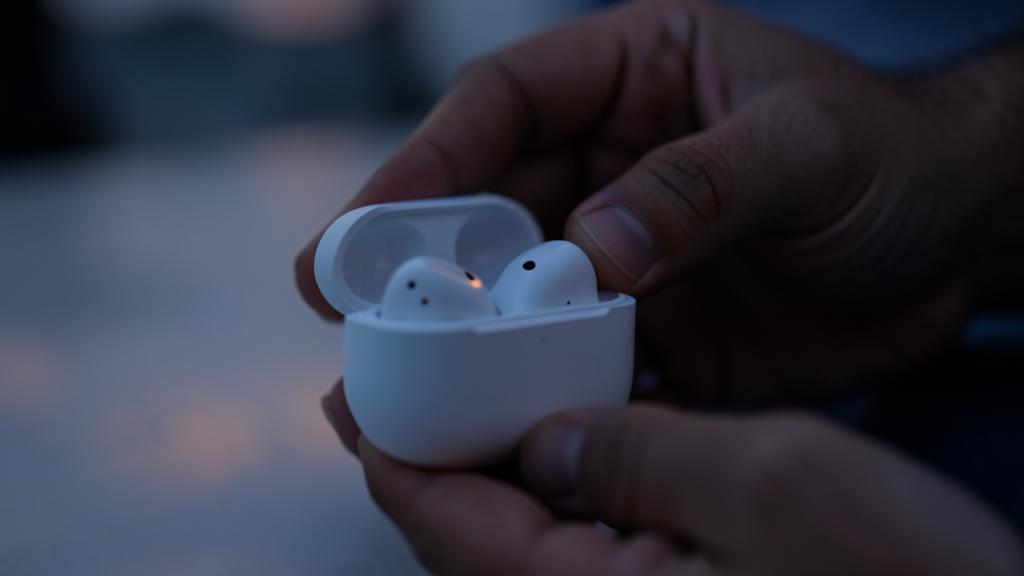
You’re using AirPods Pro and only the left earbud works. You put both back in the charging case for 10 seconds, then take them out. Now both work again. The problem was just a sync issue, not a broken earbud.
How to restore sound on both sides
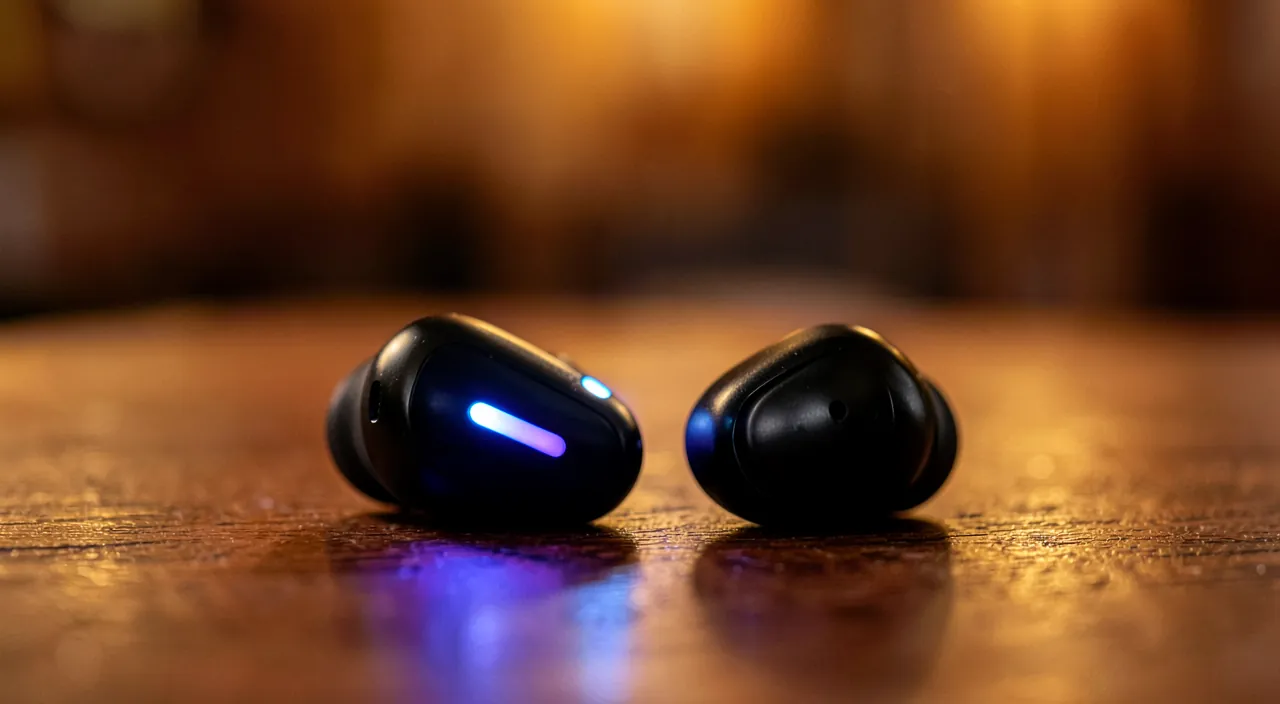
Here’s the step-by-step process, from simplest to most advanced, to restore sound to both earbuds. Check the AUDIO BALANCE: quick and often effective; in your device’s accessibility/audio settings, check that the BALANCE (left/right distribution) is CENTERED; if it’s off-center, recenter it; a “silent” earbud becomes audible again; check this first (we’ll come back to this). Wireless earbuds — RESYNCHRONIZE: put BOTH earbuds back in their case for a few seconds, then take them out; this resyncs them; this is THE move for desynchronized wireless earbuds; simple and very effective (we’ll come back to this). Wireless earbuds — RECHARGE: check that both earbuds are charged; recharge them (in the case); a discharged earbud doesn’t work; make sure both have battery; a simple check. Wireless earbuds — RECONNECT Bluetooth: disable/re-enable Bluetooth, or “forget” the earbuds and re-pair them; a poorly established connection is fixed by a clean reconnection; re-pairing fixes connection issues. CLEAN the earbud (in-ear): on in-ear earbuds, gently clean the output of the silent earbud (earwax, dirt); remove the tip if possible, clean it dry; a clogged earbud regains sound; a frequent and easy-to-treat cause (we’ll come back to this). Wired earbuds — check the CABLE: gently move the cable (especially near the connector and the “Y”); if the sound returns or changes, the cable is damaged; a cut cable can be replaced; wired earbuds wear out; test this lead. Check the CONNECTOR: make sure the connector (jack) is fully inserted; clean it and clean the jack; a poorly inserted connector only transmits one channel; inserting it fully often fixes it. TEST another CONTENT: listen to another track, another video; if both sides work, the problem came from the content (mono); if it persists, it’s your earbuds; this test rules out the source. TEST on another DEVICE: connect/attach the earbuds to another device; if both sides work, your device (setting) was the issue; if it’s still silent on one side, it’s the earbuds; this test isolates the culprit. TEST other earbuds: connect other earbuds to your device; if both sides work, your earbuds were the issue; if it’s still silent on one side, it’s the device (setting); completes the diagnosis. RESTART the device: a restart fixes temporary audio bugs; turn it off and on; simple and often effective; the restart “resets.” Consider REPLACEMENT: if nothing works and an earbud remains silent everywhere (other device, other content, after cleaning/resync), it’s probably faulty; replacement is then required; but only after trying everything. In summary, to restore sound on both sides: first check the AUDIO BALANCE (often off-center — recenter it), then for wireless earbuds, RESYNCHRONIZE them (in the case), RECHARGE them, and RECONNECT Bluetooth; for in-ear earbuds, CLEAN the silent earbud (earwax); for wired earbuds, check the CABLE (move it) and the CONNECTOR (fully inserted, clean). Test another content (to rule out mono), another device, and other earbuds (to isolate the culprit), and restart. Only consider replacement as a last resort, if an earbud remains silent everywhere. This approach, from simplest to most advanced, resolves the vast majority of cases; the balance, resync, and cleaning are the first keys.
The two checks to do first: the audio balance, and (for wireless) resyncing. Before concluding that an earbud is broken — and despairing of having “lost” an expensive wireless earbud — first do these two simple checks: they resolve a huge part of “only one earbud works” cases, in a few seconds, without repairing anything. First check, valid for ALL earbuds (wired and wireless), and surprisingly unknown: the AUDIO BALANCE. Your device has a “balance” setting, which distributes the sound between the LEFT earbud and the RIGHT earbud. Normally, this balance is CENTERED (as much sound on the left as on the right). But it can become OFF-CENTER — pushed entirely to one side — by accident: an involuntary manipulation in the settings, an accessibility setting activated without wanting to, or even a setting you yourself changed and forgot. When the balance is completely off-center to the left (for example), ALL the sound comes from the left earbud, and the right earbud remains completely silent — giving the perfect illusion that it’s broken, when it’s actually working fine! This is a classic trap: you think you have a dead earbud, you consider replacing it, when it’s enough to recenter a slider. Go to your device’s AUDIO or ACCESSIBILITY settings (look for “balance,” “audio balance,” “left/right balance”), and check that the slider is well in the CENTER. If it’s off-center, put it back in the middle: your “silent” earbud will instantly become audible again. This check takes ten seconds and should be your very first reflex, as it’s the cause of a large number of “false” earbud “failures.” Second check, specific to wireless earbuds (the models with two independent earbuds, in a case): RESYNCHRONIZATION. On these earbuds, the two earbuds must “sync” with each other to work together; one often plays the role of “master” and transmits to the other. It happens that this sync is lost or poorly established: result, only one earbud receives the sound, the other remains silent — not because it’s broken, but because it’s no longer synced with its twin. The solution is magically simple: PUT THE TWO EARBUDS BACK IN THEIR CASE for a few seconds (time for them to “find each other” and recharge a bit), then take them out and reconnect them. This simple in-and-out in the case forces the two earbuds to resync properly, and in the vast majority of cases, the sound returns on both sides. This is THE reflex move for a silent wireless earbud. If this doesn’t work the first time, you can also “forget” the earbuds in your device’s Bluetooth settings, then re-pair them (re-pairing them completely forces a full resync). Also check that BOTH earbuds are well charged (a discharged earbud remains silent). In summary, before any pessimistic diagnosis: recenter the AUDIO BALANCE (for all earbuds), and for wireless earbuds, RESYNCHRONIZE them by putting them back in their case. These two moves, which take a few seconds and cost nothing, resolve the vast majority of “only one earbud works” cases — and will save you from unnecessarily replacing earbuds that work perfectly fine.
Clean, maintain, and avoid the problem
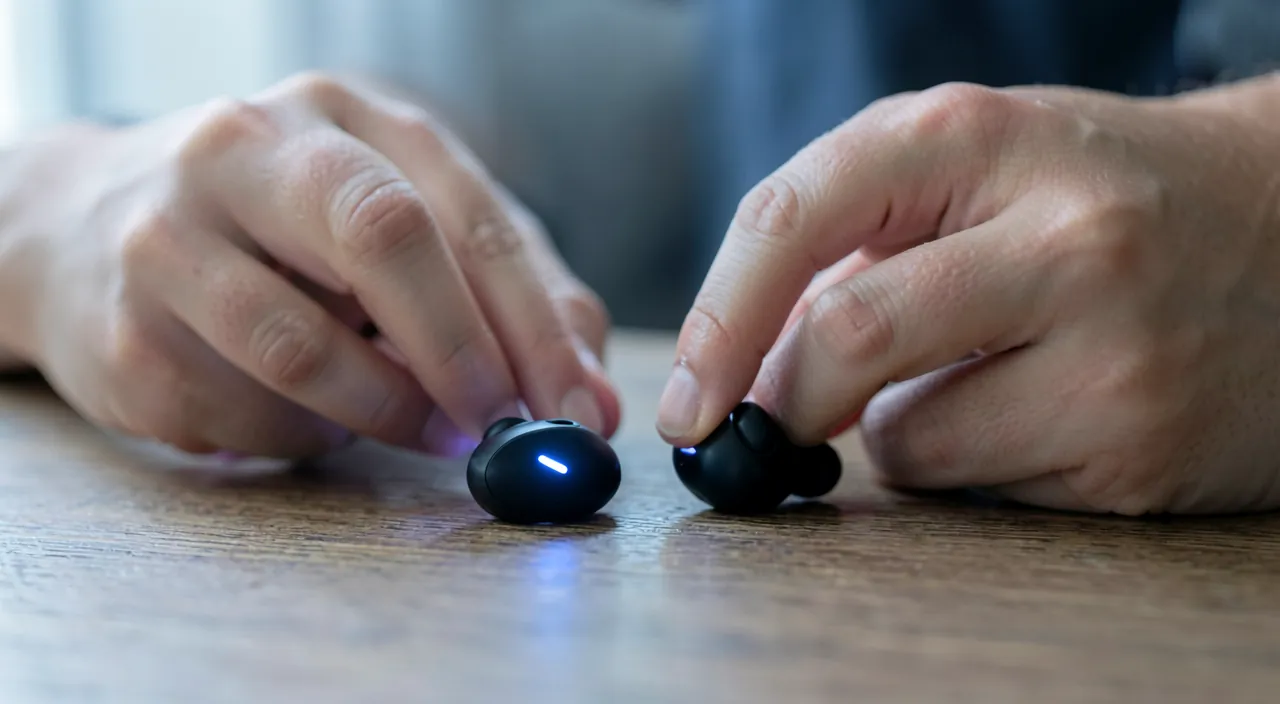
Cleaning often solves the problem on in-ear earbuds, and a few habits prevent it from coming back; here’s the essential. CLEAN in-ear earbuds: on in-ear earbuds, EARWAX clogging the output is a VERY common cause of a muffled or silent earbud; clean it gently (remove the tip, clean the grille dry with a soft brush); cleaning often restores the sound; an effective move (we’ll come back to this). Clean GENTLY and dry: always clean DRY and gently (soft brush, dry cloth); don’t wet, don’t push anything pointed (you’d damage the membrane); gentleness preserves; follow the manufacturer’s instructions. MAINTAIN regularly (in-ear): regularly clean your in-ear earbuds (earwax accumulates); regular maintenance prevents an earbud from getting clogged; cleanliness prevents; make it a habit. KEEP earbuds charged (wireless): regularly recharge your wireless earbuds in their case; a discharged earbud doesn’t work; keep the case charged too; charge prevents surprises. STORE in the case/case: store your earbuds in their case (wireless) or case (wired); this protects them, recharges them (wireless), and prevents tangled cables and dirt; storage preserves; protect them. TAKE CARE of the cable (wired): don’t pull on the cable, don’t wrap it too tightly, unplug by the connector (not by pulling the wire); a well-cared-for cable lasts; the weak point of wired earbuds is the cable; take care of it. AVOID HUMIDITY: protect earbuds from water, excessive sweating, humidity (unless models designed for it); humidity damages an earbud (which becomes silent); dryness preserves; be careful with sports, rain. AVOID EXCESSIVE volume: a volume that’s too loud all the time wears out the earbuds (and your ears); a moderate volume prolongs the equipment and protects your hearing; moderation preserves; consult our guides on sound. Check BOTH regularly: from time to time, check that both earbuds work well; spotting a problem early (cleaning, charge) prevents surprises; a simple check; anticipate. Don’t conclude too quickly about a FAILURE: before replacing, try everything (balance, resync, charge, cleaning, connection, another device); most “failures” are false failures; don’t throw away earbuds that work fine; exhaust the simple solutions. In summary, to clean, maintain, and avoid the problem: GENTLY and DRY clean in-ear earbuds (earwax clogging the output is a very common cause; maintain regularly), keep wireless earbuds CHARGED, STORE them in their case/case (protection and charge), TAKE CARE of the wired earbuds’ cable (don’t pull on it), AVOID humidity and excessive volume, check both earbuds from time to time, and never conclude about a failure before trying everything. These habits prevent most silent earbud issues and prolong your equipment; regular cleaning (in-ear), charging, and careful storage are the keys to earbuds that function on both sides for a long time.
Warning: on in-ear earbuds, earwax is a very frequent and underestimated cause — but clean with delicacy; and don’t damage a working earbud. Two points of vigilance deserve your attention. The first concerns an extremely frequent cause of a silent or muffled earbud on IN-EAR earbuds, often neglected: EARWAX. In-ear earbuds fit in the ear, very close to where earwax (the ear’s “wax”) forms. With use, this earwax inevitably accumulates on the small sound output grille of the earbud, and eventually CLOGS it partially or completely. The result: the affected earbud produces muffled, weak, or no sound at all — giving the impression that it’s broken, when it’s simply clogged. This is a VERY common cause, and the good news is that it’s resolved by a simple cleaning. But be careful about HOW you clean, because an earbud is fragile. The rules: always proceed DRY and GENTLY. First remove the silicone or foam tip if it’s removable (it’s cleaned separately, and this gives access to the grille). Then gently clean the output grille with a soft-bristle brush (a soft, dry toothbrush, or a specific brush), or gently tap the earbud grille-down to dislodge debris. The DON’TS: never WET the earbud (moisture seeps in and damages the speaker — you’d turn a clogged earbud into a dead earbud!), and never PUSH a pointed or metal object (needle, paperclip) into the grille to “unclog”: you’d risk piercing or damaging the fine speaker membrane, which, there, would cause a real, irreversible failure. Delicacy is essential: a gentle, dry cleaning unclogs the earbud without risk, while a harsh or wet cleaning could destroy it. Also get into the habit of regularly cleaning your in-ear earbuds: this prevents accumulation and prevents the problem. The second point of vigilance follows from the first and everything that came before: don’t DAMAGE, and don’t replace, an earbud that actually works perfectly. As we’ve seen, the vast majority of “only one earbud works” cases are FALSE FAILURES: an off-center audio balance (the earbud is fine, it’s the setting), a desynchronization of wireless earbuds (to resync in the case), a discharged earbud (to recharge), earwax (to clean), a cable or connector (to check). In all these cases, the earbud is NOT broken: replacing it would be an unnecessary waste. Before concluding a real failure and considering a replacement (or even throwing away the earbuds), exhaust ALL the simple solutions: recenter the balance, resync, recharge, gently clean, check the cable and connection, and test on ANOTHER device and with ANOTHER content (to be sure the problem comes from the earbuds and not the setting or source). It’s only after trying everything, if an earbud remains stubbornly silent EVERYWHERE (on all devices, all contents, after cleaning and resync), that you can conclude a real failure justifying a replacement. And even then, be careful: in attempting repairs, don’t force and don’t damage what works (no pointed object in the grille, no harsh pulling on the cable, no moisture). In summary: on in-ear earbuds, think of earwax (frequent cause, to clean gently and dry, never with liquid or a pointed object), and never replace an earbud before verifying it’s not one of the many false failures easy to fix. Patience and gentleness will save you from throwing away — or breaking — an earbud that had nothing wrong.
Frequent questions
One of my wireless earbuds no longer works: is it definitely lost?
Almost never: most often it’s a desync or a charge issue; put both back in the case to resync them, recharge them, and re-pair them; the earbud comes back to life in the vast majority of cases. Reassuring. The most PROBABLE cause: on wireless earbuds, an earbud that no longer works is most often DESYNCHRONIZED from the other, or DISCHARGED; these are not failures; the earbud is fine, you just need to resync or recharge it; don’t panic. RESYNCHRONIZATION: the #1 move; put BOTH earbuds back in their case for a few seconds, then take them out; this forces resync; the silent earbud often comes back; it’s simple and very effective; always try this first. CHARGE: check that the silent earbud is charged; let both recharge in the case; a discharged earbud doesn’t work (even if the other has battery); charging fixes it; a simple check. RE-PAIRING: if resync isn’t enough, “forget” the earbuds in the device’s Bluetooth settings, then re-pair them completely; this reinitializes the connection; complete re-pairing fixes stubborn issues; an effective step. RESETTING the earbuds: many wireless earbuds have a RESET procedure (often: put them in the case and press a button for a certain time); consult the manual; this reset fixes stubborn desyncs; a slightly advanced but effective move. CLEAN the charging contacts: if an earbud doesn’t charge (so stays silent), its charging contacts (in the case) may be dirty; gently clean the contacts (earbud and case) dry; clean contacts ensure charging; a frequent cause of a “dead” earbud. Check the BALANCE: also check the audio balance (off-center?); sometimes the earbud works but the setting sends all sound to the other side; recenter; a frequent false problem; to check. TEST on another device: connect the earbuds to another device; if both work, your device (setting) was the issue; this test rules out the device; multiply the tests. When it’s REALLY lost: if, after resync, charging, cleaning the contacts, re-pairing, and resetting, an earbud remains silent on all devices, it may be truly faulty (rare); some manufacturers sell the earbud alone as a replacement; check before buying everything new. The ADVICE: a “dead” wireless earbud is almost always recoverable; resync (case), recharge, clean the charging contacts, re-pair, reset; check the balance; it’s really lost only after trying everything without success. In summary, no, a wireless earbud that no longer works is almost NEVER definitely lost: in the vast majority of cases, it’s a simple DESYNCHRONIZATION or a CHARGE issue, not a failure. The moves that bring it back to life: RESYNCHRONIZE it by putting both earbuds back in their case for a few seconds (the #1 move, very effective), RECHARGE both well (a discharged earbud stays silent), and if needed, RE-PAIR them completely (“forget” in Bluetooth settings then reconnect) or perform the earbuds’ RESET procedure (see the manual). Also think about CLEANING the charging contacts (in the case and on the earbud): if they’re dirty, the earbud doesn’t charge and seems “dead,” when a simple dry cleaning brings it back to life. Check the audio balance (an earbud that seems silent due to an off-center setting) and test on another device. It’s really only AFTER exhausting all these solutions, if the earbud remains silent everywhere, that you can consider a real failure — and even in this case, some manufacturers sell the earbud alone as a replacement, which avoids buying the entire pair. Before despairing, try everything: your earbud will very probably come back.
The sound only comes out of one side even with multiple earbuds: where does this come from?
If the problem persists with DIFFERENT earbuds, it doesn’t come from the earbuds but from the DEVICE or the content: check especially the audio balance (often off-center), and test another content. Let’s analyze. The KEY clue: if several DIFFERENT earbuds all give sound from only one side, the problem is NOT the earbuds (they can’t all be broken on the same side); it’s the DEVICE (a setting) or the CONTENT; this test exonerates the earbuds. The AUDIO BALANCE, suspect #1: the most probable cause is an off-center AUDIO BALANCE in the device’s settings; it sends all the sound from one side, no matter which earbud is connected; check and recenter the balance; it’s almost always this in this situation. Where to find the BALANCE: in the device’s AUDIO or ACCESSIBILITY settings; look for “balance,” “left/right balance”; make sure the slider is in the CENTER; recenter it if it’s off-center; the sound returns on both sides. An ACCESSIBILITY setting: sometimes, an accessibility setting (audio mono, balance) was activated by mistake; check these options; they can force the sound to one side or in mono; deactivate what doesn’t suit. TEST another CONTENT: listen to another track, another video; if the new content comes from both sides, the first was in MONO or poorly mixed (sound from one side at the source); the content was the issue, not your equipment; this test rules out the source. The CONNECTOR (wired): if you use multiple WIRED earbuds on the same jack and all are silent on one side, the JACK of the device may be dirty or damaged; clean it; a faulty connector on the device side affects all earbuds; check the jack. RESTART the device: an audio bug of the device can force the sound to one side; restart to rule it out; the restart fixes temporary bugs; simple to try. Check for UPDATES: an audio issue after an update can force one side; check for updates (a fix); software updates can resolve; keep updated. The CLEAR DIAGNOSIS: the fact that several earbuds are affected is a precious diagnosis; it points to the device or content (not the earbuds); focus on the balance and content; you’re looking in the right place. The ADVICE: if the sound only comes out of one side with DIFFERENT earbuds, the problem is the device or content; first check the AUDIO BALANCE (recenter it), test another content (to rule out mono), check the accessibility settings and the jack, and restart. In summary, if the sound only comes out of one side even when changing earbuds, it’s a precious diagnosis: the problem doesn’t come from the earbuds (they can’t all be faulty on the same side), but from the DEVICE or the CONTENT. The prime suspect is by far the AUDIO BALANCE: an off-center setting in the device’s audio or accessibility parameters sends all the sound from one side, no matter which earbud is connected. Go to the settings (look for “balance” or “left/right balance”) and check that the slider is well in the CENTER; recenter it, and the sound returns on both sides. Also check the accessibility settings (an “audio mono” option or a balance may have been activated by mistake). Second lead: test ANOTHER content — if the new one comes from both sides, it’s that the first was in mono or poorly mixed (the sound was only from one side at the source, not your fault). For wired earbuds, a dirty or damaged jack of the device can also affect all earbuds: clean it. Finally, restart the device and check for updates to rule out a bug. In this situation, no need to suspect or replace your earbuds: the solution is almost always a simple balance setting to recenter.
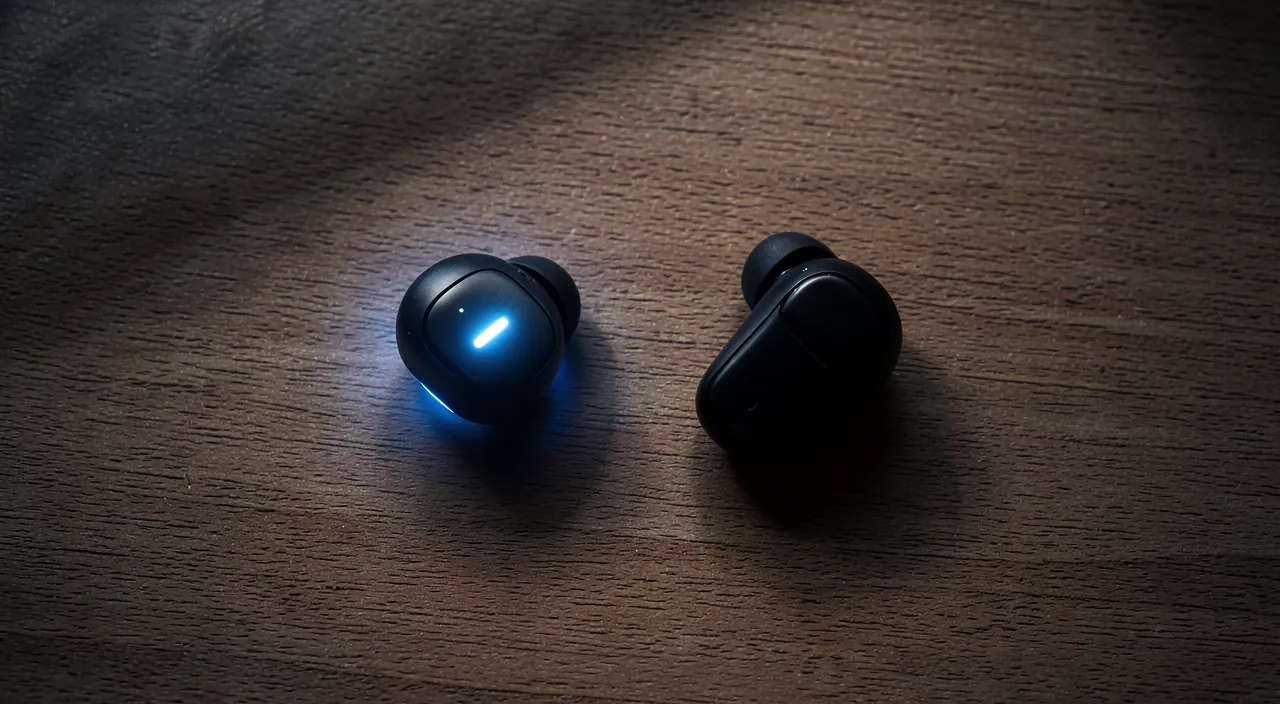
How to clean a clogged earbud without damaging it?
DRY and GENTLY: remove the tip, gently brush the grille with a dry soft brush, tap to dislodge debris; never wet and never push anything pointed. Here are the good practices. The GOLDEN rule: always clean DRY and GENTLY; never wet the earbud (moisture damages the speaker), never push a pointed object (you’d pierce the membrane); gentleness is essential; an earbud is fragile. REMOVE the tip: if the tip (silicone or foam) is removable, remove it; this gives access to the output grille and allows cleaning the tip separately; the tip can also be cleaned (dry, or with water then well dried if it’s a detached silicone tip); start with that. BRUSH the grille: gently clean the sound output grille with a DRY soft-bristle BRUSH (soft toothbrush, specific brush); brush gently to dislodge earwax and dirt; the soft brush cleans without damaging; this is the main move. GENTLY TAP: hold the earbud grille DOWN and gently tap; dislodged debris falls (instead of being pushed in); grille down, gravity helps; a simple and safe move. The ADHESIVE PASTE (trick): a safe trick; gently pressing an adhesive paste (like sticky gum) on the grille can remove earwax (it sticks to the paste); no risk to the membrane; a gentle and effective method for grilles. DON’T WET: don’t use water, liquid product, or wet wipe on the electronic part of the earbud; moisture seeps in and kills the speaker; cleaning is DRY; water is the enemy (except for a detached silicone tip, to be well dried). DON’T PUSH anything pointed: never push a needle, paperclip, toothpick into the grille to “unclog”; you risk piercing the membrane (irreversible failure); stay on the surface, gently; the pointed object destroys. Clean the CHARGING contacts (wireless): on wireless earbuds, also clean the charging contacts (dry); if they’re dirty, the earbud doesn’t charge; clean contacts ensure charging; a useful cleaning. REGULARITY: clean regularly (earwax accumulates quickly on in-ear earbuds); frequent gentle maintenance prevents clogging; regularity prevents; integrate it into your routine. After cleaning, LET DRY: if you cleaned a silicone tip with water, let it TOTALLY dry before putting it back; never put back a damp tip; complete drying prevents residual moisture; patience. The ADVICE: clean dry and gently (remove the tip, brush the grille with a dry soft brush, tap grille down, optionally adhesive paste); never wet the electronic part, never push anything pointed; maintain regularly. In summary, to clean a clogged earbud without damaging it, the absolute rule is: DRY and GENTLY. Start by removing the tip (silicone or foam) if it’s removable — this gives access to the grille and allows cleaning the tip separately. Then gently clean the output grille with a DRY soft-bristle BRUSH (a soft toothbrush works), and tap the earbud grille DOWN to dislodge debris (rather than pushing them in). A gentle and effective trick: gently pressing an adhesive paste (sticky gum) on the grille, which removes earwax by sticking to it, without any risk to the membrane. The two ABSOLUTE DON’TS: never WET the electronic part of the earbud (moisture seeps in and kills the speaker — you’d turn a clogged earbud into a dead earbud), and never PUSH a pointed object (needle, paperclip) into the grille to unclog (you’d pierce the fine membrane, causing an irreversible failure). On wireless earbuds, also think about cleaning the charging contacts dry (if they’re dirty, they prevent charging). Clean regularly (earwax accumulates quickly on in-ear earbuds), and if you washed a silicone tip with water, let it dry completely before putting it back. A gentle and dry cleaning unclogs the earbud and restores its sound, while a harsh or wet cleaning risks destroying it: gentleness makes all the difference.
What to remember
When only one earbud works, don’t panic: in the vast majority of cases, the problem is MINOR and easily fixed, without replacing anything. The key is to check the simple causes before concluding a failure. Two checks should be your very first reflexes. First, the AUDIO BALANCE (valid for all earbuds): an off-center balance setting in the audio or accessibility parameters sends all the sound from one side, giving the perfect illusion that an earbud is broken when it’s actually working; check that the “balance” slider is well in the CENTER, and recenter it if needed — this is the cause of a large number of false failures, fixed in ten seconds. Then, for wireless earbuds, RESYNCHRONIZATION: the two earbuds must sync with each other, and when this sync is lost, only one receives the sound; put both earbuds back in their case for a few seconds, then take them out to resync them (the reflex move, very effective), and check that they’re both well CHARGED. If these moves don’t work, continue according to the type of earbuds. On in-ear earbuds, think of EARWAX: this is a very frequent and underestimated cause; earwax clogs the output grille and muffles the sound; clean it gently, always DRY and gently (remove the tip, brush the grille with a dry soft brush), never wetting or pushing a pointed object (you’d damage the membrane). On wireless earbuds, re-pair or reset them, and clean the charging contacts (if they’re dirty, they prevent an earbud from charging and make it seem “dead”). On wired earbuds, check the CABLE (move it, especially near the connector — a worn cable cuts off one side) and the CONNECTOR (fully inserted, clean). To diagnose well, do isolation tests: test ANOTHER content (if the new one comes from both sides, the first was in mono — not your equipment), another DEVICE, and OTHER earbuds. A revealing case: if the sound only comes out of one side even with several different earbuds, the problem isn’t the earbuds but the DEVICE (almost always the balance to recenter) or the content. Essential point of vigilance: don’t damage and don’t replace an earbud that works perfectly fine. The vast majority of “only one earbud works” cases are FALSE FAILURES (balance, desync, charge, earwax, cable): always exhaust all the simple solutions before concluding a real failure; it’s only after trying everything, if an earbud remains silent EVERYWHERE, that a replacement is justified (and even then, some manufacturers sell the earbud alone). To avoid the problem in the future: regularly clean in-ear earbuds (earwax accumulates), keep wireless earbuds charged, store them in their case or case, take care of the wired earbuds’ cable, avoid humidity and excessive volume. In short, a single working earbud is rarely a real failure: recenter the balance, resync (wireless), recharge, gently clean (in-ear), check cable and connection (wired), and test on other sources — you’ll restore sound on both sides in the vast majority of cases, without spending a cent. Patience and simple checks will save you from throwing away earbuds that had nothing wrong.
Persistent failure, capricious device? Our remote troubleshooting service quickly resolves your problem, without jargon.
Leave a Reply
You must be logged in to post a comment.