
Family photos, important documents, a lifetime of memories: our digital data is precious, yet so fragile. A failing disk, a lost or stolen phone, ransomware, a simple mistake, and everything can disappear in an instant. Backup is the only true protection — but it must be done correctly. Experts have summarized a good backup strategy in a simple rule to remember: the 3-2-1 rule. Easy to understand, it protects your data against almost all loss scenarios. Here’s what it consists of, why it works, and how to apply it at home.
The 3-2-1 rule explained
The 3-2-1 rule is a simple principle for properly backing up your data, summarized in three numbers. It means: having 3 COPIES of your data, on 2 DIFFERENT MEDIA, with 1 COPY off-site (at another location). Let’s break it down. 3 COPIES in total: this includes your ORIGINAL file (the one you use) plus TWO backups; why three? Because with a single copy, if it’s lost, everything is lost; with two, if one fails, the other remains; three copies offer real security. 2 DIFFERENT MEDIA: your copies should not all be on the same TYPE of media; for example, not all on the same disk (if that disk fails, everything is gone); distribute across different media (e.g., the computer AND an external disk, or a disk AND the cloud); thus, a failure of one type of media doesn’t take everything. 1 COPY OFF-SITE: at least one of your copies must be in a DIFFERENT geographical location from your home; why? Because a local disaster (fire, water damage, burglary) could destroy or take EVERYTHING in your home at once; a copy elsewhere (in the cloud, or a disk kept with a relative) survives this type of catastrophe. WHAT IT PROTECTS AGAINST: hardware failure (a disk that fails); loss or theft of a device; malware (ransomware that encrypts your data); accidental deletions; and even disasters (fire, flooding); the 3-2-1 rule covers practically all these scenarios. WHAT IT’S FOR: to PROTECT your data against almost all causes of loss; to never lose the IRREPLACEABLE (photos, memories); and to have a simple and proven strategy. The key idea: the 3-2-1 rule summarizes good backup in three easy-to-remember numbers: 3 copies of your data, on 2 different media, with 1 off-site. Each element addresses a risk: multiple copies (against loss of one), on varied media (against failure of one type), with one elsewhere (against local disasters). This simple rule protects your data against practically all loss scenarios: failure, theft, ransomware, accidental deletion, fire. A single copy is playing with fire; the 3-2-1 rule is peace of mind. And it’s accessible to everyone, as we’ll see.
The 3-2-1 rule means keeping three copies of your data: one original and two backups. These should be on two different types of storage (like a hard drive and the cloud), with at least one backup stored somewhere else (like a relative’s house or online). This way, if one copy fails or gets lost, you still have others. It’s like having a spare tire for your data.
How to apply the 3-2-1 rule at home
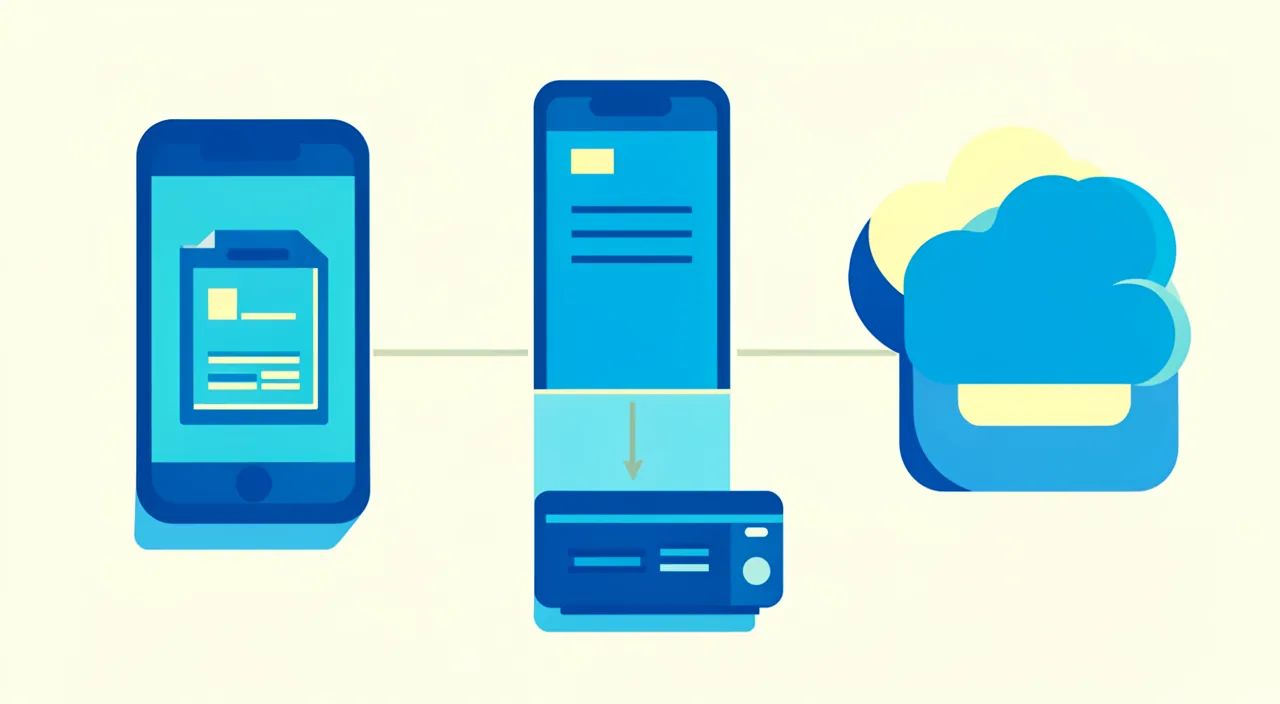
Here’s how to put this rule into practice, concretely and simply. Identify your PRECIOUS data — start with what really matters: your photos, your important documents, your memories; these are what you need to protect first (the irreplaceable). Copy 1: your ORIGINAL — this is the file you use (on your computer, your phone); it’s your first copy. Copy 2: an EXTERNAL DISK — regularly copy your precious data to an external hard drive; it’s a different medium, at home, easy to access; it’s your second copy (on a second medium). Copy 3: the CLOUD (off-site) — also back up your data to an online service (cloud); this copy is both on a different medium AND off-site (it survives a local disaster); it’s your third copy (our guides on synchronizing files in the cloud). AUTOMATE as much as possible — for backups to actually be done (and not forgotten), automate them: automatic backup of your photos to the cloud, automatic backup to the external disk; what’s automatic happens on its own (our guides on scheduling automatic backups). Adapt to your MEANS — the rule is an ideal; adapt it: the essential is to have MULTIPLE copies in multiple places, even if your setup is a bit different; better a flawed backup than no backup at all. CHECK your backups — from time to time, verify that your backups work and that your data is there; a backup you think is done but failed is useless. SECURE your backups — protect your copies (secure cloud account, external disk stored in a safe place); a backup must remain protected (our guides on securing your email, applicable to the cloud account). Think about REGULARITY — an old backup doesn’t contain your recent data; back up regularly (automation helps); thus, you only lose a little at worst. A few TIPS: start with the ESSENTIAL (photos, precious documents); automate so you don’t forget; and a flawed backup is better than nothing. In summary: identify your precious data; keep your original, a copy on an external disk (at home), and a copy in the cloud (off-site); automate backups so they happen; check them occasionally; secure your copies; and adapt the rule to your means. Thus, you protect your data against almost everything.
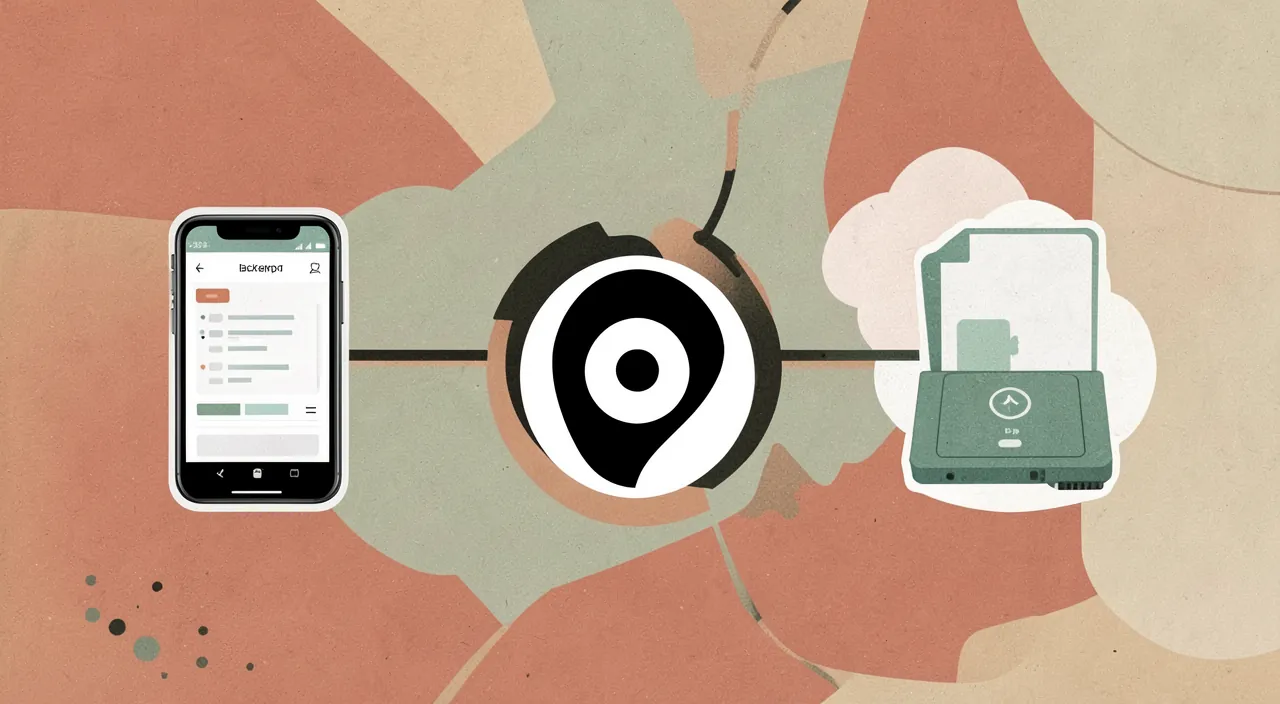
Imagine you have 1,000 family photos on your phone. You keep the originals on your phone (Copy 1), back them up to an external hard drive (Copy 2), and also sync them to a cloud service like Google Photos (Copy 3). If your phone breaks, you can restore from the hard drive. If your house burns down, the cloud copy survives. If ransomware encrypts your hard drive, you can still recover from the cloud. This setup follows the 3-2-1 rule perfectly.
The right reflex. The 3-2-1 rule may seem technical, but it translates very simply in real life, and its most common and accessible implementation looks like this: your ORIGINAL (files on your computer or phone), ONE copy on an EXTERNAL DISK (at home), and ONE copy in the CLOUD (online, so off-site). You then have three copies, on two different types of media, with one elsewhere: the rule is respected, and your data is protected against practically everything. Understand the LOGIC of each element, for it is brilliant: multiple copies protect you if one is lost; different media protect you if one type fails (a disk that fails doesn’t take the cloud copy); and above all, the OFF-SITE copy (the cloud, or a disk kept with a relative) is what saves you from a local disaster — for a fire, water damage, or burglary could destroy or take in one go EVERYTHING in your home, including your computer AND your external disk sitting next to it; the copy elsewhere, it survives. This is the last point that is most often forgotten, and which makes all the difference. The reflex that makes this rule really effective: AUTOMATE. A backup that you have to remember to do manually is always forgotten or postponed; so enable the AUTOMATIC backup of your photos and documents to the cloud (they then copy themselves, as you go), and if possible an automatic backup to your external disk. Thus, your data is protected without you having to think about it. Finally, don’t aim for perfection to the point of doing nothing: if the full rule seems too much, at least start with the ESSENTIAL — your photos and irreplaceable documents — and with one additional backup (the cloud, for example); a flawed backup is infinitely better than no backup at all. Three copies, two media, one elsewhere, all automated: with this simple reflex, your memories and precious documents are protected against almost all disaster scenarios.
Why a single copy is not enough, and mistakes to avoid
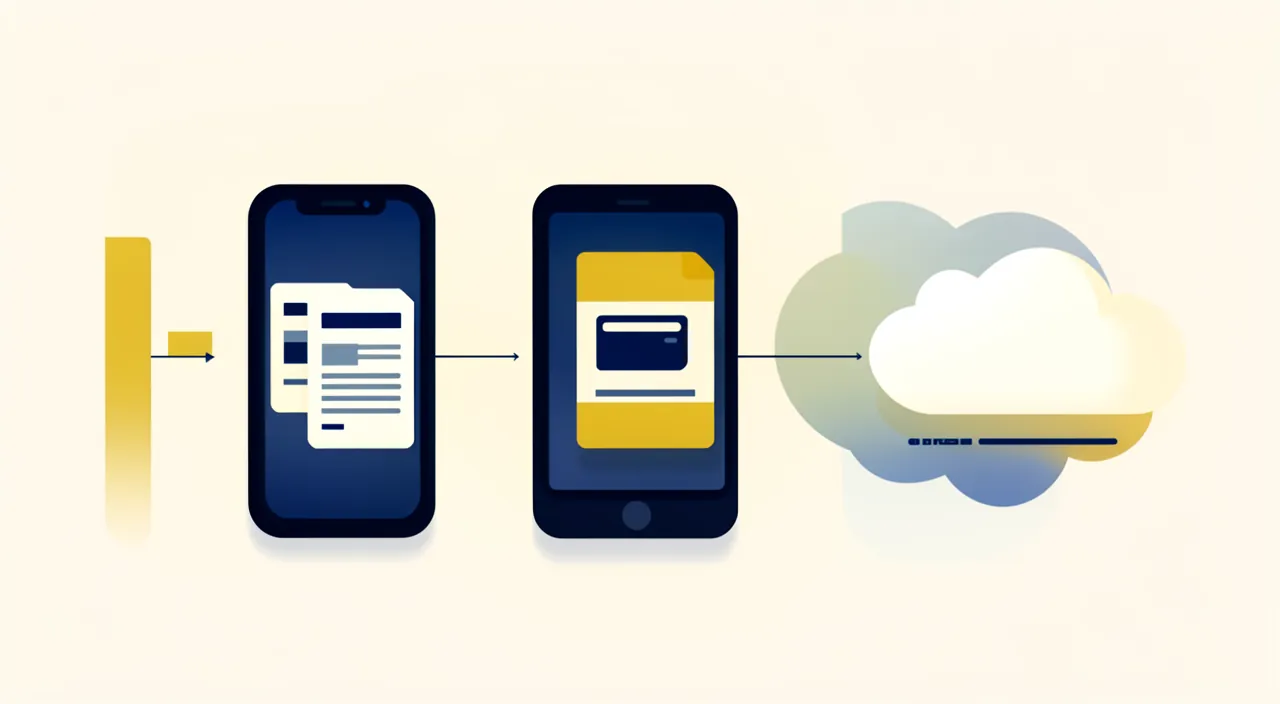
To truly understand the value of the 3-2-1 rule, let’s look at common mistakes that lead to data loss. The mistake of the SINGLE COPY: having your data in only one place (just the phone, or just the computer) is the biggest risk; this device can fail, be lost, stolen, or infected; and everything disappears at once; a single copy is NOT a backup. The FALSE backup in the same place: keeping your original and your “backup” on the SAME device (e.g., two folders on the same computer) protects against almost nothing; if the device fails, both are gone; hence the need for DIFFERENT media. THE WHOLE in the SAME PLACE: keeping all your copies in the same physical location (the computer and the external disk side by side) doesn’t protect against disasters (fire, theft); hence the need for an OFF-SITE copy. The FORGOTTEN backup: a backup done once but never renewed becomes quickly outdated (it doesn’t contain your recent data); hence the need for REGULARITY and automation. The UNCHECKED backup: believing you’re backing up when it has failed; verify that your backups actually work. The CLOUD taken as a complete backup: beware, if everything is synchronized, an accidental deletion or ransomware can spread to all synchronized copies; the cloud is an excellent copy, but understand its operation; an independent copy (unplugged external disk) protects even against this. The RANSOMWARE: these programs that encrypt your data and demand ransom are a real threat; a good backup (with an offline or versioned copy) allows you to restore without paying. The AGING MEDIUM: disks and media don’t last forever; hence the interest in having multiple copies and renewing them. The SECURITY of backups: a backup contains your data; protect it (secure cloud account, disk in a safe place, possibly encryption for sensitive data). Don’t OVERCOMPLICATE: the opposite extreme would be to do nothing for lack of a perfect system; a simple and regular backup is better than a complicated system never maintained. In summary: a single copy is not a backup; keeping your copies on the same medium or in the same place doesn’t protect against everything (hence different media and off-site copy); back up regularly and verify it works; understand the cloud (an independent copy protects against ransomware and propagated deletions); and keep a simple but real system. The 3-2-1 rule addresses all these mistakes.
Warning: a single copy is NOT a backup — and keeping all your copies at home doesn’t protect against a disaster. Two illusions cause the loss of precious data every day; understand them to avoid being a victim. First illusion: believing that your data is “secure” because you have it somewhere. If your precious photos and documents exist in ONLY one place — only on your phone, or only on your computer — they are NOT secure, they are on borrowed time. This single device can fail overnight, be lost, stolen, or infected by malware; and the day it happens, everything disappears, forever. A single copy is not a backup: this is exactly what the “3 copies” rule corrects. Similarly, keeping your original and your “backup” on the SAME device (two folders on the same computer) protects against almost nothing: if the device fails, both are gone together; hence the need for DIFFERENT media. Second illusion, more subtle: thinking that having a real backup at home is enough. You’ve made a copy on an external disk? Excellent; but if this disk is stored right next to your computer, a LOCAL DISASTER — a fire, water damage, a burglary — can destroy or take BOTH at the same time, along with everything in your home. That’s why the 3-2-1 rule insists on ONE COPY OFF-SITE: a backup in the cloud, or a disk kept with a relative, survives this type of catastrophe. This is the element most often neglected, yet the one that saves you in the worst scenarios. Two other traps to know. The RANSOMWARE: these programs that encrypt your data to demand ransom are a real threat; and beware, if all your copies are permanently synchronized, the attack can spread to all; an INDEPENDENT copy (an unplugged external disk, or a backup that keeps previous versions) allows you to restore without paying. Finally, the FORGOTTEN or UNCHECKED backup: a backup done once but never renewed becomes outdated, and a backup you think is done but failed is useless; hence the importance of AUTOMATING and CHECKING occasionally. Your data is irreplaceable; never entrust it to a single place, nor to copies all together in the same place: multiple copies, on different media, with one elsewhere, renewed and checked — this is the only true protection against loss.
Frequently asked questions
Why 3 copies, and not one or two?
The number of copies directly determines your level of protection, and three is the right balance between security and simplicity; here’s why. With a SINGLE copy (your data in one place), you have no protection: if that place fails (failure, loss, theft, infection), everything is lost instantly; a single copy is not a backup. With TWO copies, you’re already much better: if one is lost, the other remains; it’s an acceptable minimum. But two copies leave a gap: if both are on the same type of medium or in the same place, a single event (a failure of the same type, a local disaster) can take both; and if you’re restoring from your single backup when it also fails, you have nothing left. With THREE copies, you get real security: the probability that three copies, distributed across different media and different locations, are lost AT THE SAME TIME becomes extremely low; it would take a near-impossible chain of bad luck. This is why “3 copies” is the recommended standard: enough to be truly protected, without being excessive. Recall that these three copies include your ORIGINAL (the file you use) plus two backups: it’s therefore not so heavy to set up (e.g., original on the computer, copy on an external disk, copy in the cloud). And above all, the 3-2-1 rule doesn’t just limit itself to the number: it also specifies 2 different media (to not lose everything if one type fails) and 1 off-site copy (to survive a local disaster); it’s the combination of the three that protects against practically all scenarios. In summary, three copies rather than one or two, because each additional copy drastically reduces the risk of losing everything: one = no protection, two = a minimum with gaps, three (well distributed) = real peace of mind. It’s the number that offers the best security for a reasonable effort.
Is the cloud enough as a backup?
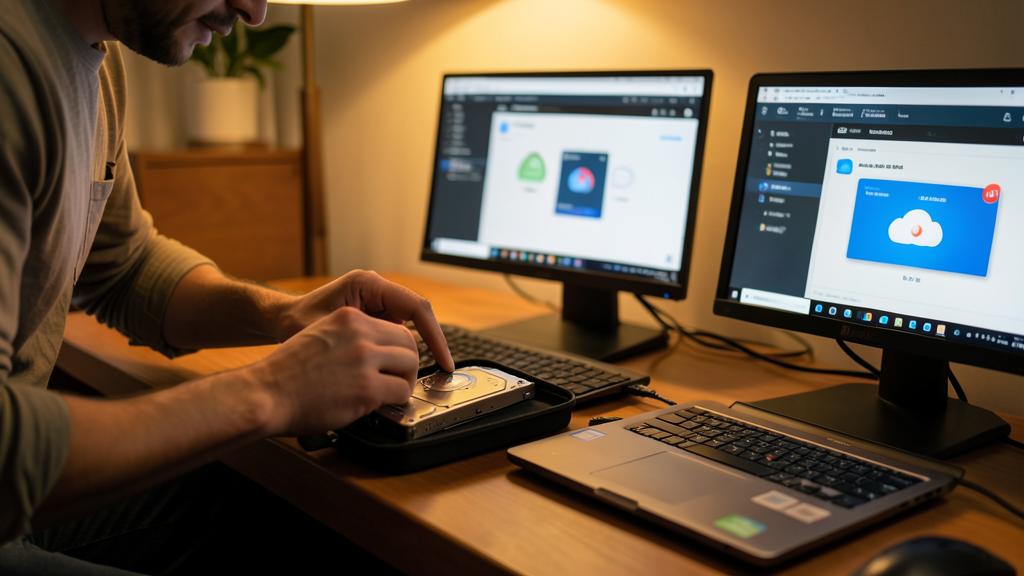
The cloud is an excellent PART of your backup, but relying on it as the ONLY backup has limits; the ideal is to combine it with another copy. Its ADVANTAGES are real: the cloud is a copy off-site (it survives a local disaster like a fire or burglary), it’s often automatic (your photos and documents back up themselves), and accessible everywhere; in this regard, it perfectly fulfills the role of the “off-site” copy in the 3-2-1 rule, making it a highly recommended pillar. However, a few reservations invite you not to rely on it ALONE. First, putting everything on a single cloud account makes you dependent on that account; if it’s hacked, closed, or full, you could have difficulties; hence the importance of securing it well (strong password, two-factor authentication). Then, and this is subtle: SYNCHRONIZATION is not always a true backup. If everything is permanently synchronized, an accidental deletion or ransomware that encrypts your files can SPREAD to the cloud copy (it updates with the deleted or encrypted version); in this case, the cloud doesn’t protect you from these problems; that’s why an INDEPENDENT copy (an unplugged external disk, not synchronized) remains valuable, as it’s not affected by what happens to your online files. Fortunately, many services offer a trash can and version history that mitigate this risk. The right approach, in line with the 3-2-1 rule, is therefore to COMBINE: the cloud as an off-site copy (automatic and practical), AND a copy on an external disk at home (different and independent medium); thus, you’re protected both against local disasters (thanks to the cloud) and against propagated deletions or ransomware (thanks to the independent disk). In summary, the cloud alone is already much better than nothing and perfectly fulfills the “elsewhere” copy; but for complete security, don’t rely on it alone: combine it with a second copy on a different and independent medium, and secure your cloud account well. It’s the combination that offers true peace of mind.
Where to start if you don’t back up anything?
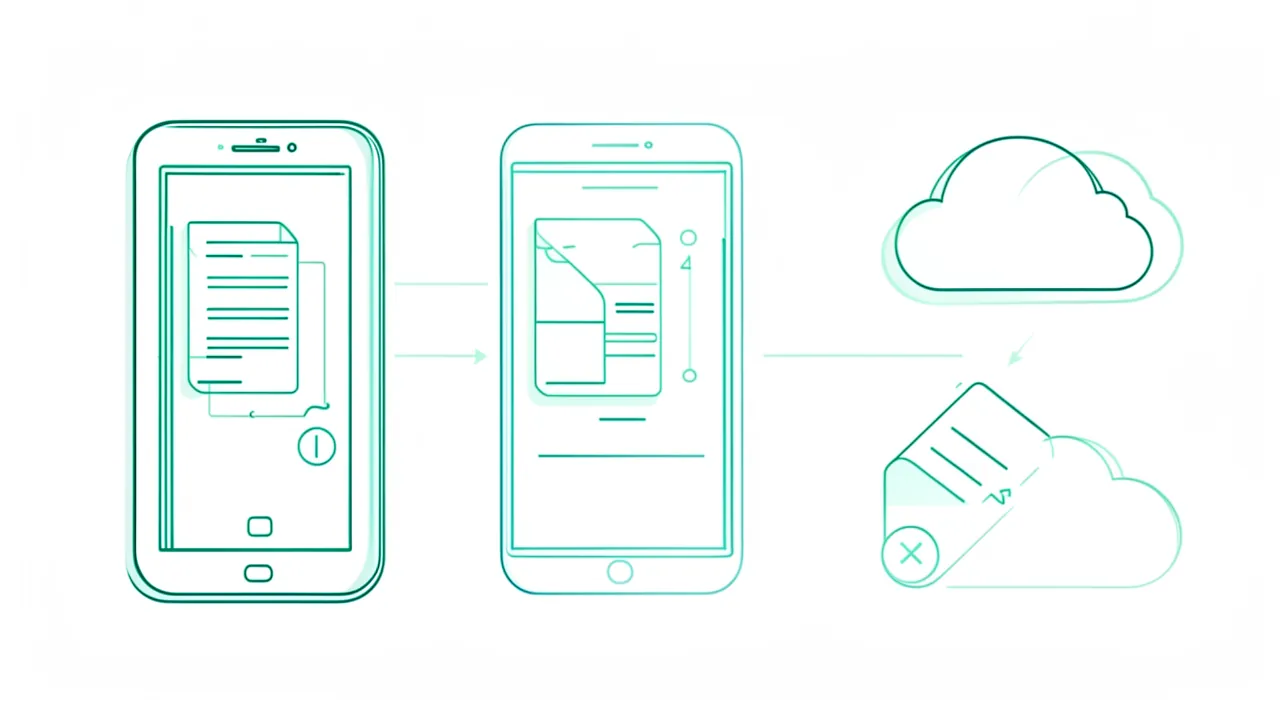
If you don’t back up anything today, don’t be discouraged by the idea of a perfect system; start SIMPLE, with the essentials, because the slightest backup is infinitely better than nothing. Here’s an accessible progression. First step, the most important: identify your TRULY precious and irreplaceable data — first and foremost your PHOTOS and important documents (memories, essential papers). These are what you need to protect first; you can always reinstall an app, but not recover lost family photos. Second step: set up a FIRST backup, the easiest to automate: enable the AUTOMATIC backup of your photos to a cloud service. In a few settings, your photos will then copy themselves online, safe from a loss of your phone; this is often the simplest and most profitable step to start, and it already gives you an “off-site” copy. Third step, when you’re ready: add a copy on an EXTERNAL DISK (regularly copy your photos and precious documents to it), to have a second backup on a different and independent medium. You then approach the 3-2-1 rule (original + cloud + external disk). You can then extend this to other data and automate further. The guiding principle: don’t aim for immediate perfection, which discourages and puts everything off; take a FIRST simple step (cloud backup of your photos), then gradually improve. A flawed but real backup already protects a lot; the absence of backup, it protects nothing. Also think about securing your cloud account (strong password, two-factor authentication) and occasionally checking that your backups work well. In summary, to start: first protect your photos and precious documents; set up an automatic backup in the cloud (the simplest and most immediate step); then add an external disk to complete; and improve over time. The most important thing is not to have the perfect system right away, but to START today — because the next failure or loss can happen at any moment.
What to remember
Our digital data — family photos, documents, memories — is precious and fragile: a failure, theft, ransomware, or a mistake can make everything disappear in an instant. Backup is the only true protection, and experts summarize it in a simple and easy-to-remember rule: the 3-2-1 rule. It means: 3 COPIES of your data, on 2 DIFFERENT MEDIA, with 1 COPY off-site. Each element addresses a specific risk: multiple copies protect you if one is lost; different media protect you if one type fails (a disk that fails doesn’t take the cloud copy); and the off-site copy — the element most often forgotten — saves you from a local disaster (fire, water damage, burglary) that could destroy in one go everything in your home. Thus, the 3-2-1 rule protects against practically all loss scenarios. In practice, the most accessible implementation: your ORIGINAL (computer or phone), a copy on an EXTERNAL DISK (at home), and a copy in the CLOUD (off-site). The reflex that makes everything effective: AUTOMATE (a backup you have to remember to do is quickly forgotten; enable automatic backup of your photos to the cloud), and CHECK occasionally that your backups work. Remember especially the two illusions to avoid: a single copy is NOT a backup (a single device can lose everything at once), and keeping all your copies in the same place doesn’t protect against a disaster (hence the off-site copy). Also beware of ransomware and deletions that spread to all synchronized copies: an independent copy (unplugged disk or versioned backup) allows you to restore. Don’t aim for perfection to the point of doing nothing: if the full system seems too much, start with the ESSENTIAL — your photos and irreplaceable documents — and a first automatic cloud backup; a flawed backup is infinitely better than nothing. Three copies, two media, one elsewhere, automated and checked: this simple and proven rule protects your precious data against almost everything. A single copy is playing with fire; the 3-2-1 rule is peace of mind — start today, because the next loss can happen at any moment.
Doubts about your security, a device to check or clean up? Our support service guides you step by step.
Leave a Reply
You must be logged in to post a comment.