
Without even thinking about it, your iPhone already counts your steps, tracks your movements, and discreetly gathers information on your activity. The Health app is the dashboard that centralizes all of this: physical activity, sleep, and (with a connected watch or other sensors) many other well-being indicators. Used properly, it helps you become aware of your habits and take care of yourself—without becoming a source of anxiety. Here’s what the Health app can do, how to make the most of it simply, and why the privacy of these very personal data deserves special attention.
What the Health app gathers
The Health app (on iPhone) is a DASHBOARD that centralizes information on your activity and well-being, collected by your phone and connected devices. Its goal: to give you an overview of your habits to better understand and take care of yourself. What it can gather. PHYSICAL ACTIVITY: the number of STEPS (automatically counted by the phone you carry with you), distances traveled, floors climbed—a base already present without doing anything. With a CONNECTED WATCH (Apple Watch), much more: heart rate, calories, workout sessions, standing time, and other measurements. SLEEP: schedules and duration, if you use sleep tracking (our night and sleep guides). OTHER INDICATORS according to your devices and entries: weight, nutrition, menstrual cycle, hearing, and various measurements that other health apps may add. DATA YOU ADD: you can manually enter certain information (weight, etc.). EMERGENCY MEDICAL INFORMATION: the app allows you to fill out a « medical record » (blood type, allergies, treatments, emergency contacts) accessible even with the screen locked, useful for emergency services in case of need—a useful but often overlooked function. The app also aggregates data from other health and well-being apps you use (with your authorization), to bring everything together in one place. What to understand: the Health app is a MONITORING and AWARENESS TOOL, not a medical device: it helps you observe your habits (are you moving enough? sleeping enough?) and motivates you, but it does not diagnose anything; for any health question, consult a professional. The main idea: the Health app centralizes, often without your effort, information on your activity and well-being (steps, sleep, and more with a watch), to help you become aware of your habits and take care of yourself; it also includes a valuable emergency medical record. It is a useful monitoring tool—provided you see it for what it is (a motivating dashboard, not a doctor) and ensure the privacy of these very personal data.
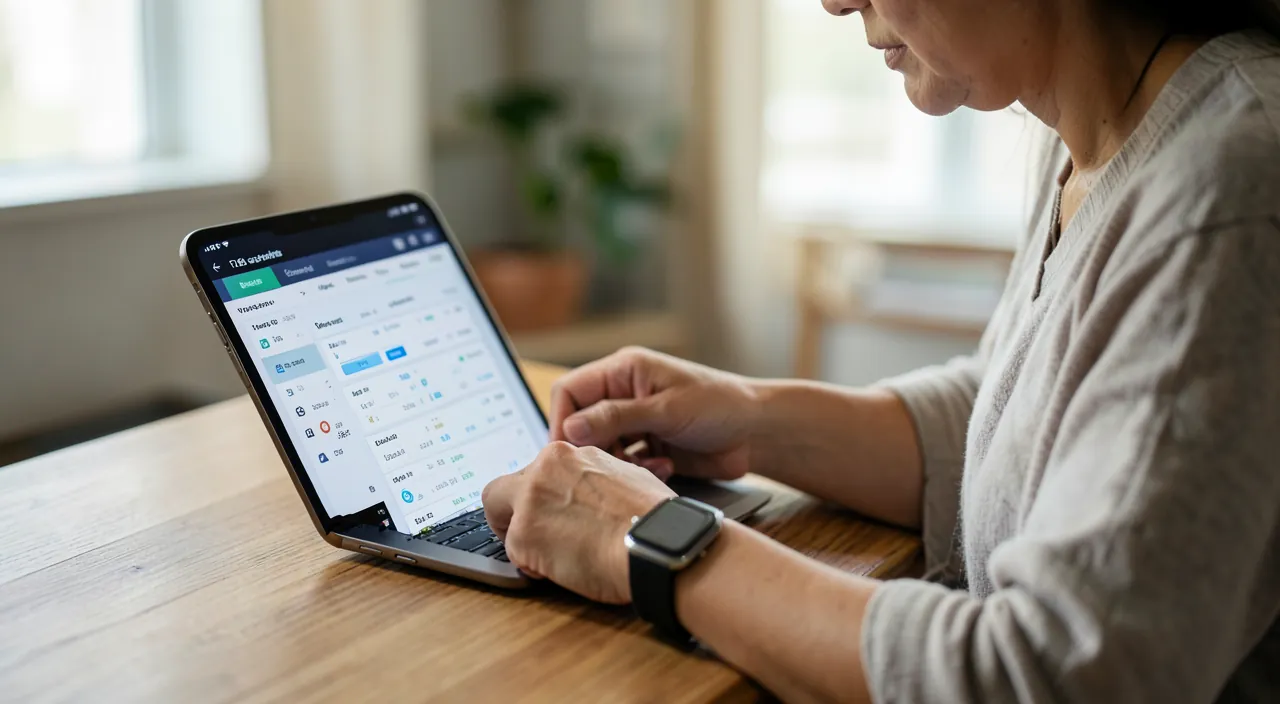
The Health app collects data about your daily activity, like steps taken, sleep patterns, and heart rate if you have a connected watch. It’s a tool to help you understand your habits, not a medical device. It can also store important medical info for emergencies, but you should never use it to diagnose health issues.
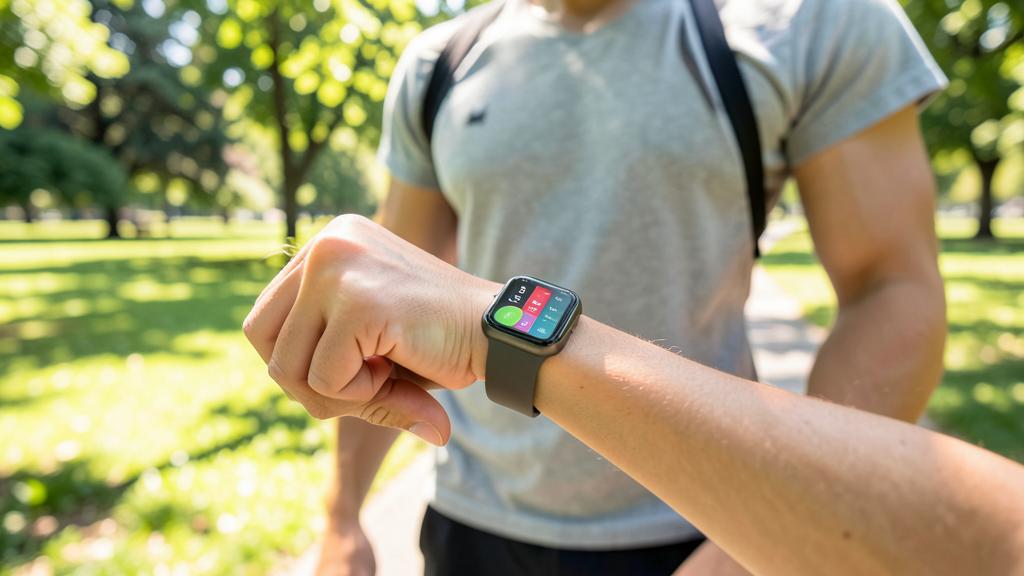
If you wear an Apple Watch, the Health app can track your heart rate during a 30-minute jog. It might show an average of 120 beats per minute, helping you see if your workout intensity is right for your fitness level. But it won’t tell you if that’s healthy—only a doctor can do that.
Use the Health app wisely, without obsessing
Here’s how to make the most of the Health app in a useful and healthy way. EXPLORE what is ALREADY THERE—even without a connected watch, your iPhone counts your steps and movements: open the Health app and look at your activity—it’s a first mirror of your habits, with no effort. FILL OUT YOUR EMERGENCY MEDICAL RECORD—it’s one of the most useful gestures: fill out the medical record (allergies, treatments, blood type, emergency contacts) accessible even with the screen locked—it can help emergency services in case of an accident—it’s quick to fill out and potentially valuable. SET SIMPLE GOALS—if you want to move more, a daily step goal can motivate you—the app (and a watch) will help you track it—start modest and realistic. OBSERVE TRENDS, NOT ISOLATED NUMBERS—the interest is to see EVOLUTIONS (are you moving more or less than before? are you sleeping regularly?) rather than scrutinizing each number—weekly trends are more telling than the total of a day. CONNECT YOUR DEVICES AND APPS—if you have a connected watch or use fitness, sleep, nutrition apps—they can feed their data into Health (with your authorization) to centralize everything. USE IT AS A MOTIVATION, NOT AS A JUDGE—the app is there to encourage you to develop good habits (move, sleep), not to make you feel guilty—take what helps you, leave the rest, and use only the indicators that interest you. A few common sense and cautionary points: keep MEASURE (see below: obsession with numbers can be harmful)—remember that it is NOT a medical device (measurements are indicative; for a real health issue, consult a professional, do not self-diagnose)—and above all, be attentive to the PRIVACY of these very personal data (see the next section). A practical point: you are not obliged to follow everything—choose the few indicators that interest you (activity to move more, sleep to sleep better) and ignore the rest—the app is customizable according to your desires. In summary, use the Health app: explore what is already followed (your steps), fill out your emergency medical record (a valuable gesture), set simple goals if you wish, observe trends rather than raw numbers, connect your devices, and use it as motivation, not as a judge. All with measure, without forgetting that it is not a doctor and that these data deserve protection.
THE RIGHT REACTION. First, do the most useful and least known gesture: fill out your EMERGENCY MEDICAL RECORD in the Health app (allergies, treatments, blood type, emergency contacts). It is accessible even with the screen locked and can help emergency services in case of an accident—it’s quick to fill out and potentially valuable. Then, explore what your iPhone already follows without effort (your steps, your movements)—it’s a first mirror of your habits. If you want to move more or sleep better, set SIMPLE and realistic GOALS—and—this is the key to a healthy use—look at TRENDS (are you moving more than before? are you sleeping regularly?) rather than scrutinizing each number individually—the trends over weeks are much more telling than the total of a day. Use the app as a WELL-MEANT MOTIVATION, not as a judge that makes you feel guilty—take what helps you, leave the rest, and use only the indicators that really interest you. Two important cautions: remember that the Health app IS NOT a medical device—the measurements are indicative and it does not diagnose anything—for any real health issue, consult a professional, do not self-diagnose from numbers. And above all, these data are among the most PERSONAL that exist (your body, your activity, your health)—be attentive to their privacy (see who has access, which third-party apps you authorize to read them, how your account is secured). A motivating dashboard to take care of yourself, provided you keep your head clear (it’s not a doctor, no obsession) and seriously protect these sensitive personal data—this is how the Health app becomes a friend to well-being without becoming a source of anxiety or a risk to your privacy.
Taking care of yourself and your data
The Health app raises two issues that go hand in hand: taking care of yourself and taking care of your DATA (among the most intimate that exist). On a PERSONAL level—the MEASURE above all—the app is a tool for awareness and motivation, provided you do not fall into obsession—compulsively scrutinizing your steps, your « sleep scores, » your smallest numbers can generate anxiety and become counterproductive (you can stress over an unmet goal, or not sleep well by constantly monitoring your sleep)—use the app to encourage yourself, not to judge yourself. THE NON-MEDICAL—the app is not a medical device—the measurements can be approximate and misleading—do not self-diagnose and do not worry or reassure yourself (or do not worry or reassure yourself) on the basis of numbers—consult a PROFESSIONAL for any health question or concern. SELF-BENEFICIENCE—taking care of your health is positive, but in gentleness—habits are built gradually, not under the pressure of numbers. On the level of DATA (crucial)—health data are among the most SENSITIVE and personal that exist (your body, your activity, your sleep, your potential illnesses)—their privacy deserves real attention. Be careful to: who HAS ACCESS to these data (which third-party apps you authorize to read or receive them—only grant this access to trusted apps, and only what is necessary)—secure your account and device (strong password, two-factor authentication, locking—these protect access to your health data—our guides on securing accounts, two-factor authentication)—and be wary of dubious health/well-being apps (some collect and exploit health data—read what they do with your information—our guides on apps and privacy). Apple emphasizes the protection of these data (encryption, user control), but your VIGILANCE remains essential—decide who has access to what. In summary, the Health app is a useful tool for becoming aware of your habits and taking care of yourself (activity, sleep, and a valuable emergency medical record)—on two conditions—the MEASURE (use it as a well-meaning motivation, not as an obsessive judge—this is not a doctor, consult a professional for a real health issue) and CONFIDENTIALITY (these very personal data deserve protection—control who has access, secure your account, beware of dubious apps). Taking care of yourself AND your data—this is how the Health app becomes an ally to well-being without becoming a source of anxiety or a risk to your privacy.
CAUTION: it is not a doctor, do not obsess over the numbers, and protect these very personal data. Three essential points. NOT A MEDICAL DEVICE—the Health app and the measurements from connected devices are tools for MONITORING and well-being, not medical instruments—their measurements are indicative and can be imprecise, and the app does not diagnose anything—do not self-diagnose, do not worry or reassure yourself on the basis of numbers—consult a HEALTHCARE PROFESSIONAL for any health question, concern, or symptom—only they can make a diagnosis. NUMBERS OBSESSION—compulsively scrutinizing your steps, your « sleep scores, » your smallest measurements can generate anxiety and become counterproductive (stress over a missed goal, not sleeping well by constantly monitoring your sleep)—use the app to encourage yourself, not judge yourself—keep your head clear, look at trends rather than each number, and build good habits gently, not under the pressure of numbers. HEALTH DATA CONFIDENTIALITY—these are among the most SENSITIVE data that exist (your body, your activity, your health)—do not expose them lightly—control which third-party apps you authorize to access them (only grant this access to trusted apps, and only what is necessary—a single app does not need everything)—secure your account and device (strong password, two-factor authentication, locking—these protect access to these data)—and beware of dubious health/well-being apps that might collect and exploit your information (read what they do with your data). Other points—do not share your health data lightly (with apps, services, or even on social networks), and remember that filling out the emergency medical record is useful but accessible only with the screen locked (put only what must be for emergency services). The Health app is a great tool for well-being provided you keep a clear head (it is not a doctor, no obsession) and seriously protect these intimate data. Taking care of yourself also means taking care of your privacy.
Frequently asked questions
What is the Health app on iPhone for?
A dashboard that centralizes information on your activity and well-being to help you become aware of your habits and take care of yourself. Without effort, your iPhone already counts your steps and movements; with a connected watch, the app gathers much more (heart rate, exercises, calories…). It can also track SLEEP, and aggregate data from other health and well-being apps you use. It includes a useful but often overlooked function: the EMERGENCY MEDICAL RECORD (allergies, treatments, blood type, emergency contacts), accessible even with the screen locked to help emergency services in case of an accident. Important: the Health app is a MONITORING and awareness tool, not a medical device: it observes your habits and motivates you, but does not diagnose anything; for any health issue, consult a professional. Used properly and with measure, it helps you move more, sleep better, and keep an eye on your well-being.
Are the data from the Health app well protected?
These are very SENSITIVE data (your body, your activity, your sleep, your health), and their confidentiality deserves real attention. Apple emphasizes their protection (encryption, user control), but your VIGILANCE remains essential. Be careful to: control which third-party apps you AUTHORIZE to access your health data (only grant this access to trusted apps, and only what is necessary—a single app does not need everything); secure your ACCOUNT and DEVICE (strong password, two-factor authentication, locking—these protect access to these data); and beware of dubious health/well-being apps that might collect and exploit your information (read what they do with your data). Do not share your health data lightly. In summary, protection relies partly on Apple’s measures, but mainly on YOUR choices: who you authorize to access what, and how you secure your accounts. These intimate data deserve that you decide consciously about their confidentiality.
Should you rely on the measurements from the Health app for your health?
No, not as a medical opinion: the Health app and the sensors from connected devices are tools for MONITORING and well-being, not medical instruments. Their measurements are INDICATIVE (useful for observing trends and motivating you) and can be imprecise; the app does not diagnose anything. Do not self-diagnose from these numbers, do not worry or reassure yourself on their basis alone. For any HEALTH QUESTION, concern, or symptom, consult a HEALTHCARE PROFESSIONAL: only they can make a diagnosis and advise you. Use the app for what it does well: becoming aware of your habits (activity, sleep), motivating you to move more or sleep better, and keeping an emergency medical record at hand. But keep your head clear: do not obsess over the numbers (the app should encourage you, not judge or worry you), and never confuse a well-being dashboard with a doctor. A good monitoring tool, provided you keep it in its proper place.
What to keep in mind
The Health app on iPhone is a dashboard that centralizes, often without effort, information on your activity and well-being (steps and movements from the start, and much more with a connected watch: heart rate, exercises; as well as sleep and data from other health apps). It helps you become aware of your habits and take care of yourself, and includes a useful but often overlooked function: the EMERGENCY MEDICAL RECORD (allergies, treatments, contacts), accessible even with the screen locked to help emergency services—a useful gesture to do now. To use it well: explore what is already followed, fill out your emergency medical record, set simple goals if you wish, observe trends rather than isolated numbers, connect your devices, and use it as a WELL-MEANT MOTIVATION, not as a judge. But keep two essential cautions. THE MEASURE: the app is NOT a medical device (its measurements are indicative, it does not diagnose anything—for any health issue, consult a professional), and obsession with numbers (steps, sleep scores) can generate anxiety and become counterproductive; use it to encourage yourself, not to judge yourself. CONFIDENTIALITY: health data are among the most INTIMATE that exist; control which apps you authorize to access them (only trusted apps, what is necessary), secure your account and device (strong password, two-factor authentication, locking), and beware of dubious health/well-being apps. Taking care of yourself AND your DATA: it is under these two conditions—a measured use, without confusing it with a doctor, and real vigilance on the privacy of these sensitive data—that the Health app becomes an ally to well-being, rather than a source of anxiety or a risk to your privacy.
Should you rely on the measurements from the Health app for your health?
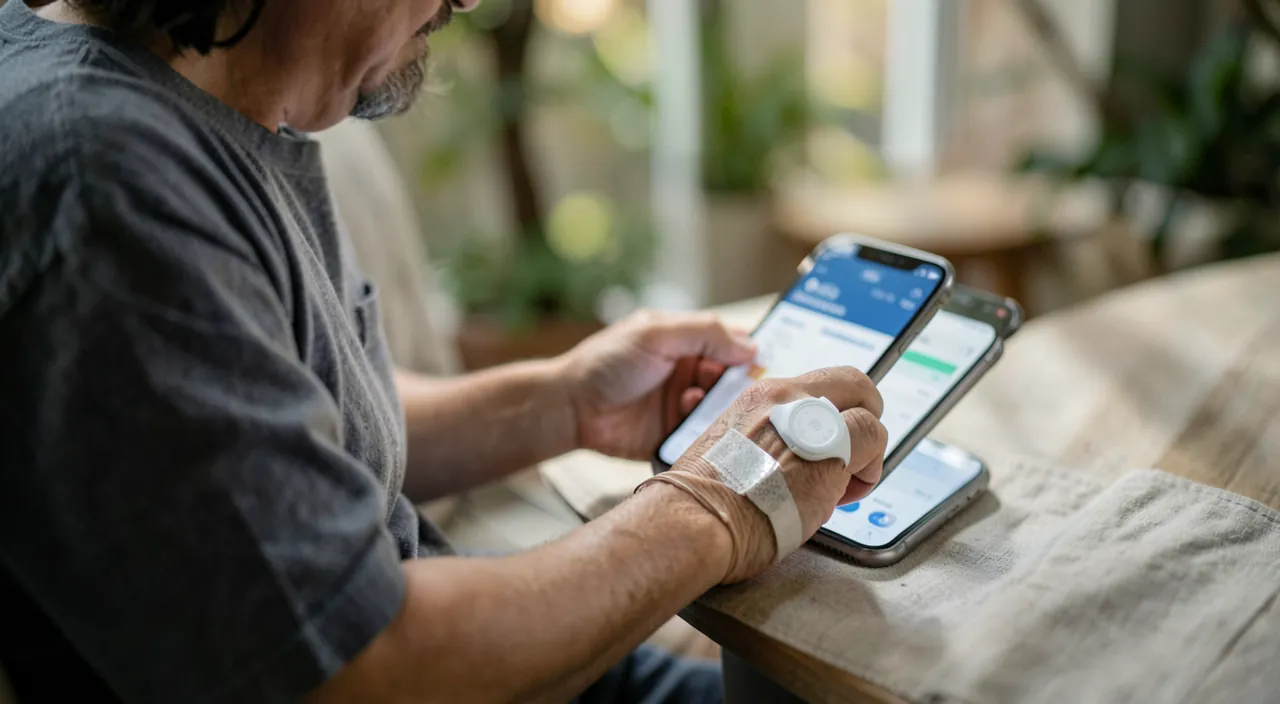
No, not as a medical opinion: the Health app and the sensors from connected devices are tools for MONITORING and well-being, not medical instruments. Their measurements are INDICATIVE (useful for observing trends and motivating you) and can be imprecise; the app does not diagnose anything. Do not self-diagnose from these numbers, do not worry or reassure yourself on their basis alone. For any HEALTH QUESTION, concern, or symptom, consult a HEALTHCARE PROFESSIONAL: only they can make a diagnosis and advise you. Use the app for what it does well: becoming aware of your habits (activity, sleep), motivating you to move more or sleep better, and keeping an emergency medical record at hand. But keep your head clear: do not obsess over the numbers (the app should encourage you, not judge or worry you), and never confuse a well-being dashboard with a doctor. A good monitoring tool, provided you keep it in its proper place.
What to keep in mind
The Health app on iPhone is a dashboard that centralizes, often without effort, information on your activity and well-being (steps and movements from the start, and much more with a connected watch: heart rate, exercises; as well as sleep and data from other health apps). It helps you become aware of your habits and take care of yourself, and includes a useful but often overlooked function: the EMERGENCY MEDICAL RECORD (allergies, treatments, contacts), accessible even with the screen locked to help emergency services—a useful gesture to do now. To use it well: explore what is already followed, fill out your emergency medical record, set simple goals if you wish, observe trends rather than isolated numbers, connect your devices, and use it as a WELL-MEANT MOTIVATION, not as a judge. But keep two essential cautions. THE MEASURE: the app is NOT a medical device (its measurements are indicative, it does not diagnose anything—for any health issue, consult a professional), and obsession with numbers (steps, sleep scores) can generate anxiety and become counterproductive; use it to encourage yourself, not to judge yourself. CONFIDENTIALITY: health data are among the most INTIMATE that exist; control which apps you authorize to access them (only trusted apps, what is necessary), secure your account and device (strong password, two-factor authentication, locking), and beware of dubious health/well-being apps. Taking care of yourself AND your DATA: it is under these two conditions—a measured use, without confusing it with a doctor, and real vigilance on the privacy of these sensitive data—that the Health app becomes an ally to well-being, rather than a source of anxiety or a risk to your privacy.
What to keep in mind
The Health app on iPhone is a dashboard that centralizes, often without effort, information on your activity and well-being (steps and movements from the start, and much more with a connected watch: heart rate, exercises; as well as sleep and data from other health apps). It helps you become aware of your habits and take care of yourself, and includes a useful but often overlooked function: the EMERGENCY MEDICAL RECORD (allergies, treatments, contacts), accessible even with the screen locked to help emergency services—a useful gesture to do now. To use it well: explore what is already followed, fill out your emergency medical record, set simple goals if you wish, observe trends rather than isolated numbers, connect your devices, and use it as a WELL-MEANT MOTIVATION, not as a judge. But keep two essential cautions. THE MEASURE: the app is NOT a medical device (its measurements are indicative, it does not diagnose anything—for any health issue, consult a professional), and obsession with numbers (steps, sleep scores) can generate anxiety and become counterproductive; use it to encourage yourself, not to judge yourself. CONFIDENTIALITY: health data are among the most INTIMATE that exist; control which apps you authorize to access them (only trusted apps, what is necessary), secure your account and device (strong password, two-factor authentication, locking), and beware of dubious health/well-being apps. Taking care of yourself AND your DATA: it is under these two conditions—a measured use, without confusing it with a doctor, and real vigilance on the privacy of these sensitive data—that the Health app becomes an ally to well-being, rather than a source of anxiety or a risk to your privacy.
What to keep in mind
The Health app on iPhone is a dashboard that centralizes, often without effort, information on your activity and well-being (steps and movements from the start, and much more with a connected watch: heart rate, exercises; as well as sleep and data from other health apps). It helps you become aware of your habits and take care of yourself, and includes a useful but often overlooked function: the EMERGENCY MEDICAL RECORD (allergies, treatments, contacts), accessible even with the screen locked to help emergency services—a useful gesture to do now. To use it well: explore what is already followed, fill out your emergency medical record, set simple goals if you wish, observe trends rather than isolated numbers, connect your devices, and use it as a WELL-MEANT MOTIVATION, not as a judge. But keep two essential cautions. THE MEASURE: the app is NOT a medical device (its measurements are indicative, it does not diagnose anything—for any health issue, consult a professional), and obsession with numbers (steps, sleep scores) can generate anxiety and become counterproductive; use it to encourage yourself, not to judge yourself. CONFIDENTIALITY: health data are among the most INTIMATE that exist; control which apps you authorize to access them (only trusted apps, what is necessary), secure your account and device (strong password, two-factor authentication, locking), and beware of dubious health/well-being apps. Taking care of yourself AND your DATA: it is under these two conditions—a measured use, without confusing it with a doctor, and real vigilance on the privacy of these sensitive data—that the Health app becomes an ally to well-being, rather than a source of anxiety or a risk to your privacy.
Want to fully exploit the potential of your iPhone, iPad, or Mac? Our Apple training courses will take you to the next level.
Leave a Reply
You must be logged in to post a comment.