
Forget to buy bread, miss a meeting, let an important task slip—our memory has its limits, especially in a busy daily life. The iPhone Reminders app is exactly for this—offloading your mind by entrusting tasks to your phone, which will remind you at the right moment or place. Simple, free, and already installed, it is yet underutilized. Here’s how to make the most of the Reminders app for your shopping lists, tasks, and daily organization without effort and without missing anything.
What the Reminders app allows
The Reminders app (on iPhone, iPad, Mac) is a TASK MANAGER and list keeper: you note what you need to do, and the app reminds you at the right time. Its advantage is to OFFLOAD your memory: instead of keeping everything in your head (and forgetting some of it), you delegate your tasks to the app, with a clear mind. What it actually does. Create LISTS: groceries, work tasks, home chores, ideas, projects—organize your reminders by theme. Add REMINDERS with DUE DATES: a task for a specific date and time, with a notification that alerts you (no more missed appointments). REMINDERS BASED ON LOCATION: the app can remind you of something when you ARRIVE or LEAVE a place (« buy milk when you get to the supermarket », « take the keys when you leave home »—very convenient). RECURRING REMINDERS: for tasks that repeat (empty the trash weekly, an anniversary annually). Check OFF completed tasks: the satisfaction of crossing something off, and a clear view of what remains. Organize and PRIORITY: subtasks, priorities, notes, to structure a project. SHARE lists: a shared grocery list with your family (each adds and checks—everyone sees the same updated list), a shared task list for a common project. SYNCHRONIZATION: your reminders appear on all your Apple devices (added on the iPhone, visible on the Mac). An ADVANTAGE: you can create a voice reminder (via the voice assistant): « remind me to call the doctor tomorrow at 9am »—ideal when your hands are full. The main idea: the Reminders app turns your iPhone into an organizational assistant that remembers for you what needs to be done, and reminds you at the right moment or place; it offloads your memory, structures tasks into lists, and can be shared with the family or team. Simple and already there, it is one of the most useful tools of daily life for not missing anything and organizing without effort.
Use Reminders daily
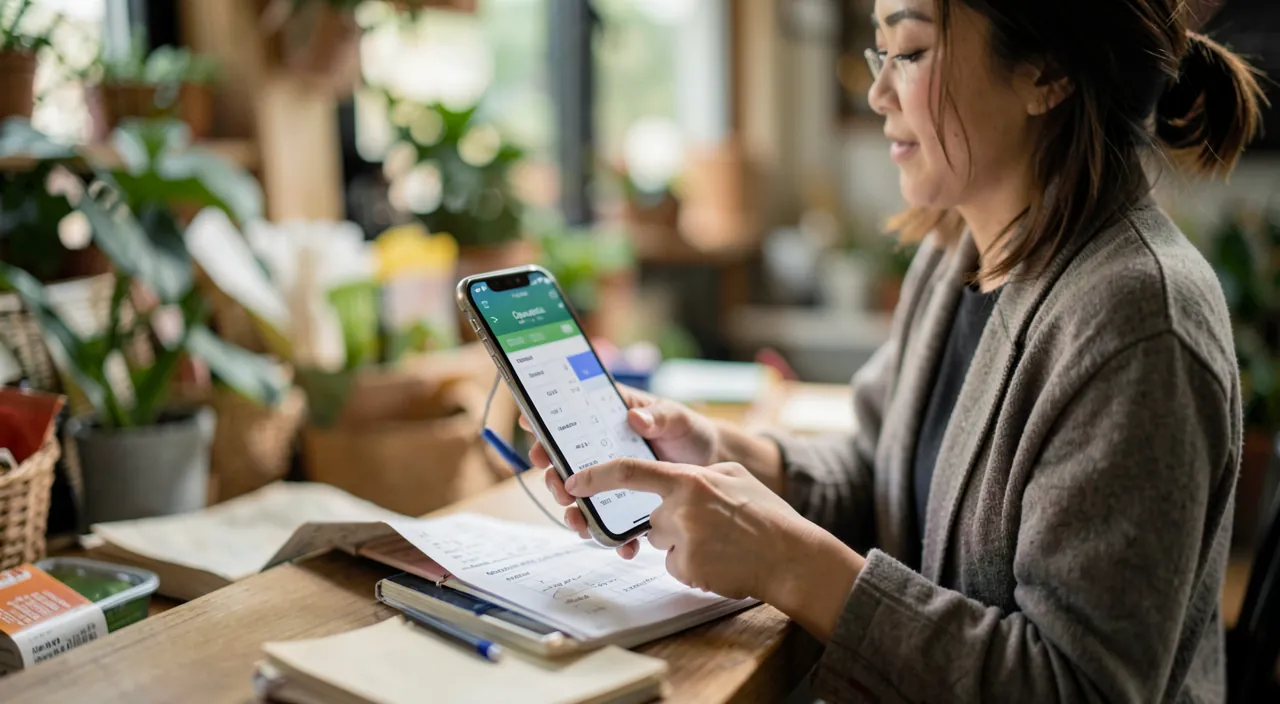
Here’s how to get the best out of the Reminders app, from the simplest to the most elaborate. Create LISTS by theme—organize your reminders: a « Groceries » list, a « Work » list, a « Home » list, etc.—this avoids clutter and helps you find your way. Quickly add, organize later—the most important is to NOTE the task as soon as it comes to mind (otherwise you’ll forget it); add it quickly (via voice if needed), you can refine or categorize it later. Put DUE DATES on what has a date—for appointments, a task to be done on a specific day: add a date and time, and the app will alert you—this prevents important things from being forgotten. Use location-based reminders—for tasks related to a place: « remind me of this when I arrive at the office / leave home / go to the supermarket »—the app alerts you at the right place, unlike a simple list. Program recurring tasks—for things that repeat (trash, bills, watering): create a repetitive reminder—no more thinking about it, the app will handle it. Share useful lists—the shared grocery list with the family is a classic very practical: each adds what’s missing, the person doing the shopping sees everything and checks—same for a shared task list for a common project. Check off completed tasks—check off completed tasks (satisfying and clarifies what remains); regularly clean up old reminders. Enjoy voice and synchronization—create voice reminders when your hands are full, and find them on all your devices. Some TIPS: start SIMPLE (a grocery list, a few date-based reminders)—don’t make it overly complex—the app can be very detailed (subtasks, priorities, labels), but the essential is that it serves you, not overburdens you—the key is to GET INTO THE HABIT of noting things (an organization app only serves if you feed it); and adapt it to your way of working (some want to put everything in, others just the essentials). A PRACTICAL POINT: the location-based reminder and the voice reminder are the two functions that really make a difference compared to a paper list—think about them, as many ignore them. In summary, using Reminders well is: create lists by theme, quickly note what comes to mind, put due dates on what has a date, use location and voice-based reminders, share useful lists (family grocery list! ), and check off completed tasks. Start simple, get into the habit of noting things, and the app will become a valuable ally in your organization—without effort and without missing anything.
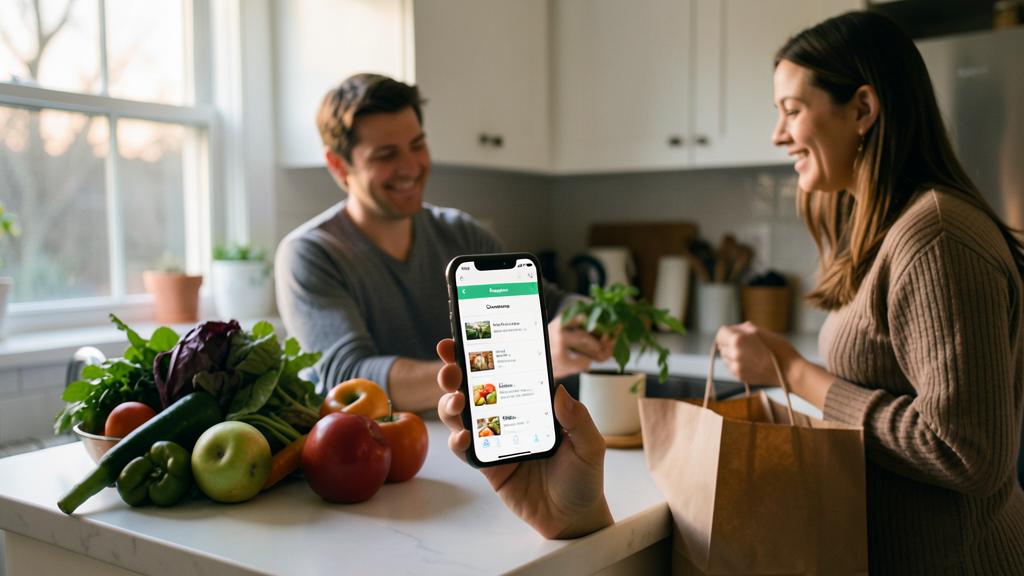
The good habit. The secret to a useful reminder app lies in one habit: NOTE the task as soon as it comes to mind, immediately, without waiting. The app only helps if you feed it; as soon as a task comes to mind (buy something, call someone, a deadline), add it—via voice if your hands are full (« remind me to call the doctor tomorrow at 9am »), it’s instant. Organize your reminders into LISTS by theme (Groceries, Work, Home) to find your way, and put DUE DATES (date and time) on everything that needs to be done at a specific time—the alert will remind you, no more forgetting. Discover especially the two functions that really make a difference compared to a paper list, and that many ignore: location-based reminders (« remind me to buy milk when I get to the supermarket », « take the keys when you leave home »), which alert you at the right place; and recurring reminders for things that repeat (trash, bills)—program it once, no more thinking about it. Share useful lists: the shared grocery list with the family is a classic very practical (each adds what’s missing, the person doing the shopping checks—everyone sees the same updated list). Check off completed tasks (satisfying and clarifying) and clean up old reminders from time to time. A tip: start SIMPLE (a grocery list, a few date-based reminders) and don’t make it overly complex—the app can be very detailed, but the essential is that it serves you without overburdening you. Adapt it to your way of working. Quickly note, date what matters, use location and voice-based reminders, share lists: this is how Reminders offloads your memory and organizes you without effort.
Offload your memory for a clear mind
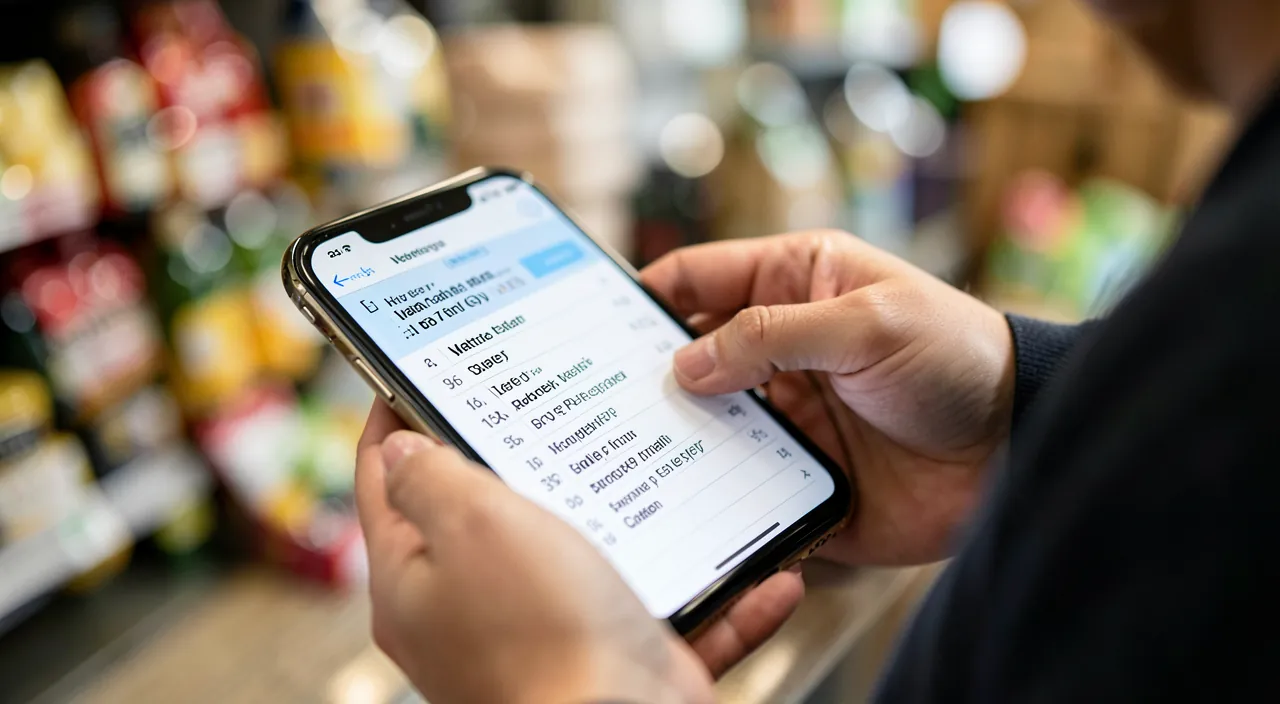
At the core, the benefit of an app like Reminders goes beyond just a task list: it’s about OFFLOADING your memory, for a lighter mind. Some reflections. THE FREED MEMORY: keeping everything you need to do in your head is exhausting and prone to forgetting; entrusting these tasks to a reliable app, it frees your mind—you know nothing will be forgotten, you can think about other things (a well-known principle of serenity: « take things out of your head »). THE TRUST in the tool: this only works if you TRUST the app—hence the importance of consistently noting things and checking your reminders; an app that’s only half-used doesn’t really free your mind. THE SIMPLICITY: the best system is one you KEEP; there’s no need to aim for a perfect and complex system that you’ll abandon; a simple app, well used, is better than a sophisticated one that’s neglected. ADAPTATION TO YOU: everyone organizes differently; some want everything in Reminders (tasks, projects, ideas), others just the essentials (groceries, appointments); find your usage. THE FLOW OF SHARING: shared lists (family grocery list, project tasks) avoid « did you think of…? » and coordinate effortlessly. THE COMPLEMENTARY ROLE: Reminders works with your other tools (calendar for appointments, Notes for developed ideas)—it’s up to you to distribute according to what suits you (our Guides on Notes, organizing your calendar). In summary, the Reminders app is a simple but valuable tool for not missing anything and organizing: it remembers for you what needs to be done (grocery lists, tasks, deadlines) and reminds you at the right moment or place, sharing in the family or team. Its true strengths: date-based reminders (no more missed appointments), location-based reminders (at the right place), and voice-based reminders (hands-free), as well as shared lists (family grocery list). But its deepest benefit is OFFLOADING your memory: entrusting your tasks to a reliable tool frees your mind and brings peace. For this, one key: take the HABIT of noting things as soon as they come to mind, keep it SIMPLE, and adapt it to your way of working. Well used, this small free app already installed becomes a daily ally that gives you both peace of mind and organization.
The Reminders app helps you remember tasks by storing them in your phone. Instead of relying on your memory, you can trust the app to alert you at the right time or place. This frees up mental space so you can focus on other things without worrying about forgetting important tasks.
Imagine you need to buy milk every week. Instead of trying to remember, you set a recurring reminder in the Reminders app for every Sunday at 10 AM. When you arrive at the supermarket, the app alerts you to buy milk. This way, you never forget, and your mind stays clear for other tasks.
Warning: an organization app only serves if you feed it and trust it; don’t overburden it. Some pitfalls. THE UNUSED APP—pitfall number one: downloading the app, putting two or three things, then forgetting about it; a reminder app only offloads your memory if you consistently note your tasks and use it; half-used, it serves nothing (you’ll forget what’s not in it); really take the habit of noting things as soon as they come to mind—it’s the condition of its usefulness. THE LACK OF TRUST—if you don’t trust the app (because you don’t fully use it), you’ll continue to keep everything in your head « just in case, » and won’t have the peace of mind sought; play the game: note everything to offload your mind. THE OVER-COMPLEXITY—inversely, don’t turn the app into a complex machine: endless subtasks, dozens of lists, priorities and labels everywhere—a too-complex system will be abandoned—the best system is one you KEEP over time; start simple, and only complicate if it really serves you. Other points: don’t rely on location-based or date-based reminders without verifying they’re properly set (a misconfigured alert won’t remind you), respect the logic of sharing (on a shared list, notify before making changes), and keep in mind that the app is a TOOL for your organization, not an end in itself (the goal is to do things and have a clear mind, not to perfect lists). The Reminders app is valuable under two conditions: faithfully feeding it (to truly offload your memory) and keeping it SIMPLE (to keep it over time). Between the neglected app and the overly complex one, the right path is regular and simple use: note everything, keep the essentials, and let the app handle the memory work for you.
Frequently asked questions
What is the Reminders app for?
It’s a task and list manager that remembers for you what needs to be done and reminds you at the right time. Its advantage is to OFFLOAD your memory: instead of keeping everything in your head (and forgetting some of it), you delegate your tasks to the app. It allows you to: create themed lists (groceries, work, home), add reminders with a date and time (with alerts—no more missed appointments), create location-based reminders (alerted when you arrive or leave a place), program recurring tasks (trash weekly), check off completed tasks, and SHARE lists (a shared grocery list with the family: each adds and checks). You can create a voice reminder (« remind me to call the doctor tomorrow »), and everything syncs across your Apple devices. Simple, free, and already installed, the Reminders app is one of the most useful tools of daily life for not missing anything and organizing without effort.
How to create a shared grocery list with my family?
One of the most practical uses of Reminders. Create a dedicated list (e.g., « Groceries »), then SHARE it with family members (via the list sharing option, invite them with their contact or Apple account). Once shared, everyone sees the SAME updated list: each can add what’s missing as needed (milk, bread, a product that’s run out), and the person doing the shopping checks items off as they go—others see in real time what’s been taken. No more « did you think of buying…? » and forgetfulness: the list centralizes everyone’s needs. It’s simple to set up and really streamlines household organization. The same principle works for a shared task list (a common project, household chores) where each adds and checks. Sharing lists is one of Reminders’ great strengths for coordinating a family or team without effort.
How to make sure you don’t forget anything?
Two keys: faithfully feed the app, and use alerts. First, get into the HABIT of noting things as soon as they come to mind (via voice if needed), don’t rely on your memory to « think about it later »—the app can only remind you of what you’ve put in it. Then, put DUE DATES (date and time) on everything that needs to be done at a specific time—the app will alert you, you don’t have to think about it. Also use location-based and recurring reminders (to be alerted at the right place and for tasks that repeat, programmed once for all). Finally, regularly check your lists and check off completed tasks. The principle is to TRUST the app by offloading everything: when you know nothing is forgotten because everything is in Reminders (with alerts that will remind you), you can have a clear mind. Note everything, date what matters, let the alerts do the work: this is the recipe for not forgetting anything.
What to remember
The Reminders app on iPhone is a simple but valuable tool for not missing anything and organizing without effort: it remembers for you what needs to be done and reminds you at the right moment or place, offloading your memory. It allows you to create themed LISTS (groceries, work, home), add reminders with DUE DATES (date and time, with alerts—no more missed appointments), location-based reminders (alerted when you arrive or leave a place), recurring reminders (for tasks that repeat), check off completed tasks, and SHARE lists (a shared grocery list with the family is a classic very practical). You can even create voice reminders, and everything syncs across Apple devices. Its true strengths compared to a paper list: location-based and voice-based reminders, and shared lists—often ignored, and which make all the difference. To use it well: create themed lists, quickly note things as they come to mind (the app only serves if you feed it!), date what has a deadline, use location and recurring reminders, share useful lists, and check off completed tasks. Two essential tips: really get into the HABIT of noting things (an app half-fed doesn’t offload your mind—play the game, note everything to offload it), and keep it SIMPLE (don’t make it an overly complex system that’s abandoned—the best system is one you keep over time). Adapt it to your way of working. Its deepest benefit is that confiding your tasks to a reliable tool FREES your mind—you know nothing will be forgotten, you can think about other things. Well used (fed faithfully, kept simple), this small free app already installed becomes a daily ally that brings you both peace of mind and organization.
Want to fully exploit the potential of your iPhone, iPad, or Mac? Our Apple training courses will take you to the next level.
Leave a Reply
You must be logged in to post a comment.