
Each application installed on your phone has requested, at some point, PERMISSIONS: access to your contacts, your location, your camera, your microphone, your photos. We often accept without thinking, eager to use the application. Result: over time, dozens of applications have access to a mass of personal information — much of which has no real need. Cleaning up these permissions is a gesture of privacy and security as simple and effective as it is. Here’s how to regain control over what your applications can see and do.
Why permissions matter
Permissions determine what an application can DO and SEE on your device: access to your location, contacts, camera, microphone, photos, calendar, and more. Some are legitimate and necessary (a navigation app needs your location, a photo app needs the camera). But many applications request MUCH MORE than they need: why would a simple game want access to your contacts? A flashlight to your location? These excessive permissions pose two problems: PRIVACY (the app collects personal information, potentially for commercial exploitation or sharing — our privacy guides), and SECURITY (the more access an application has, the greater the potential risk if it is poorly designed, malicious, or hacked). The problem accumulates over time: you install applications, grant permissions on the fly, forget; and end up with dozens of applications having access to a mass of information, much of which no longer serves or never had a valid reason to access. Auditing these permissions — checking who has access to what, and removing unjustified access — is therefore a valuable gesture of regaining control. The good news: it’s simple to do, modern systems offering clear settings to see and manage all permissions. A few minutes of cleaning, and you reduce both your exposure to data collection and your risk surface. It’s one of the most concrete and accessible privacy gestures.
Apps ask for permissions to access your data, like location or contacts. Many ask for more than they need, which can be used to track you or sell your info. Checking and removing unnecessary permissions keeps your data safer.
A free weather app on an Android phone might request access to your location, contacts, and microphone. While it needs your location to provide forecasts, it doesn’t need your contacts or microphone. Removing those extra permissions reduces unnecessary data collection.
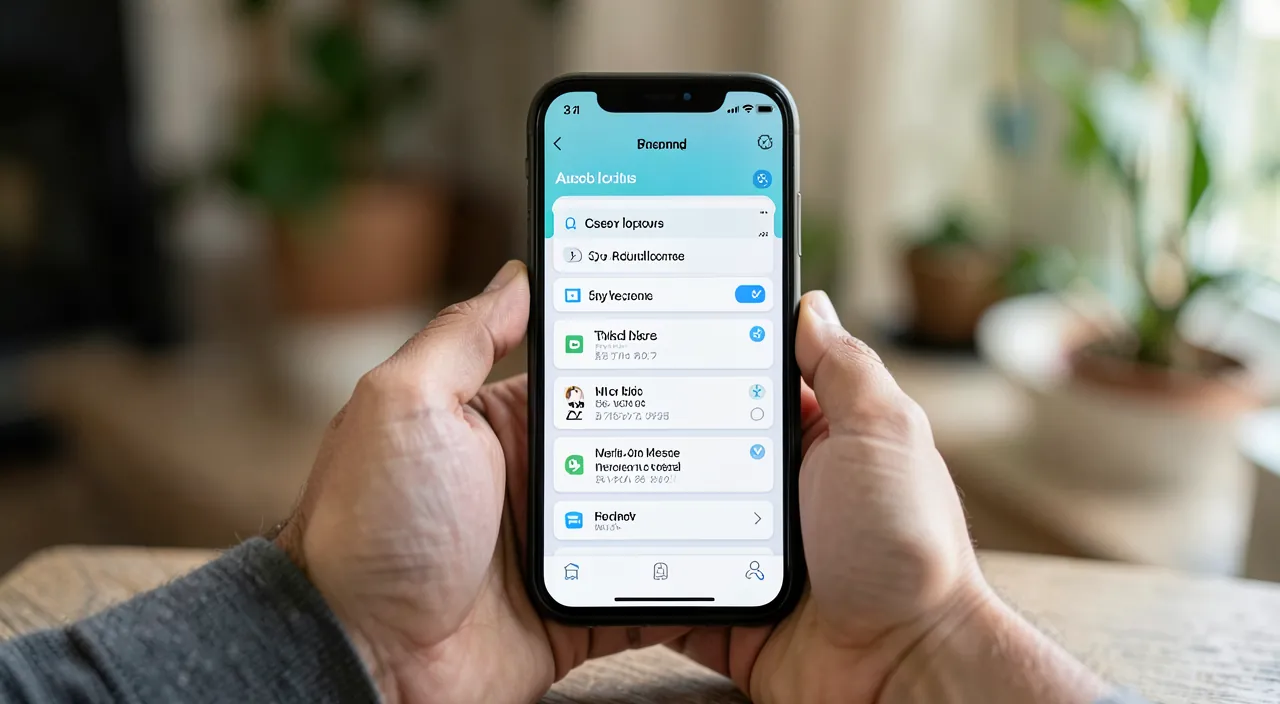
Clean up your permissions
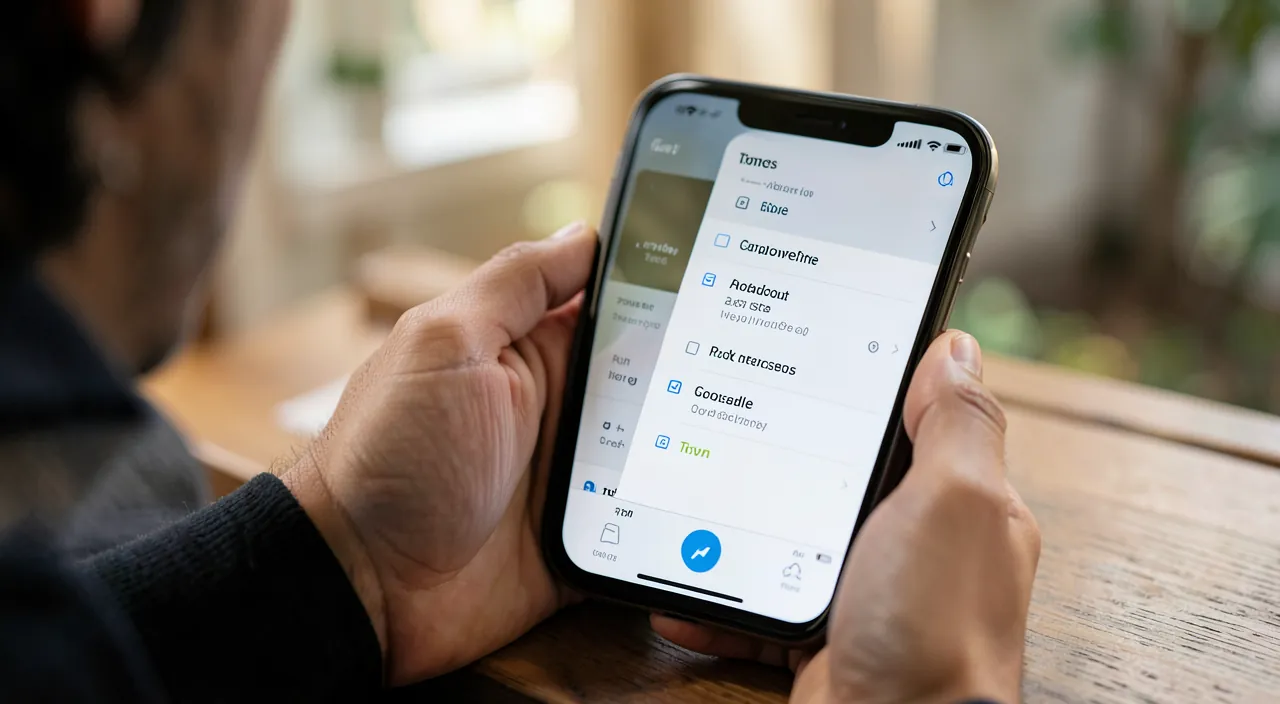
The process, simple and methodical: 1. Explore the PRIVACY SETTINGS — modern systems group permissions by TYPE (location, contacts, camera, microphone, photos…); you can see, for each type, which applications have access; 2. Review each SENSITIVE CATEGORY — start with the most sensitive: LOCATION (who follows you? Many applications do not need to know where you are all the time), MICROPHONE and CAMERA (who can listen to or see you? — our guides protect your webcam), CONTACTS (which access your address book?); 3. For each application, ask yourself: « does it REALLY need this access? »; if a game accesses your contacts, if an unrelated application accesses your microphone, there are strong chances it’s unjustified; 4. REMOVE unjustified access — deactivate permissions that have no reason to be there; the application will ask again if it really needs them (and you’ll know then if it’s justified); 5. Refine when possible — modern systems often offer FINE options: for location, « only during app use » rather than « always »; for photos, access to a selection rather than the entire photo library; favor these restrictive options; 6. Remove unused applications — take advantage of it: an application you no longer use has no reason to keep access (and remain a source of risk); uninstall it. The guiding principle is the MINIMUM necessary: each application should have ONLY the access essential to its function, and nothing more. This cleaning, done once then repeated from time to time (especially after installing new applications), regains control over your data and reduces your exposure. You will often be surprised by how many applications had access they should never have had.
The right reflex. Start your audit with the most SENSITIVE permissions: LOCATION, MICROPHONE, and CAMERA. In the privacy settings, look at which applications have access, and for each, ask the simple question: « does this application really need that to function? ». A navigation app needs your location; a game or flashlight, no. Remove without hesitation access that has no obvious justification: the application will ask again if it really needs it. For location, prefer the « only during use » option rather than « always ». Also take advantage of this to REMOVE applications you no longer use (they keep access for nothing). This cleaning takes a few minutes and is done periodically (especially after installing new applications). You will be surprised by the number of applications that followed or could have listened to you for no reason: regaining this control is one of the most concrete and satisfying privacy gestures.
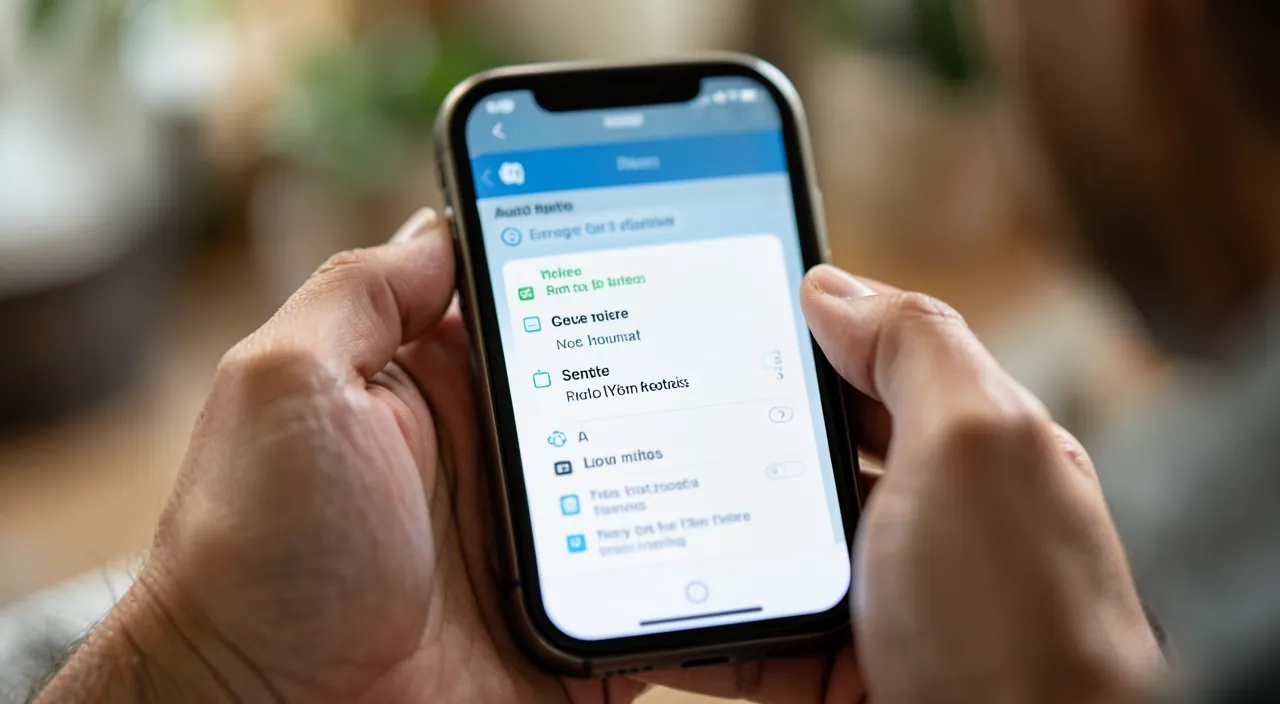
Adopt the right reflex over the long term
Beyond the one-time thorough cleaning, adopt good SUSTAINABLE reflexes: at the INSTALLATION of a new application, think about the requested permissions BEFORE accepting; if a request seems unjustified (an application that has no reason to want your location, contacts, or microphone), refuse it (the application will often work fine without, or will ask at the precise moment it needs it); always favor the MINIMUM necessary. Periodically redo an AUDIT (occasionally, or after installing several new applications): it’s a light hygiene that maintains control. Be particularly vigilant with: FREE applications whose business model often relies on your data (a free application that requests many permissions monetizes your information — our privacy guides), applications of dubious ORIGIN (to be avoided, especially outside official stores — our security guides), and sensitive permissions (permanent location, microphone, contacts, which deserve the most caution). A background point: managing permissions is part of a broader approach to protecting your digital PRIVACY (our privacy guides) and SECURITY; it’s one of the most concrete gestures to regain control over your data, in an era where applications collect vast amounts of it. You don’t have to accept everything passively: you decide what each application can see and do. This mastery, once it becomes a reflex (think before granting, regularly audit, remove the unjustified, uninstall the unused), protects your privacy durably and reduces your exposure to risks. Cleaning up permissions is not a technical chore: it’s a simple act of regaining control over your own information — a few minutes that make a real difference to your privacy.
Beware of sensitive permissions and overly greedy free applications. Pay special attention to the most SENSITIVE permissions: location (especially « always »: who follows you all the time? ), microphone and camera (who can listen to or see you? — our guides protect your webcam), and contacts (which access your address book, also exposing the privacy of your loved ones?). These accesses require the most vigilance: grant them only to applications that have an OBVIOUS and legitimate need. Be particularly wary of free applications that request many permissions: their business model often relies on collecting and exploiting your data (the « free » service is paid for with your personal information — our privacy guides); an application you don’t understand how it makes money, but that wants access to everything, should raise suspicion. Also avoid applications of dubious ORIGIN (outside official stores), whose permissions may hide malicious intentions (our security guides). The protective principle: grant only the MINIMUM necessary, think before accepting a permission at installation, and regularly audit to remove what has accumulated. You don’t have to accept everything passively: regaining control of your permissions is a simple and powerful gesture for your privacy and security.
Frequently asked questions
Why should I check the permissions of my applications?
Because many applications have access to much more information than necessary: over time, permissions are granted on the fly and forgotten, so dozens of applications can see your location, contacts, photos, or listen to you — often without a valid reason. This poses problems of PRIVACY (collection of your personal data) and SECURITY (more access = more risk if the application is malicious or hacked). Auditing — checking who has access to what and removing the unjustified — regains control over your data. It’s simple (privacy settings are clear) and one of the most concrete and accessible gestures of protection.
How do I know if a permission is justified?
Ask yourself a simple question: « does this application really need this access for its function? ». A navigation app needs your location, a photo app needs the camera: that’s legitimate. But a game that wants your contacts, a flashlight that wants your location, an unrelated app that wants your microphone: that’s unjustified. In doubt, REMOVE the access: the application will ask again if it really needs it, at the precise moment it needs it — and you’ll know then if it’s justified. The principle is the minimum necessary: each application should have only the access essential to its function, nothing more.
What to do with applications you no longer use?
Remove them: an application you no longer use has no reason to keep access to your data or remain on your device, where it represents an unnecessary risk (especially if it’s no longer updated). Take advantage of your permission audit to sort and uninstall everything that no longer serves. It’s doubly beneficial: you reduce the number of applications having access to your information (privacy) and your risk surface (security), while freeing up space. Cleaning up unused applications goes hand in hand with cleaning up permissions: fewer applications, fewer accesses, less exposure.
What to remember
Cleaning up the permissions of your applications is a gesture of privacy and security as simple and effective as it is. Permissions determine what an application can see and do (location, contacts, camera, microphone, photos): many request much more than necessary, which poses problems of PRIVACY (collection of your data) and SECURITY (more access = more risk). The process: explore the privacy settings (which group permissions by type), review the SENSITIVE categories (location, microphone, camera, contacts) by asking for each application « does it really need it? », remove unjustified access (the app will ask if necessary), prefer fine options (location « during use » only, access to a selection of photos), and remove unused applications. The principle: the MINIMUM necessary. Adopt the durable reflex: think about permissions before accepting at installation, refuse the unjustified, and periodically redo an audit. Be wary of overly greedy free applications (their business model often relies on your data) and dubious applications. You don’t have to accept everything passively: regaining control of your permissions is a simple and powerful act of regaining control over your own information — a few minutes for a real difference in your privacy.
Security concerns? Device to check or clean? Our support service will guide you step by step.
Leave a Reply
You must be logged in to post a comment.