
A password, even if strong, can be guessed, stolen in a data breach, or phished: it’s the weak link in online security. Two-factor authentication (also called « 2FA » or two-step verification) adds a SECOND lock that makes an account much harder to hack, even if the password is compromised. Today, it’s the most effective and accessible protection for your important accounts. Explained simply, without jargon: here’s what two-factor authentication is, how it works, and why you should enable it everywhere possible.
The problem with passwords alone
To understand the value of two-factor authentication, you need to see the WEAKNESS of passwords alone. A password can be compromised in many ways: it can be GUESSED (if it’s weak or reused), STOLEN in a data breach from a site (these massive breaches are frequent — our data breach guides), PHISHED (you type it on a fake page that mimics a real site — our scam guides), or intercepted. Once the password is in the wrong hands, the account is open: it’s a single-lock door. Yet many people reuse the same password everywhere (our password manager guides), so a single breach can unlock dozens of accounts. Two-factor authentication solves this problem by adding a SECOND condition to log in: even if someone has your password, they lack the second factor — which they don’t have. It’s the principle of the double lock: knowing the combination (the password) is no longer enough; you also need to possess the key (the second factor). This simple addition radically transforms security: an account protected by two-factor authentication is infinitely harder to hack than a password-only account, because the hacker would need to both know your password AND have access to your second factor — which is very rarely possible remotely.
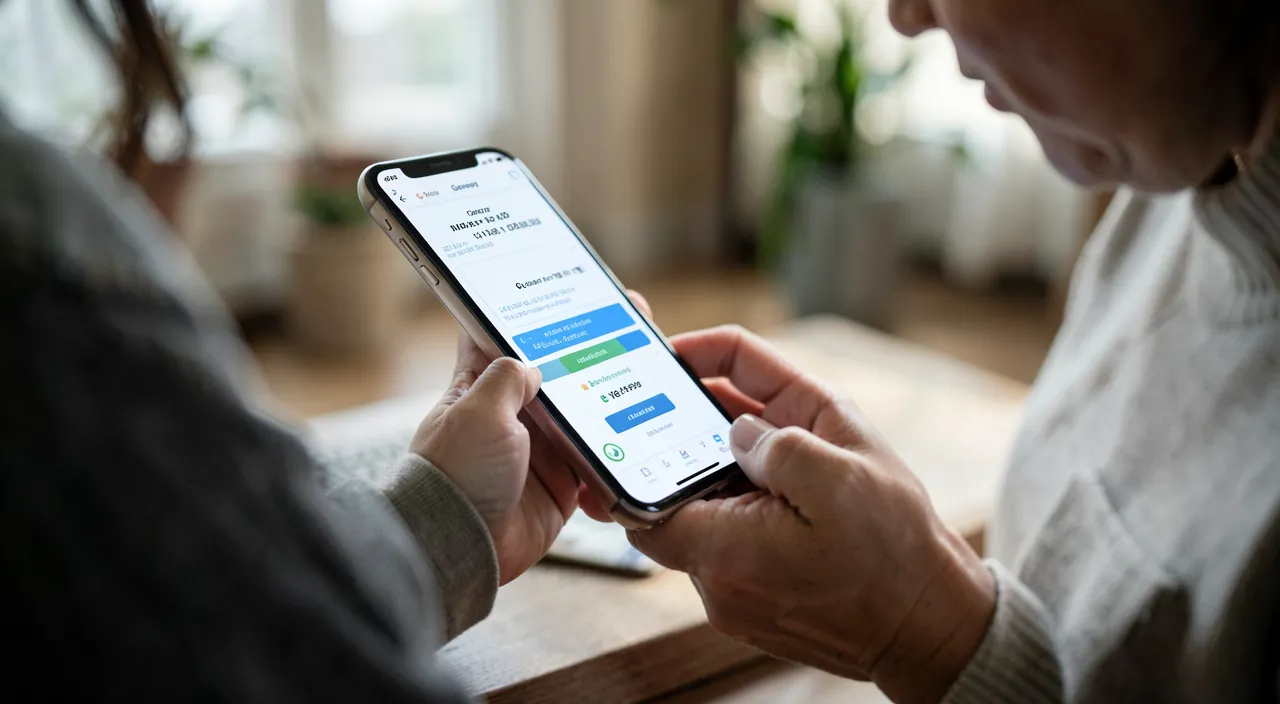
Two-factor authentication adds a second step to logging in. Even if someone steals your password, they can’t get in without the second code or key. It’s like having two locks on your door instead of one.
Imagine your email password is “Summer2024!” and it gets stolen in a data breach. Without 2FA, a hacker could log in and reset passwords for your bank or social media. But with 2FA enabled, they’d also need the 6-digit code from your phone app. Even if they have your password, they can’t get in without that second code.
How it works, in practice
Two-factor authentication combines TWO different elements to identify you: something you KNOW (your password) and something you HAVE or ARE (the second factor). In practice, when you log in to a protected account, after entering your password, you’re asked for a second proof. The most common forms of the second factor: a CODE received by SMS or email (simple, but the least secure of second factors — see below); a code generated by an authentication app (a dedicated app that produces a temporary code changing every 30 seconds: more secure); an approval notification on your phone (« Is this really you logging in? Approve / Deny »); a physical security key (a small device: the most secure, for advanced use); or biometrics (fingerprint, face) on some devices. The principle is always the same: after the password, a second verification that only the true account holder can provide. Once enabled, two-factor authentication is NOT burdensome in daily life: on your usual devices, it often only triggers occasionally (or you can mark the device as « trusted »); it’s mainly when logging in from a NEW device that it asks for the second factor — exactly the moment a hacker would try to enter. Enabling it is usually simple: in the security settings of each account, an option « two-step verification » or « two-factor authentication » guides you through the setup. A few minutes per account for a tenfold protection.
The right reflex. Enable two-factor authentication FIRST on your most critical accounts, in this order: first your PRIMARY EMAIL address (the most important account of all: whoever controls it can reset passwords for all your other accounts via « forgotten password »), then your bank account and financial accounts, then accounts that store your credit card (online purchases), and your main accounts (social networks, Apple account or equivalent that links your devices). These accounts, protected by two-factor authentication, form a secure core that protects the essence of your digital life. Don’t wait: it’s the most cost-effective security move ever — a few minutes per account for radically enhanced protection. And remember to save your RECOVERY CODES (provided during activation) in a safe place: they save you if you lose access to your second factor. Securing your email and bank first is already protecting the most important.
How to use it properly: the right factor and recovery
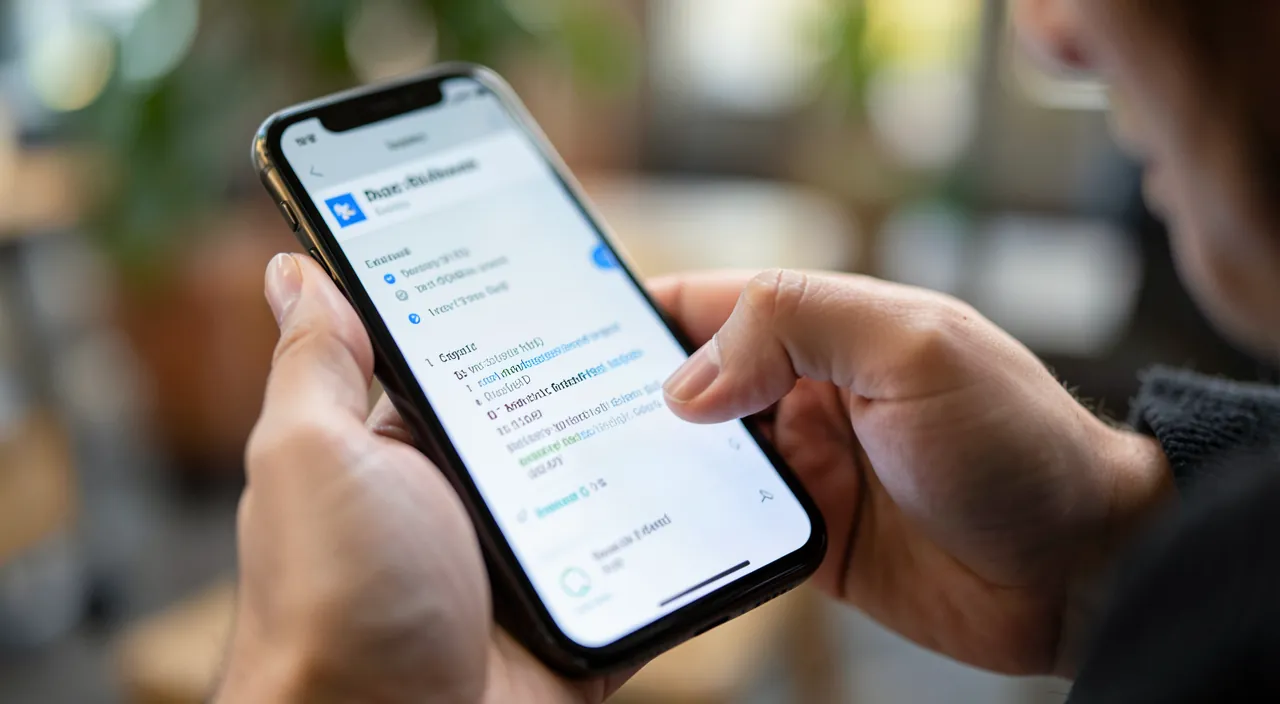
To get the most out of two-factor authentication: choose the right FACTOR when possible — the SMS code is the most widespread and already much better than nothing, but it’s the LEAST secure of second factors (a number can be hijacked in targeted attacks); an AUTHENTICATION app or an approval notification are more secure; for very sensitive accounts, a physical key is the most robust; if a service offers multiple options, prefer the authentication app over SMS; prepare for RECOVERY — it’s essential: note and keep your RECOVERY CODES provided during activation in a safe place (they allow you to regain access if you lose your second factor — phone changed, app lost), otherwise you might lock yourself out (our locked account guides); keep your means up to date — if you change phones, remember to transfer or reconfigure your two-factor authentication; combine with a PASSWORD MANAGER — unique and strong passwords (the manager) PLUS two-factor authentication (the second lock) form the most solid and accessible protection available (our password manager guides). One last important SECURITY tip: two-factor authentication protects very well, but scammers sometimes try to bypass it by asking you to SHARE your code (« read me the code you just received »); NEVER give a verification code to anyone who asks for it (by phone, message, or email) — a legitimate service will never ask for it this way (our fake tech support guides). The two-factor authentication code is FOR YOU ONLY: sharing it is like giving away the key. Used properly — right factor, recovery prepared, code never shared — two-factor authentication is your best protection against account hacking.
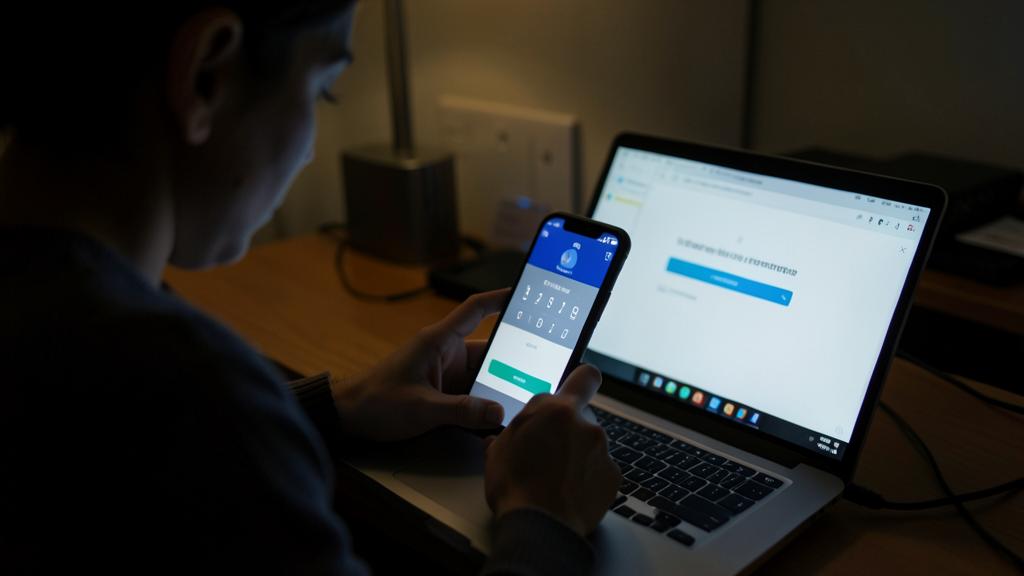
Warning: never share your code, and prepare your recovery. Two essential warnings: the two-factor authentication code you receive is FOR YOU ONLY — NEVER share it with anyone, no matter the reason given. Scammers, sometimes already having your password, try to bypass two-factor authentication by calling or writing to you to make you read the code (« confirm your identity, » « to unlock your account ») — giving it to them opens the account (our fake tech support, scam guides). A legitimate service will NEVER ask you to share a verification code. Second point: prepare for RECOVERY — note and keep your recovery codes provided during activation in a safe place, and keep your means up to date (especially if you change phones); otherwise, losing access to your second factor could lock you out of your own account (our locked account guides). Also note that the SMS code, while convenient and already much better than nothing, is the least secure of second factors: when a service offers an authentication app, prefer it. Two-factor authentication is a fantastic protection: provided you never share your code and prepare for recovery.
Frequently asked questions
What is two-factor authentication, simply?
It’s a SECOND lock for your accounts: in addition to your password (something you know), you’re asked for a second proof (something you have or are: a code received, a code generated by an app, an approval notification, a physical key, your fingerprint). Thus, even if someone steals your password, they can’t log in without this second factor they don’t have. It’s the most effective and accessible protection for your accounts: an account with two-factor authentication is infinitely harder to hack than a password-only account. Enable it first on your important accounts.
Is it burdensome in daily life?
Much less than you’d think: on your usual devices, two-factor authentication often only triggers occasionally (you can mark a device as « trusted »). It’s mainly when logging in from a NEW device that it asks for the second factor — precisely the moment a hacker would try to enter. The slight extra effort is nothing compared to the protection it provides. Once enabled and mastered, you forget about it daily while benefiting from radically enhanced security. It’s the best effort/protection ratio in all of digital security: a few occasional seconds for lasting peace of mind.
Which second factor to choose?
If you have a choice: an AUTHENTICATION app (which generates a temporary code) or an approval notification are more secure than an SMS code (SMS, while convenient and already much better than nothing, can be hijacked in targeted attacks). For very sensitive accounts, a physical security key is the most robust. But the essential thing is to ENABLE two-factor authentication, whatever the factor: even SMS protects a lot compared to a password alone. Prefer the authentication app when it’s offered, and remember to note your recovery codes for recovery. The best second factor is first the one you actually enable.
What to remember
Two-factor authentication adds a SECOND lock to your accounts: in addition to the password, a second proof (received or generated code, approval notification, physical key, biometrics) that only the true owner can provide. Thus, even if your password is stolen, guessed, or phished, the hacker can’t log in without this second factor they don’t have. It’s the most effective and accessible protection — much more than a password alone, a weak link too often reused. Enable it FIRST on your primary email address (the key to all your accounts), your bank, your card accounts, and your main accounts. Choose the right factor when possible (an authentication app is more secure than SMS), prepare for RECOVERY (note recovery codes in a safe place, keep your means up to date), and combine with a password manager for the most solid protection. Absolute vigilance: NEVER share your verification code with anyone (scammers try to trick you into giving it to bypass protection: a legitimate service will never ask for it). Not burdensome in daily life, two-factor authentication is the best effort/protection ratio in all of digital security: a few minutes per account for lasting peace of mind.
Doubts about your security, a device to check or clean up? Our support service guides you step by step.
Leave a Reply
You must be logged in to post a comment.