
The Wi-Fi that flies through the living room and crawls into the back bedroom, the video call that freezes when someone plays a video, the full bar but the page that won’t load: the modern home runs on its wireless network, and almost everyone gets only a fraction of what it could deliver. The good news: most of the gains cost nothing—a good location, a few settings, a well-chosen band. And for stubborn walls, paid solutions are clearly ranked. The room-by-room guide to finally fast Wi-Fi everywhere.
First, measure: the map of problem areas before remedies
You can only optimize what you measure—ten minutes of diagnosis: take your phone, a speed test app, and measure three times in every room that matters (near the box first—that’s your reference: it shows what the provider actually delivers—then living room, bedrooms, office, terrace): note the numbers—you’ve just drawn the heat map of your home, and the problem often changes face: a great speed near the box that drops at ten meters is a propagation issue (location, obstacles—free fixes first); a weak speed right at the box is a line or subscription issue (the best Wi-Fi in the world won’t create speed—check with your provider, available fiber, outdated box to replace); drops at certain times suggest saturation (too many simultaneous uses) or interference. Also note usage: who suffers, where, when—the video call for remote work in the back office doesn’t call for the same solution as streaming in the living room. This map guides everything else—and will help measure your progress.
Free gains: location, bands, channels
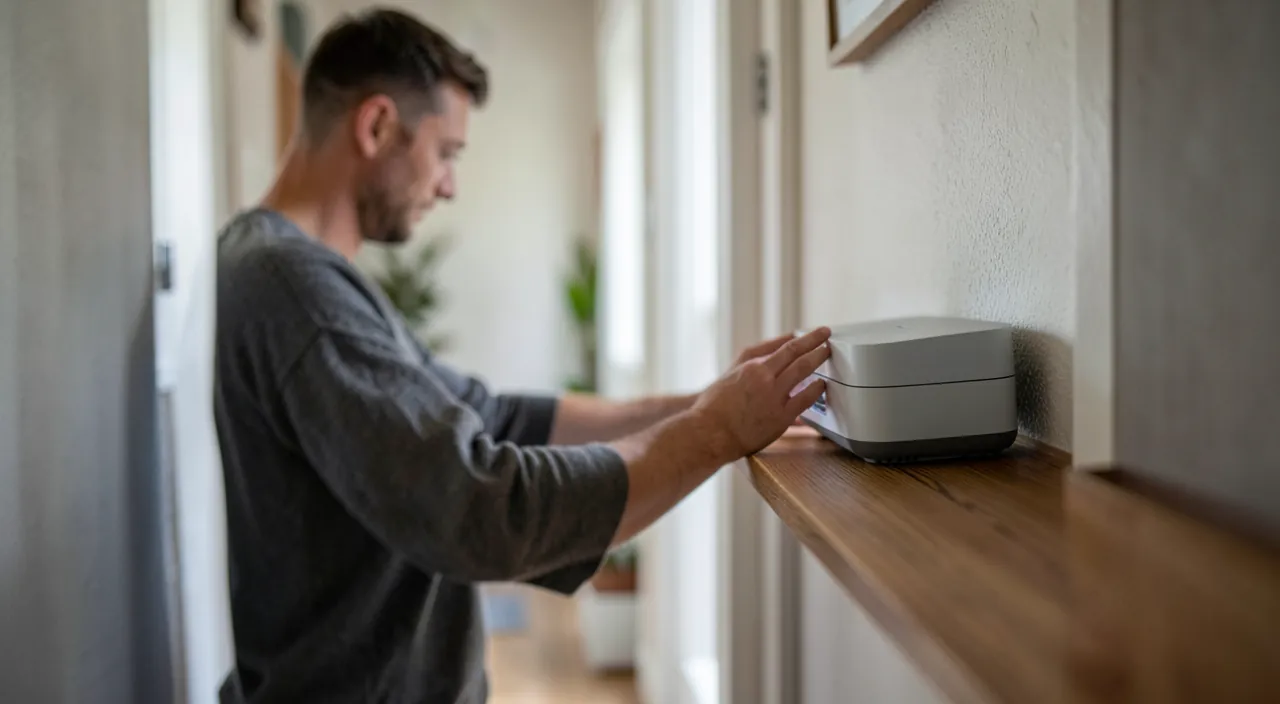
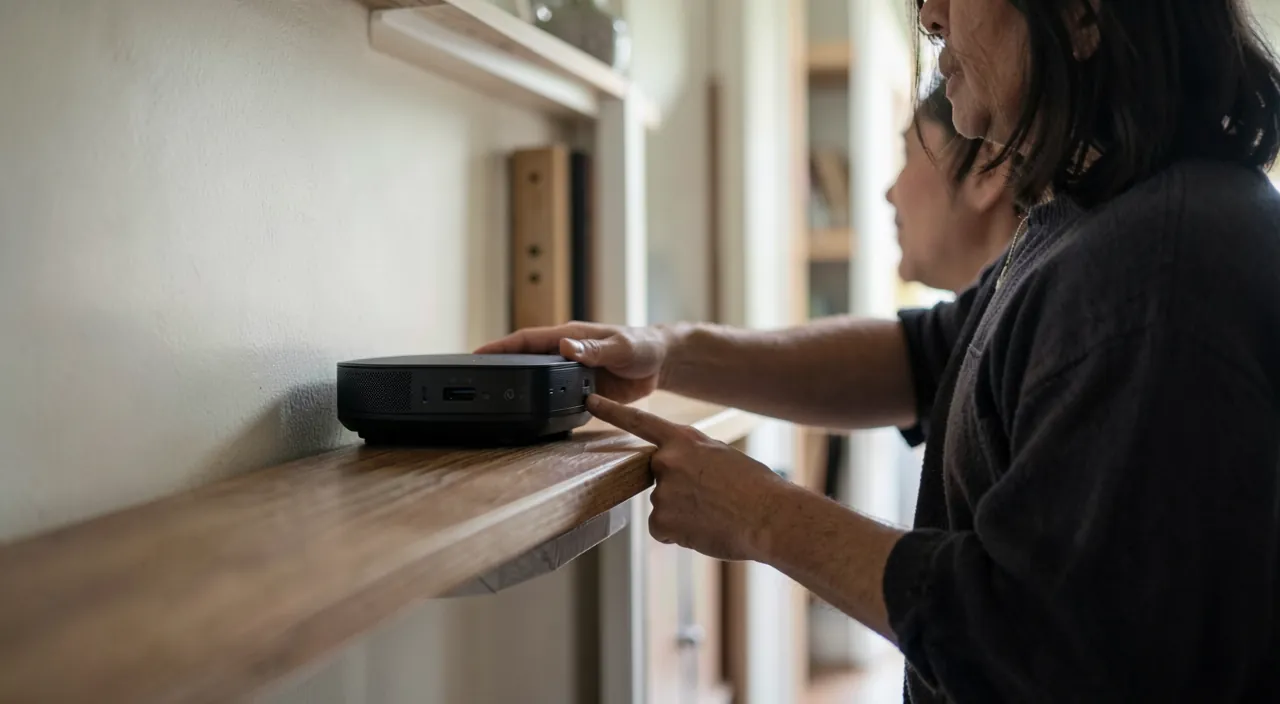
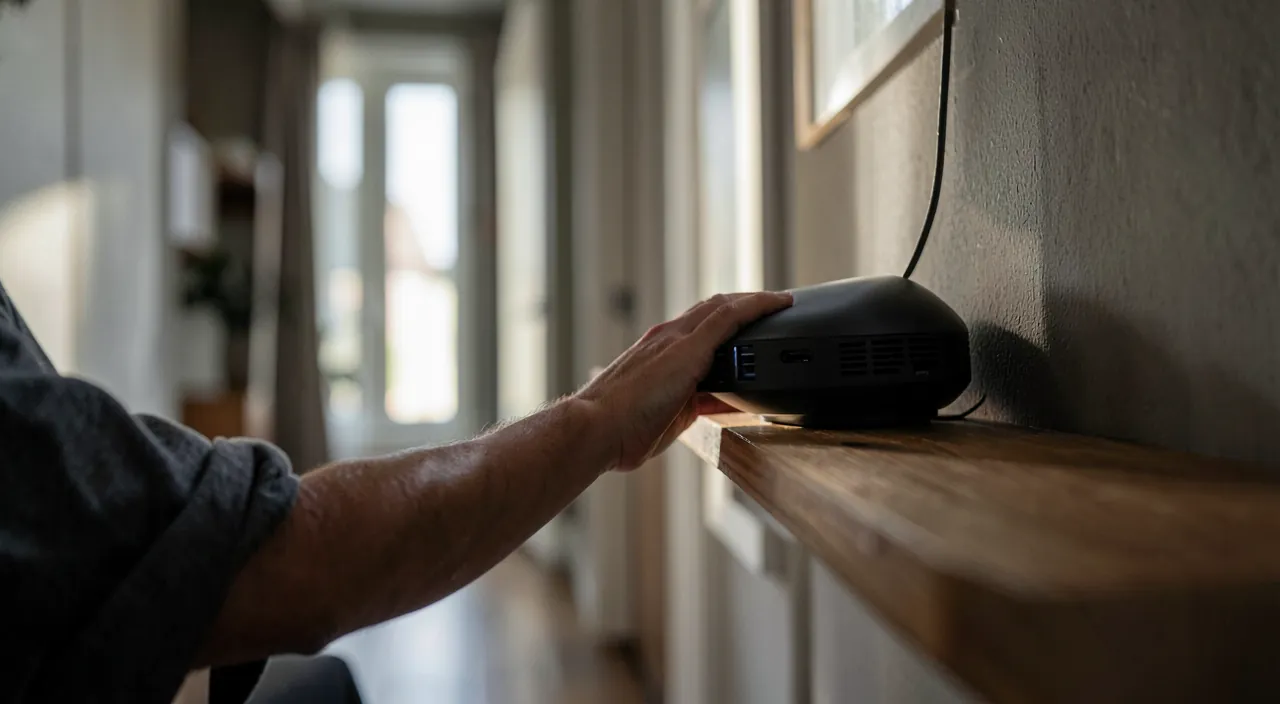
Before spending a euro: box placement—the number one lever, almost always neglected: Wi-Fi radiates in a sphere from the box—buried in the TV cabinet, stuck to the corner wall, placed on the floor behind an aquarium, it waters the street and the closet: aim for central, high, clear (a shelf at mid-height in the heart of the home—even moving a meter out of the closed cabinet changes measurements), away from metal masses, the microwave, and large mirrors (the domestic wave killers); both bands included—the 2.4 GHz carries far but slowly and takes interference (neighbors, Bluetooth, microwave); the 5 GHz (and 6 GHz on recent boxes) is fast but doesn’t carry as far: let the box manage if it does well (unified band), or separate the names to force nearby fixed devices (TV, console, living room computer) onto 5 GHz and leave the distant ones on 2.4; the channel—in dense housing, neighboring boxes step on each other: changing the channel (automatic on recent boxes, manual in the interface otherwise—the Wi-Fi analysis apps show congestion) unlocks entire situations in apartments; and cleaning up—monthly box restart, updates (automatic with operators, to check), and the list of connected devices purged (our guest network guides): the chatty smart bulb and the poorly configured old repeater degrade for everyone.
The right reflex. Everything that is fixed and demanding is wired: TV, console, desktop computer, TV box—each device switched to Ethernet (the cable for a few euros) frees up waves for mobile devices AND offers perfect stability (4K streaming and online gaming are transformed). This is THE expert advice that the general public ignores: the best Wi-Fi is the one you don’t use—and a remote work video call over cable never freezes.
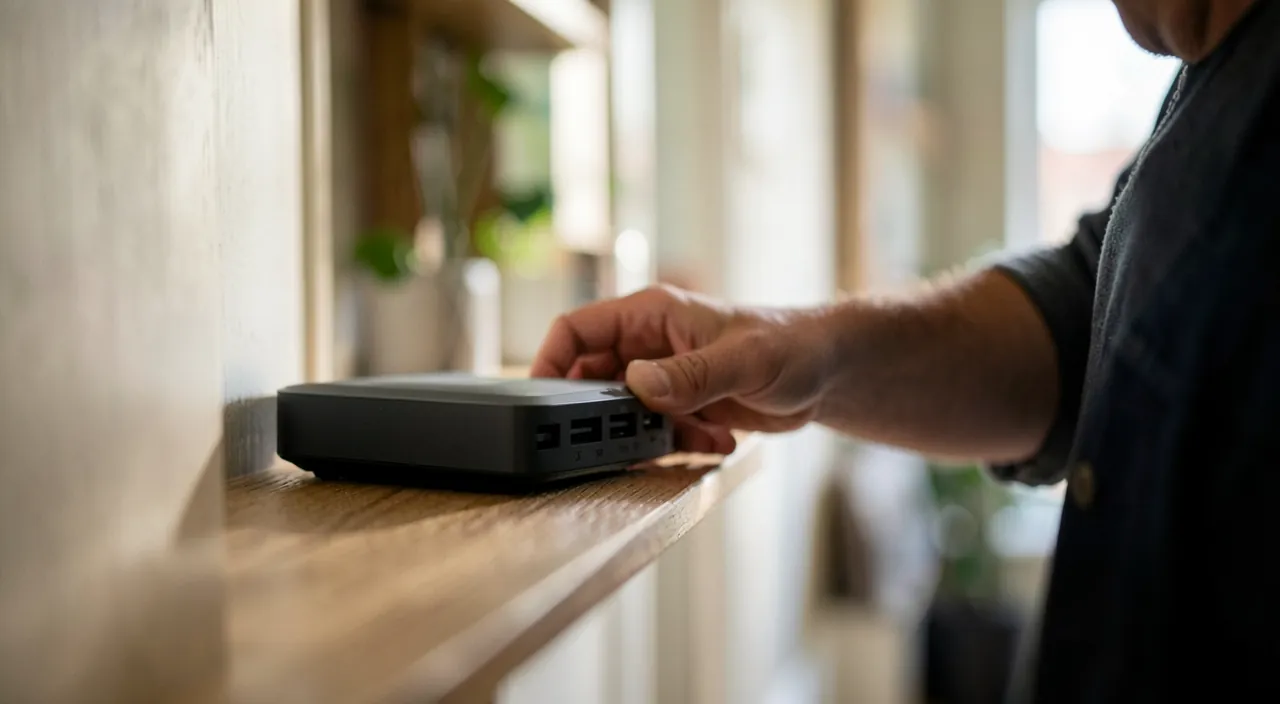
Wi-Fi works best when your router is in an open, central spot. The 2.4GHz band goes farther but is slower, while 5GHz is faster but weaker. If your signal drops in certain rooms, try moving the router or changing the channel. For stubborn dead zones, you might need extra equipment.
In a 120m² apartment with thick walls, a router placed in a corner near the TV cabinet only gives 50Mbps in the living room and 10Mbps in the bedroom. After moving it to a central shelf and switching to 5GHz for nearby devices, speeds jump to 200Mbps in the living room and 80Mbps in the bedroom. The bedroom still needs a mesh node to reach 150Mbps.
When it’s not enough: repeater, CPL, mesh—the right choice
Thick walls and large areas call for equipment—honest hierarchy: the Wi-Fi repeater (30-60 €)—it re-broadcasts the captured signal: simple, but it halves the speed and inherits a weakened signal if placed poorly—the golden rule: at MIDWAY between the box and the dead zone, where the signal is still good (not in the dead zone itself, the universal mistake): fine for ONE struggling room, disappointing beyond; the CPL (powerline, 60-120 € per pair)—network via electrical outlets: precious when walls are impassable (old buildings, reinforced concrete, outbuilding), with performance depending on the electrical installation (same circuit required, multi-sockets to avoid): to test with return option; the mesh Wi-Fi (150-350 € per kit)—THE real solution for multi-story and large homes: multiple nodes forming ONE smart network (your phone switches from node to node without interruption), preserved speed (dedicated link between nodes on good kits), app management: the ultimate comfort—and recent operator boxes offer their own mesh satellites, often the simplest path (sometimes for rent); and the Ethernet cable pulled to the remote area (in baseboard, in conduit, or through existing ducts) with a node at the end: the solution for the garden office and the upper floor—unbeatable in performance, artisanal in installation. The choice in one sentence: one room → well-placed repeater or CPL; the whole house → mesh; the extreme or permanent → cable + node.
The special cases that ruin everything
Typical situations and their fixes: the video call that freezes while streaming—upload saturation (the neglected part of non-fiber connections): video calls consume upload, photo uploads too—fixes: fiber if available (upload changes the game), device prioritization offered by boxes and mesh systems (remote work station prioritized), and family discipline during peak hours; the online game that « lags »—more a latency issue than speed: Ethernet cable first, nearby 5 GHz Wi-Fi otherwise, and never a repeater in the path; the smart home that drops—objects far away on 2.4 GHz (shutters, sensors): a nearby mesh node or maintaining a decent 2.4 GHz network stabilizes them; the remote work at the bottom of the garden—CPL to the outbuilding if the circuit follows, outdoor cable otherwise, 4G/5G as backup; and the apartment saturated with neighboring networks—5/6 GHz is your friend (it doesn’t travel as far, so neighbors either), the channel is chosen, and mesh compensates for the short range. Finally, the old equipment: a box over 5-6 years old should be replaced by the operator (often free on request—the new Wi-Fi 6/7 model really makes a difference): sometimes that’s all the optimization needed.
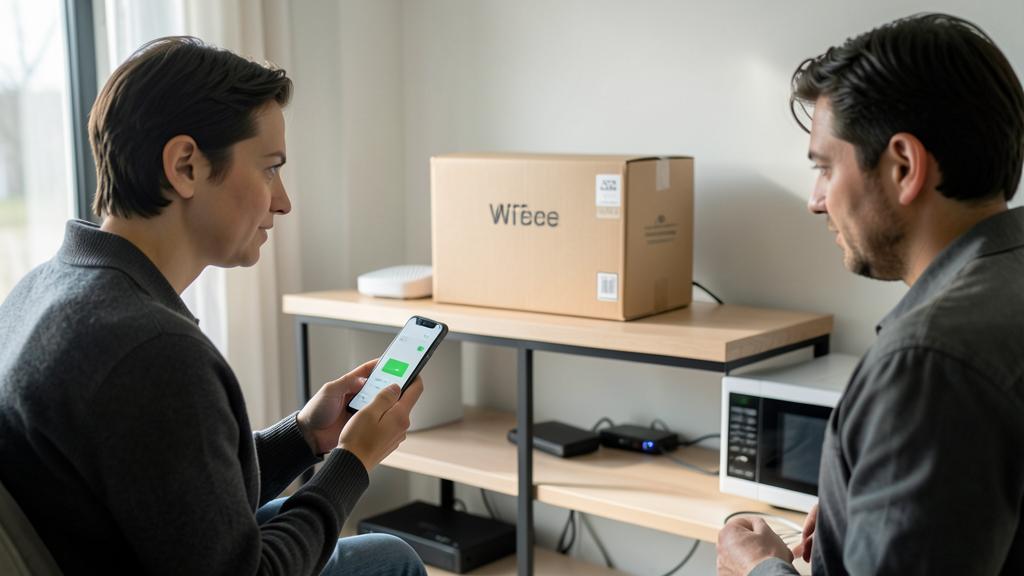
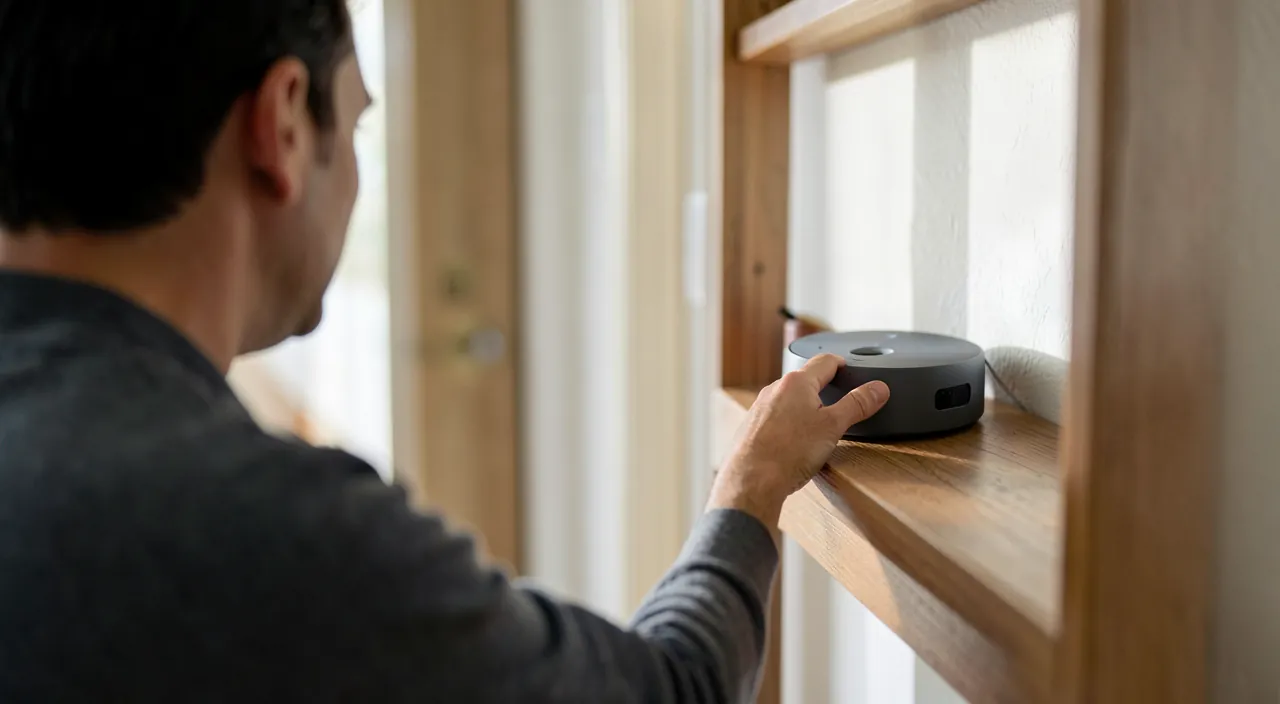
Beware of false solutions. The « miracle Wi-Fi » market thrives on frustration: dubious amplifiers sold through aggressive ads (« the trick operators hide »—cheap repeaters overpriced), « Wi-Fi booster » apps that boost nothing (no app changes wave physics—those that help are ANALYZERS, which measure), antennas and gadgets to stick on the box. Before any purchase: the diagnosis (your speed map), free gains, then equipment from established brands with return option—tested against your map. And a security reminder: optimization never justifies opening your network (strong password, WPA2/3, guests on the dedicated network—our security guides)—a fast and open Wi-Fi is just a fast leak.
Frequent questions
Can the living room box really cover 120 m² over two floors?
Rarely alone—the floors (especially concrete) cost dearly in signal: this is the textbook case for mesh (one node per floor) or a wired node on the upper floor. Simple clue: if your speed map shows a tenfold drop between floors, no setting will fix it—it’s structural, and equipment is the right answer.
Can neighbors’ Wi-Fi really slow down mine?
On 2.4 GHz, yes—the channels are shared, and an apartment building has dozens that step on each other: hence the targeted fixes (5/6 GHz preferred, least congested channel, recent box that handles coexistence better). In an isolated house, the issue disappears—look elsewhere (location, obstacles).
Should you turn off Wi-Fi at night?
For the network, indifferent; for consumption, marginal; for sleep without notifications, the phone’s airplane mode works better. If the gesture speaks to you (sobriety, personal precaution), the box’s scheduled programming automates it—thinking of objects that depend on it at night (cameras, sensors). It’s a personal comfort choice, not a technical issue.
What to remember
Home Wi-Fi improves in order: measure (speed map room by room, reference at the box that separates line and propagation), gain for free (central box in a clear, high location, 5 GHz for nearby, channel in dense housing, updated and replaced box if old), wire the fixed (TV, console, desk—the expert advice that frees up waves), then equip just right: repeater at midway or CPL for one room, mesh for the house, cable + node for the extreme—avoiding miracle gadgets. Troublesome cases have their keys (upload and prioritization for video calls, wired latency for gaming, nearby node for objects). One hour of diagnosis, a weekend of adjustments: the back bedroom has no definitive reason to crawl—and your speed map, redone after, will prove it.
Want to improve your digital skills? Our personalized training adapts to your level.
Leave a Reply
You must be logged in to post a comment.