
The washing machine breaks down at twenty-three months — the warranty covers twenty-four: where is the receipt? In the best case, illegible at the bottom of a shoebox, the thermal ink evaporated; in the worst, thrown away with the shopping bag. This scene costs households hundreds of euros every year — while a phone solves it definitively: every receipt photographed at purchase, sorted, retrievable in ten seconds, with the warranty expiration date reminding you. Here’s the complete system — so simple you regret not setting it up ten years earlier.
The basic action: photograph at the right time, once and for all
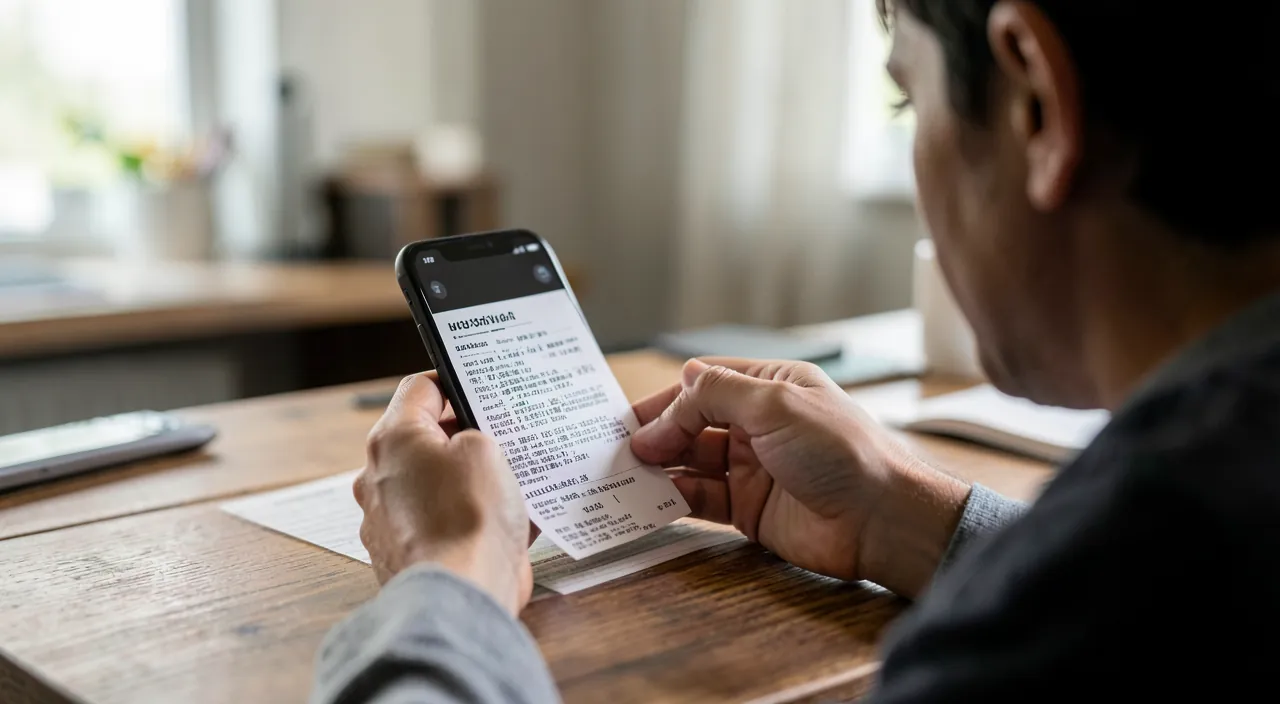
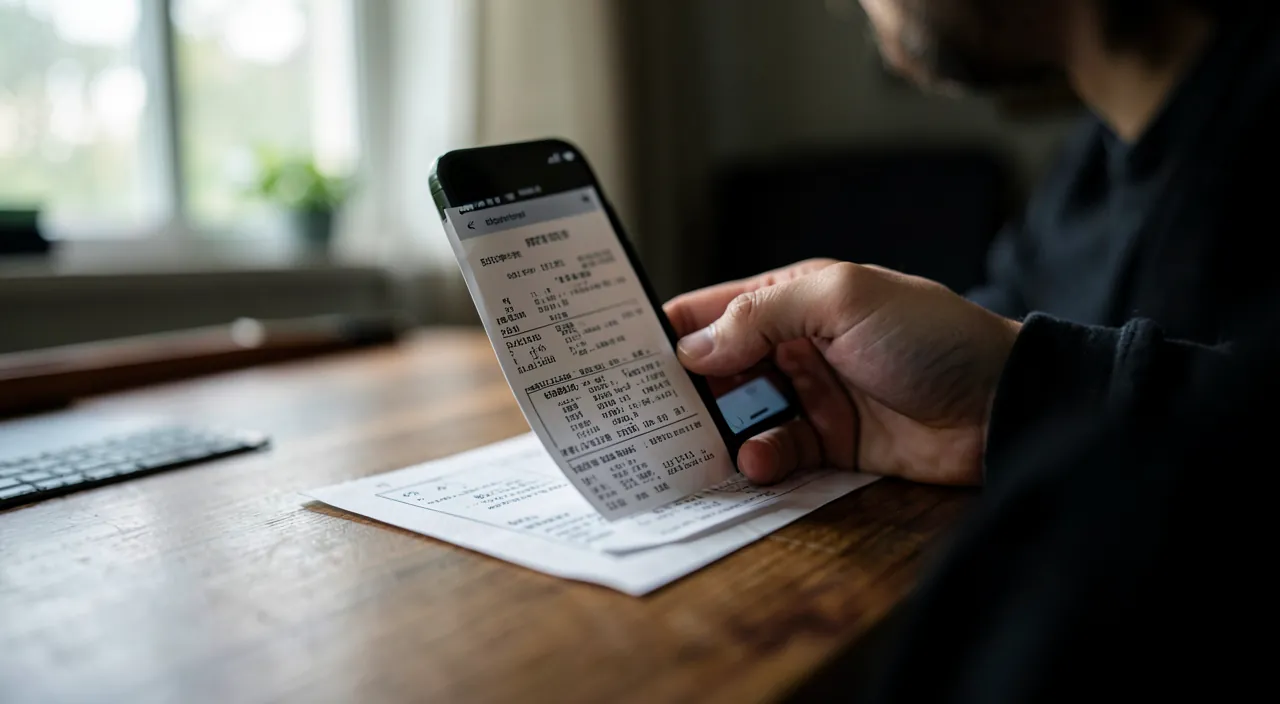
The entire system relies on a single reflex: at the time of purchase (while putting away the card, before leaving the store), photograph the receipt — not “later,” not “on the way home”: now, while it’s in hand and legible. The right photo: the document scanning mode rather than a simple photo — the Notes app (iPhone) or the phone’s scan tool automatically frames, straightens, and enhances contrast: the receipt becomes a clean document, readable in ten years when the thermal ink on paper has faded (it disappears in one to two years — the digital version becomes THE version); for big purchases, add a photo of the device label (serial number — that’s what the service center asks for) and the invoice if it exists (by email: transfer it to the same place as the receipt — the named invoice is better than the receipt in case of dispute). A word on legal value: the digital copy of a receipt is widely accepted for warranties (and the dematerialized receipt offered at checkout is natively digital — accept it systematically: it arrives by email, already digital, already dated); for important purchases, the original paper stored in a single folder completes the belt-and-suspenders approach.
The key is to scan receipts right when you buy something. Use your phone’s scanning tool to make a clear, digital copy. This way, you’ll always have proof of purchase, even if the paper receipt fades or gets lost.
You buy a new refrigerator for €1,200. At checkout, you scan the receipt and the serial number sticker. Two years later, the fridge stops cooling. You open your phone, find the scan, and contact the store. They repair it for free because you have proof of purchase and the warranty is still valid.
Where to store: three systems depending on your temperament
Storage ensures retrievability — three proven architectures: the dedicated notes folder — one note per notable purchase (receipt scan + product photo + serial number + warranty expiration date in the title), in a “Purchases & Warranties” folder: the search finds “washing machine” or the brand instantly, and everything syncs across devices — the simplest system, sufficient for most households; the structured Files/Drive folder — “Warranties/2026/…” with descriptive file names (“2026-03_WashingMachine_Brand_2years.pdf”): the more organized version, ideal if you already manage your admin this way — the date and duration in the name make chronological sorting natural; and the specialized apps for receipt and warranty management — scanning, amount and store recognition, automatic expiration reminders: maximum comfort, checking two things before adopting (the app’s longevity — your data must be exportable — and its data policy: a receipt says a lot about your habits). Whichever you choose: ONE single system, fed by THE reflex — dispersion (half photos, half notes, half emails) is what kills retrievability.
- The dedicated notes folder is simple and syncs across devices.
- The structured Files/Drive folder is more organized, with clear file names.
- The specialized apps offer the most comfort but check their data policies.
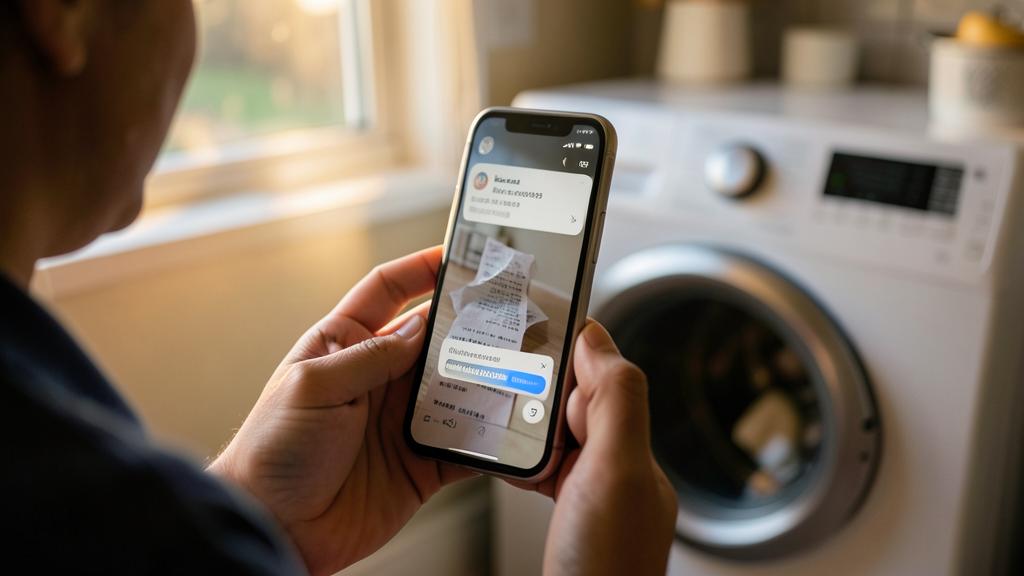
The right reflex. For each guaranteed purchase, create immediately a reminder one month before the anniversary date: “Washing machine warranty expires on 15/03 — check its condition.” This J-30 reminder changes the nature of the warranty: instead of discovering the breakdown at twenty-five months, you test the device at twenty-three — suspicious noise, emerging defect, dead pixel: the service center handles it BEFORE the deadline. That’s the only time the warranty is valuable — the reminder is what gets you there.
Knowing your rights: the warranty is worth more than you think
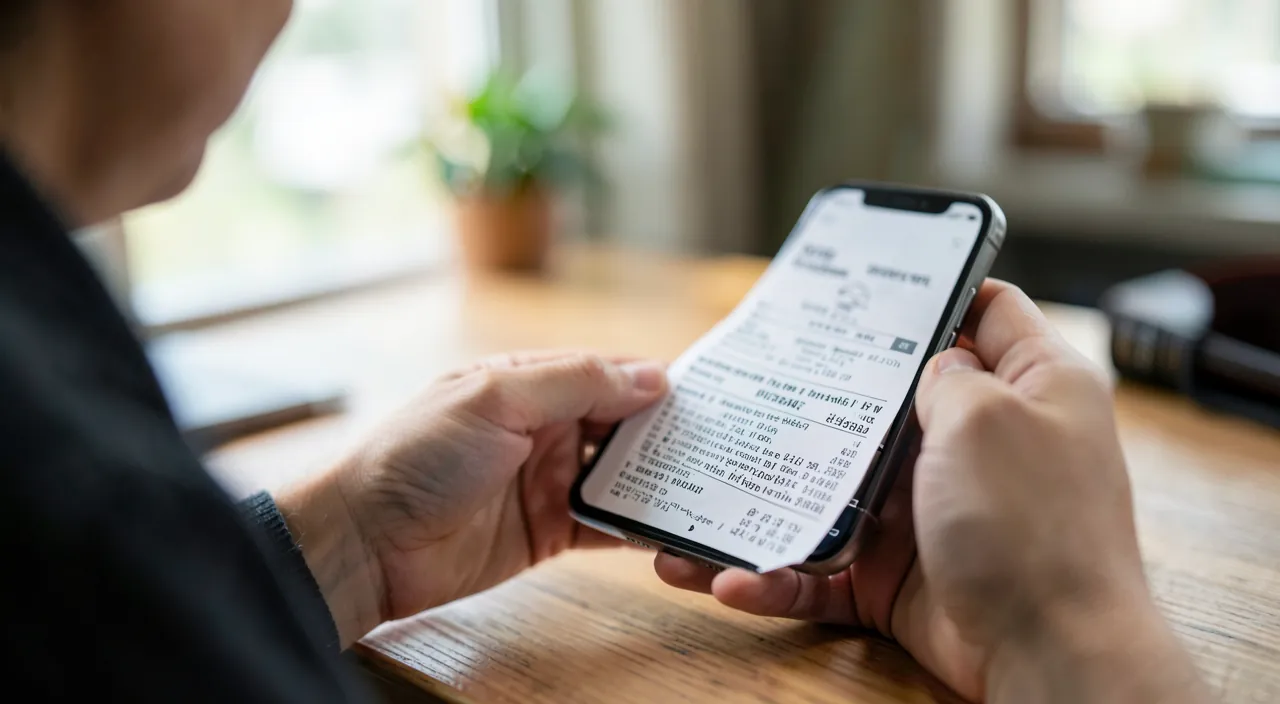
The filing system takes on its full value when combined with real rights — often underestimated: the legal conformity guarantee — a minimum of two years on all new items purchased from a professional (one year for professional second-hand), repair or replacement at your choice, no fees — and during those two years, it’s up to the seller to prove the defect didn’t exist at purchase (the presumption works in your favor): this guarantee is exercised with the seller (not the manufacturer), proof of purchase in hand — exactly what your system provides; the commercial warranty (manufacturer or store) is added — sometimes longer, sometimes extended by product registration on the manufacturer’s website (five or ten years on some devices — five minutes at purchase, noted in your file); and the little-known bonus: some premium credit cards double the warranty on purchases made with them — check your card’s insurance. In practice, an effective service request consists of three pieces that your phone produces in one minute: dated proof of purchase, serial number, defect description (photo/video as evidence — film the breakdown: the abnormal noise or flickering screen is better demonstrated than described).
The law gives you a two-year warranty on most new items. If something breaks, the seller must fix or replace it for free. Your scanned receipts and serial numbers make it easy to claim this warranty.
Extending the system: manuals, invoices, large household documents
The receipt reflex naturally spreads: the manuals — no need to store them on paper: the official PDF is downloaded once (search “manual + model”) and joins the device file — the oven manual, missing during pyrolysis, becomes a ten-second reference; the artisan and major work invoices — same warranties (decennial, biennial), same proof issues, same storage — with before/after photos of the work; the private second-hand purchases — the captured ad and saved exchanges serve as context (conformity to the ad is judged there); and the pinnacle of the system: the household inventory — the sum of your purchase files constitutes, without extra effort, the dated and itemized list of your belongings: exactly what a home insurance company asks for after a claim or burglary (to this end, a few general photos of each room complement the inventory — ten minutes per year, stored in the same place). The small receipt system becomes the household’s patrimonial archive — it’s the same action, with years of advance on the day it will be useful.
You hire a plumber to fix your bathroom for €2,500. You scan the invoice, take before/after photos, and store everything in your system. Two years later, a pipe bursts. You show the invoice and photos to your insurance, and they cover the damage because you have proof of the work done.

Beware of paid warranty extensions offered at checkout: before signing for 79€ of “5-year serenity,” remember that the first two years are ALREADY covered by the legal warranty (the extension only starts after), that your credit card may already double the coverage, and that the terms often exclude wear, breakage, and batteries — read the actual coverage for years 3-5. They sometimes make sense (expensive devices with known failure rates, heavy use); they’re mostly sold because they’re very profitable… for the seller. Decide based on facts, never under checkout pressure.
Frequently asked questions
Does a faded thermal receipt deprive me of the warranty?
Not necessarily: proof of purchase can be provided otherwise — bank statement of the transaction, dematerialized receipt, store loyalty account (purchase history is often there: another reason to have it), invoice. But each requires steps — the scan done at purchase remains the royal way: a perfect, immediate, lifelong proof.
Should I keep daily receipts (groceries, gas)?
No — the system targets guaranteed or reimbursable purchases: appliances, electronics, furniture, DIY, optics, and anything that goes into expense reports or deductions. The ordinary grocery receipt has no second life (unless immediate dispute): the reflex applies to the notable, not the everyday — that’s what makes it sustainable.
What to do with paper receipts after digitization?
For everyday purchases: recycle without regret once the scan is verified legible. For big purchases (appliances, expensive electronics): the original in a single “active warranties” folder, purged once a year of expired warranties — the belt-and-suspenders that only costs a folder.
What to remember
The system boils down to one sentence: every notable purchase is scanned at the time of purchase, stored in a single location, with a reminder one month before the warranty expires. Three pieces make any service request (proof of purchase, serial number, documented defect) — your phone produces them in one minute, where the shoebox would have lost them. Combine them with your actual rights: two years of legal warranty with the seller (presumption in your favor), registered commercial warranties, possible doubling by credit card — and reasoned caution toward paid extensions. Extended to manuals, work invoices, and household inventory, the thirty-second reflex becomes the archive that defends you against service centers, insurance, and time. The washing machine will break down at twenty-three months — but next time, you’ll have the paperwork.
Want to go further with your phone and apps? Our practical training is made for you.
Leave a Reply
You must be logged in to post a comment.