
This is the moment everyone dreads when changing phones: the transfer. The fear of losing children’s photos, precious conversations, accumulated contacts — and those stories from friends who « lost everything when changing. » Rest assured: with the right method and checks, modern migration is reliable and almost complete. The secret isn’t luck, it’s preparation. Here’s the step-by-step guide to changing phones without losing anything — including the pitfalls that transfer assistants don’t handle.
First and foremost: the backup that secures the operation
Golden rule: never migrate without a safety net. Check the backup of the old phone — just being activated isn’t enough: verify its date (it must be from today) and its content (photos included? The option is sometimes separate). Launch one manually right before the transfer. Check specific backups: some messaging apps save their conversations separately — open them and trigger their own backup; this is the classic trap of « successful » transfers where conversations are missing. With these safety nets in place, the worst-case scenario for the transfer becomes: starting over — never losing.
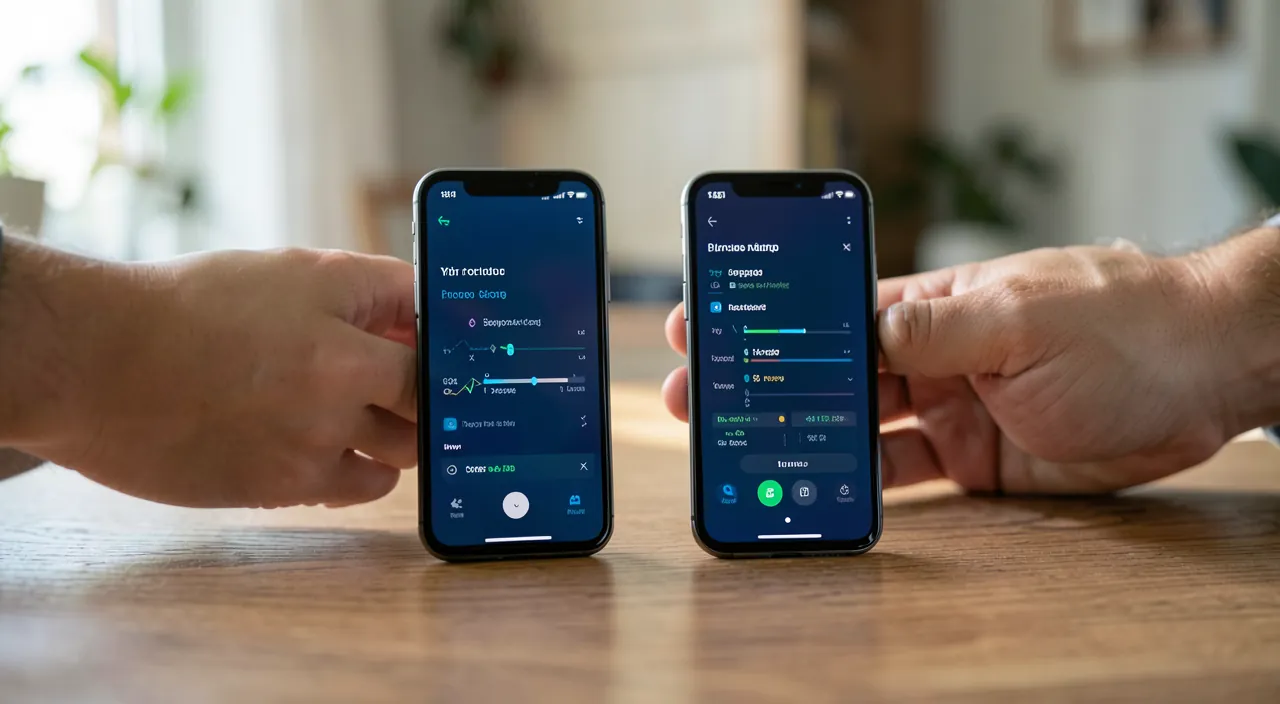
Before moving data, make sure your phone has a recent backup, especially for photos and messages. Some apps need their own backup. This way, if something goes wrong, you can always recover your data.
Imagine you have 5,000 photos on your old phone. Before transferring, check that your backup includes them. If not, manually back them up using Google Photos or iCloud. This ensures you won’t lose them during the transfer.
The transfer itself: let it run, without interruption
Modern migration assistants handle most of the work: place the two devices side by side (or restore from the backup), follow the instructions, and let it work. The keys to success: battery (both devices charged or plugged in), stable Wi-Fi, and patience — an hour or more for a phone loaded with years of data; never interrupt mid-process, even if progress seems stuck for a moment. The new phone retrieves apps, photos, settings, accounts — and often continues downloading in the background after the announced end: leave it on Wi-Fi the first night.
The right reflex. Keep the old phone intact and functional for a week — not erased, returned, or sold. It’s your full insurance: any forgotten item (a document in an app, a code, a conversation) can be retrieved in two minutes as long as the old one is still alive. The rush to erase is the only real cause of permanent losses in modern transfers.
The checklist of overlooked items (the real heart of the matter)
Assistants transfer the bulk — here’s what they often miss, to check one by one on the new phone:
- Two-factor authentication codes: the authentication app must be migrated via its own procedure (account transfer or encrypted backup) — otherwise, you’ll be locked out of your protected accounts. The number one critical point.
- Messaging conversations: verify their restoration upon first opening — this is where the specific backup from before the transfer pays off.
- Payment cards: must be reactivated on the new device (security requires it), sometimes with bank validation.
- Plans and eSIM: line transfer (especially for eSIM) follows its own procedure — via settings or the carrier.
- Apps with local content: recordings, third-party app notes, locally saved games — open your important apps and verify their content.
- Paired devices: watch, headphones, car — must be re-paired with the new phone.
After migration: validate then move on
In the first week, use the new phone normally while keeping an eye out: all photos present (compare counters if in doubt), complete contacts, functional apps with their data, normal call and message reception. Everything good? Then comes the proper end-of-life for the old one: remove it from your account (list of trusted devices), deactivate location and activation lock, then full factory reset. It can then be resold, given away, or recycled — empty and untethered. This sequence in this order: it’s what prevents phones from being sold still locked or, worse, still full.
Be mindful of the timing for two-factor authentication. Migrate the authentication app while the old phone is still working — after erasure, some accounts become very difficult to recover (long procedures, ID checks). Take five minutes, app by app, to verify that codes generate correctly on the new one. This is the most costly and avoidable mistake in transfers.
Frequently asked questions
Can I transfer from one brand to another?
Yes — cross-brand migration tools transfer the essentials (contacts, photos, messages depending on the case). Plan for more manual reconfiguration (accounts, apps) and the same rigor on the overlooked items checklist.
Does the transfer also move my subscriptions?
Your subscriptions are tied to your accounts, not the device: they follow automatically as soon as you log in. Only registered payment methods require reactivation.
What if something is missing afterward?
As long as the old phone exists: direct recovery (targeted transfer, export, new sync). If it’s erased: check the cloud backup of the concerned app — hence the interest in keeping the phone for a week before erasure.
What to remember
Changing phones without losing anything relies on three pillars: preparation (verified and dated backups from today, including separate ones for messaging apps), a transfer without rushing (charge, Wi-Fi, patience), and especially the overlooked items checklist — with two-factor authentication at the absolute top, conversations, payments, eSIM, paired devices. Keep the old phone intact for a validation week, then give it a proper end: untethered from your accounts, completely erased, and recycled with dignity. The transfer isn’t a gamble: it’s a procedure — and you now have the manual.
Want to gain confidence with your digital tools? Our personalized training adapts to your level.
Leave a Reply
You must be logged in to post a comment.