
A forgotten free trial that becomes paid, an abandoned app that still charges, a service subscribed to “for a month” two years ago: digital subscriptions have a knack for silently piling up. Result: dozens of euros that vanish each month, often without realizing it. Good news: on iPhone, all subscriptions made via the App Store are managed from one place — viewing, cancellation, history. This guide shows you how to do a thorough cleanup, and especially how to never get trapped again.
Your subscriptions dashboard
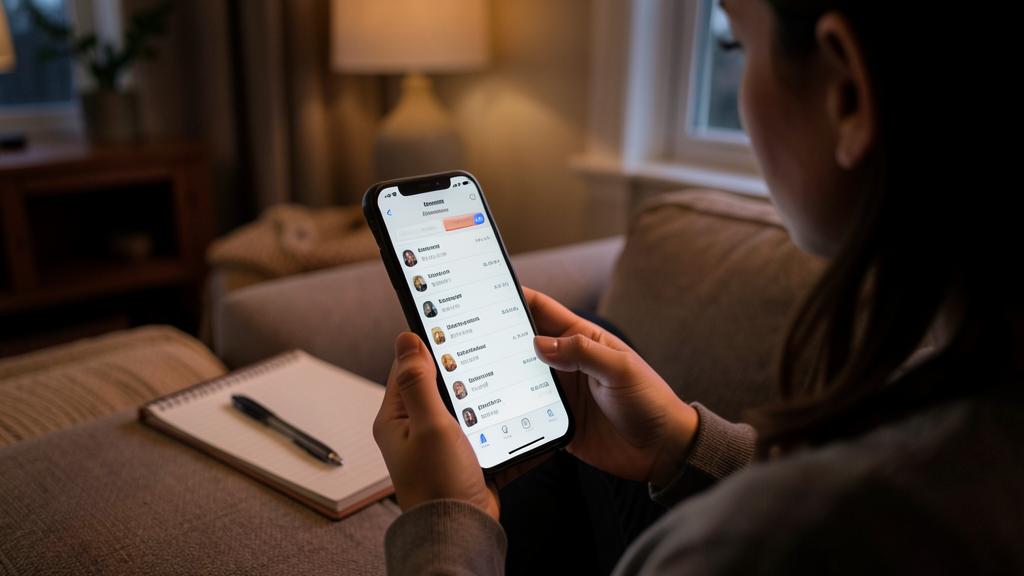
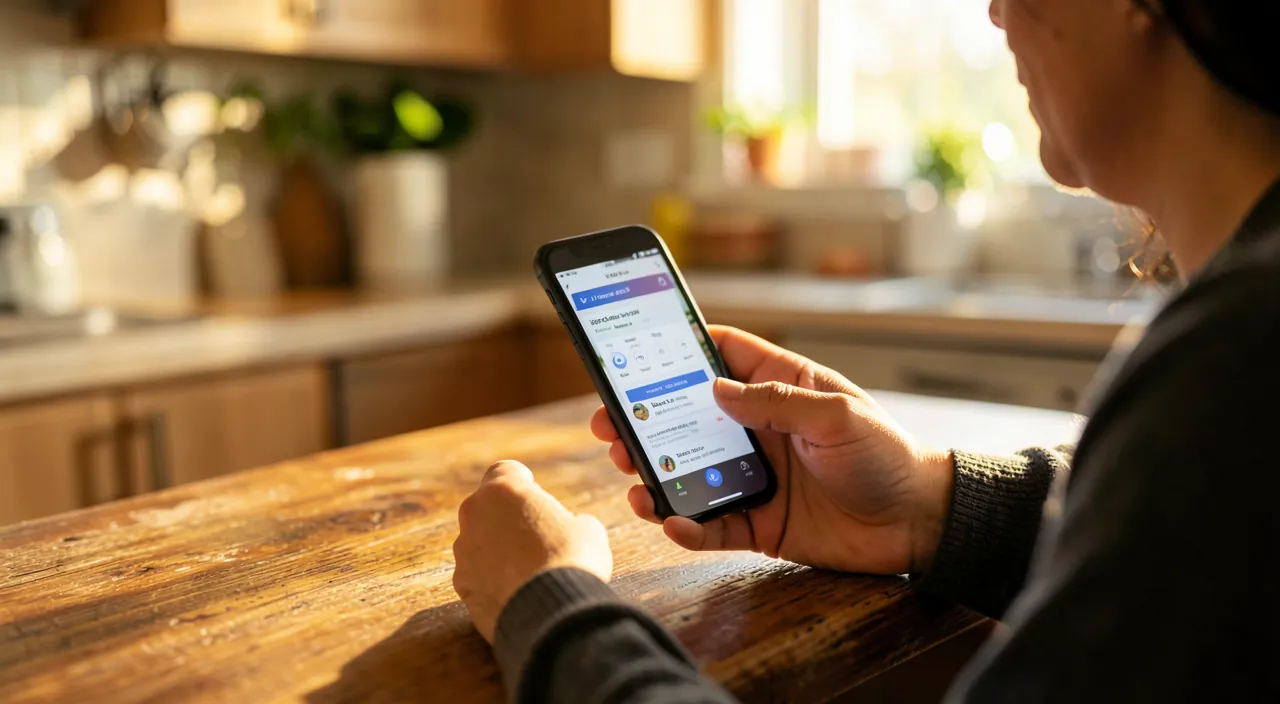
First reflex: check the full list. In settings, your account displays the Subscriptions section: everything active is listed, with the amount, frequency (monthly, annual) and the next billing date — as well as expired subscriptions, useful for remembering what you tested. This list covers everything subscribed via the App Store: apps, services, games. Many people discover at this stage subscriptions they had completely forgotten about — that’s exactly the point of the exercise.

The thorough cleanup, methodically
Scrutinize each subscription with three simple questions:
- Do I really use it? Not “maybe one day”: actually, in recent weeks. A service unused for two months is a candidate for cancellation.
- Does the price justify the use? A subscription used once a month may cost more annually than an equivalent one-time purchase.
- Is there a more suitable plan? Switching from a monthly to an annual plan (often much cheaper) for what you keep, or to a shared family plan instead of multiple individual accounts.
Cancellation is done on the spot, in two steps: no calls, no letters, no retention — that’s one of the great advantages of the centralized system. And access remains active until the end of the already paid period: canceling today doesn’t cut anything immediately.
The good anti-trap reflex. As soon as you subscribe to a free trial, cancel it immediately: the trial continues until its end, but will never turn into a surprise paid subscription. That’s THE way to avoid the most common digital trap — the “free” trial you forget and pay for months.
Understanding classic traps
Subscription models rely on well-oiled mechanics: the free trial that switches to paid without sufficient reminder, the annual plan presented as an attractive monthly price but billed all at once, the app that pushes a subscription where a one-time purchase existed yesterday. Without paranoia, adopt a simple hygiene: read what you validate (amount and frequency), mentally note the trial end date, and check your dashboard after any subscription. The double purchase validation (code or biometrics) also protects against involuntary subscriptions — keep it active.
Companies make money by hiding subscription renewals or making them automatic. Always check the fine print before signing up, and cancel free trials right away to avoid unexpected charges.
You sign up for a 30-day free trial of a fitness app. If you don’t cancel before the trial ends, you’ll be charged €9.99 per month automatically. Many people forget and end up paying for months without using the app.
Subscriptions outside the App Store
Important point: the iPhone list only shows what goes through the App Store. Subscriptions subscribed directly on the websites of services (streaming subscribed on the web, press, gyms…) are managed with them, not in your settings. For a complete overview, cross-reference two sources: your App Store dashboard, and a review of your bank statements over two or three months — recurring withdrawals are quickly spotted there, and reveal the “invisible” subscriptions to cancel with the publisher.
To watch out for. Beware of trap apps that promise a harmless service and hide a costly weekly subscription behind a “trial”: always check the price and frequency before validating, especially the “per week” mention — a classic scam. In case of involuntary subscription, cancel immediately and request a refund via support: requests in good faith often succeed.

Frequently asked questions
If I cancel, do I lose access immediately?
No: the subscription remains active until the end of the paid period. Canceling early costs nothing — it’s even the best protection against forgetting.
Can I get a refund for an unwanted subscription?
A refund request is possible via App Store support, especially for an involuntary subscription or a surprise renewal. Make the request quickly, with the reason: legitimate cases are often accepted.

How to reduce the bill without cutting everything?
Three levers: switch to annual plans for what you really keep (often -30 to -50% vs monthly), move to shared family plans, and alternate streaming services according to your moods instead of always stacking them.
What to remember
Subscriptions pile up silently, but the iPhone centralizes their management: the Subscriptions section of your account lists everything that goes through the App Store, with cancellation in two steps and access preserved until the paid term. Do a thorough cleanup with the three questions (real use, price vs use, best plan), adopt the golden reflex — cancel a free trial as soon as you subscribe — and complete with a review of your bank statements for subscriptions outside the App Store. A 15-minute audit often frees up dozens of euros per month: it’s probably the best-paid quarter-hour of your digital year.
Need help managing your accounts and subscriptions?
Leave a Reply
You must be logged in to post a comment.