
No need to be an expert to protect your data. These simple reflexes block most of the everyday risks.
🔑 Passwords
- One unique password per site — reuse is the #1 risk.
- A password manager remembers them for you.
- Enable two-factor authentication (2FA) wherever possible: even if stolen, your password is not enough.
Passwords are your first line of defense. Use a different one for each account, store them safely with a manager, and add an extra layer of security with 2FA. This way, even if one password is compromised, the rest stay safe.
🎣 Traps to avoid
- Phishing: an « urgent » email asking you to click? Verify the sender, go through the official website.
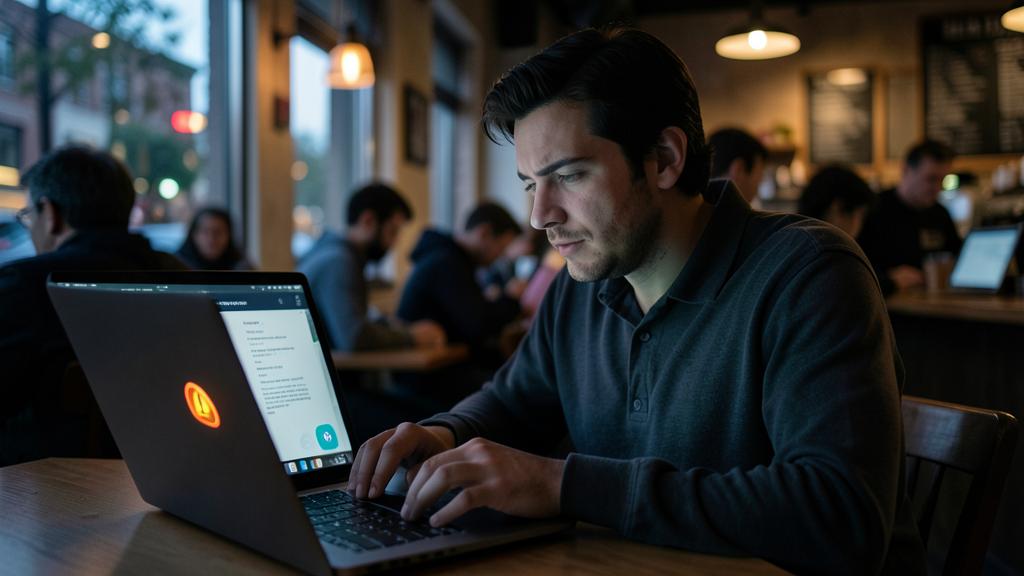
- Public Wi-Fi: avoid sensitive operations (banking, purchases) without a VPN.
- App permissions: a flashlight doesn’t need your contacts.
You receive an email from “your bank” saying your account is locked and you must click a link to verify. Instead of clicking, you open your browser, type the bank’s URL manually, and log in. The real bank confirms no such email was sent—you just avoided a phishing scam.
🧭 Good settings
- Browser: tracker blocker and third-party cookies disabled.
- Automatic updates: most attacks exploit already fixed vulnerabilities.
- Regular backups: the best antidote to ransomware.
🛟 A doubt, an infection?
Hacked accounts, viruses, computer behaving strangely: our support team secures, cleans, and explains — no jargon.
Leave a Reply
You must be logged in to post a comment.