
Your computer is running slow, the fans are blowing, and everything takes minutes to open? Before imagining the worst, try these 7 simple steps — they solve most slowdowns.
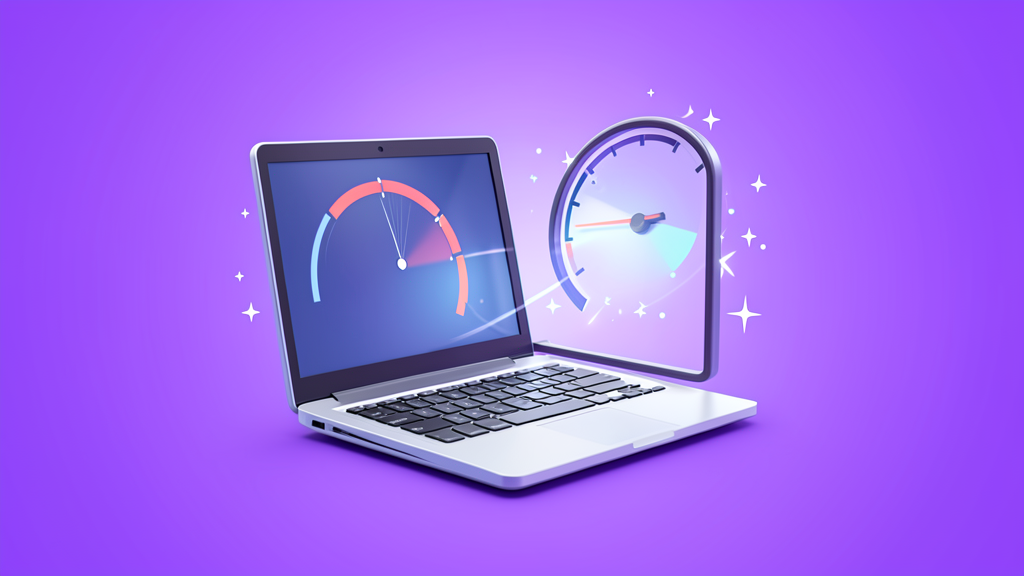
🔄 The basics that work
- Restart properly (not just sleep mode): memory cleared, updates applied.
- Free up disk space: less than 10% free space = suffocating computer. Empty the trash and downloads.
- Limit startup programs: Task Manager → Startup (Windows) or Settings → Open at Login (Mac).
🧹 The big cleanup
- Uninstall software you no longer use.
- Lighten your browser: too many tabs and extensions eat up memory.
- Check for updates system and drivers.
- Scan with your antivirus: some malware consumes everything in the background.
Your computer slows down because it’s overloaded with tasks, outdated software, or hidden malware. These steps free up resources and remove unnecessary clutter, making it run smoother.
🆘 Still slow?
If nothing helps, the issue might be hardware-related (worn-out disk, insufficient memory) or deeper (persistent infection). Our repair service diagnoses and fixes, remotely or on-site, 7 days a week.
A user with a 5-year-old laptop running Windows 10 noticed slowdowns. After restarting, freeing 20GB of disk space, disabling 10 startup programs, and uninstalling 5 unused apps, the laptop’s performance improved by 60%.
Leave a Reply
You must be logged in to post a comment.