
-

Fighting Obsolescence: Extending the Lifespan of Devices
An electronic device that mysteriously slows down after a few years, a software update that makes it less fluid, a battery that…
-
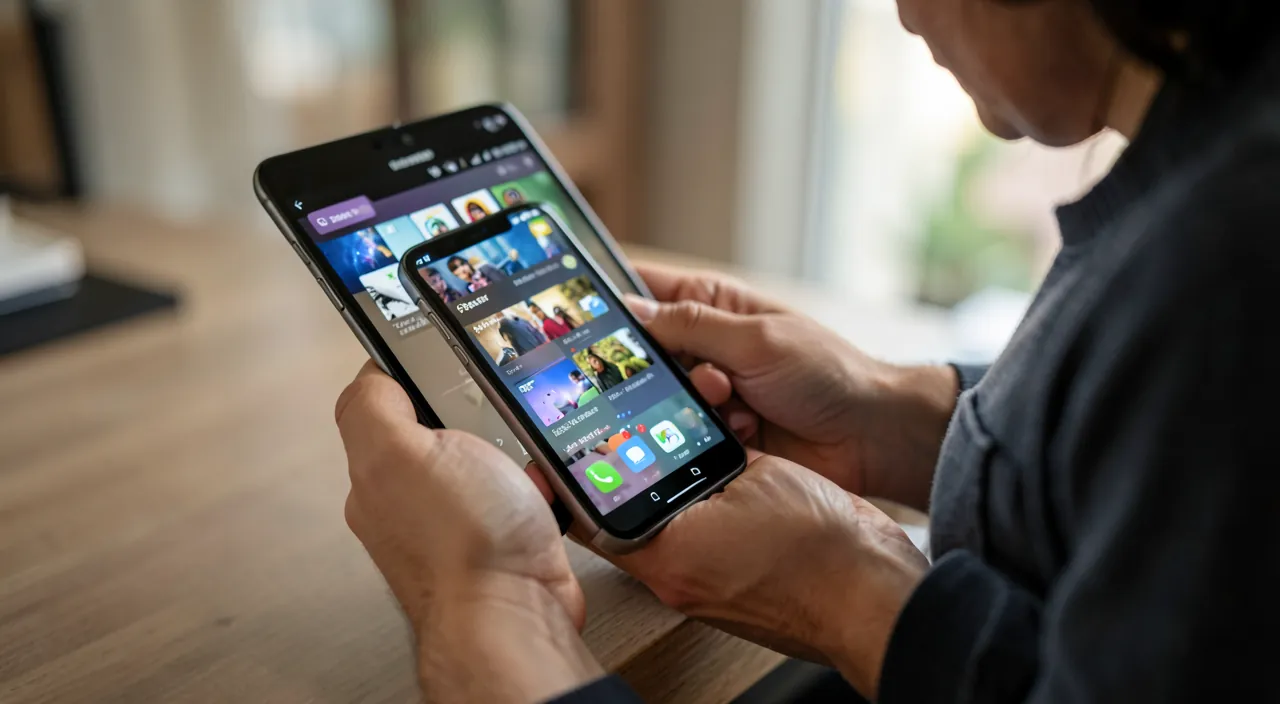
Free up space on a full phone
“Insufficient storage”: This message appears at the worst possible moment—unable to take a photo, install an app, or update. A full phone…
-
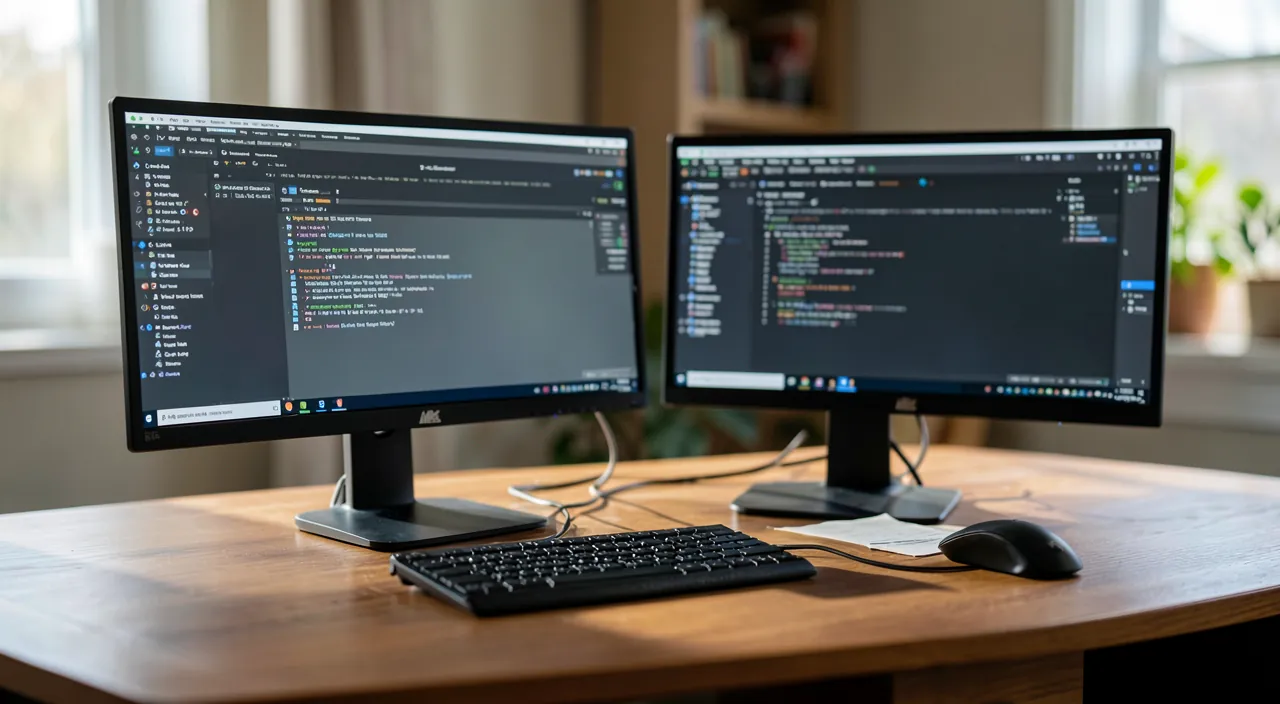
Install and Properly Use a Dual Monitor
Constantly switching between windows, wasting time switching between applications, lacking space to work comfortably: a single screen quickly shows its limitations. Adding…
-

The computer won’t turn on: what to do
You press the button, and nothing: a black screen, no sound, or the computer turns on but gets stuck before reaching the…
-
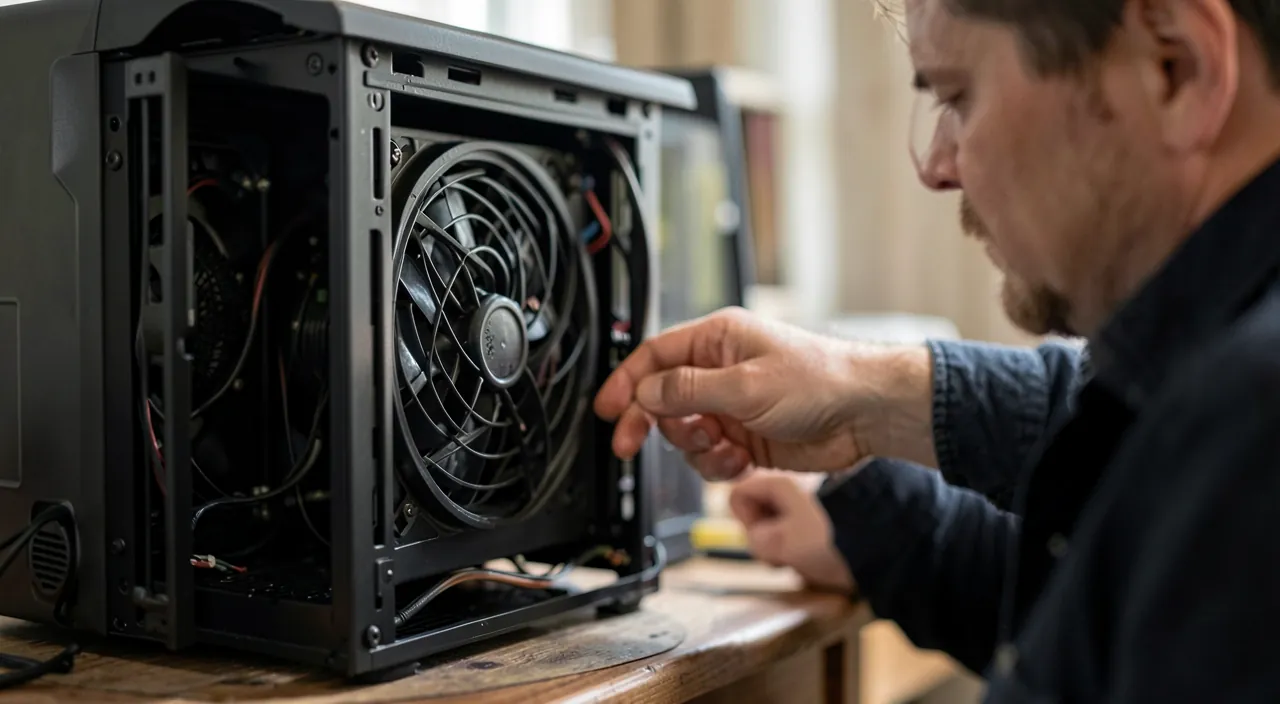
Noisy Computer: Fan and Hard Drive
Your computer is making noise: a continuous fan whine, a hum, or some worrying clicks. This noise is not trivial: it often…
-
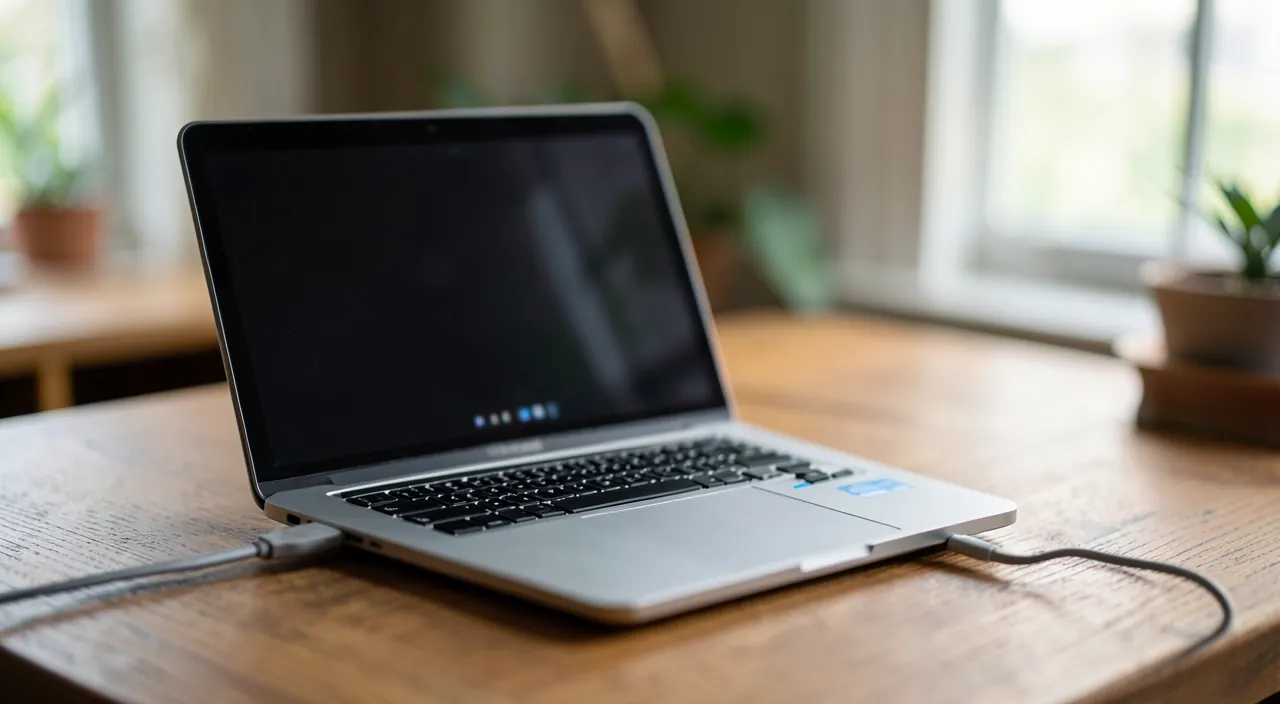
A Laptop That Won’t Charge
You plug in your laptop, but nothing happens: the battery doesn’t charge, the charging indicator stays off, or the device turns off…
-

Unreadable or corrupted photos: what to recover
You open a photo, and instead of your memory: a gray image, half displayed, streaked with colors, or a “file unreadable” message.…
-
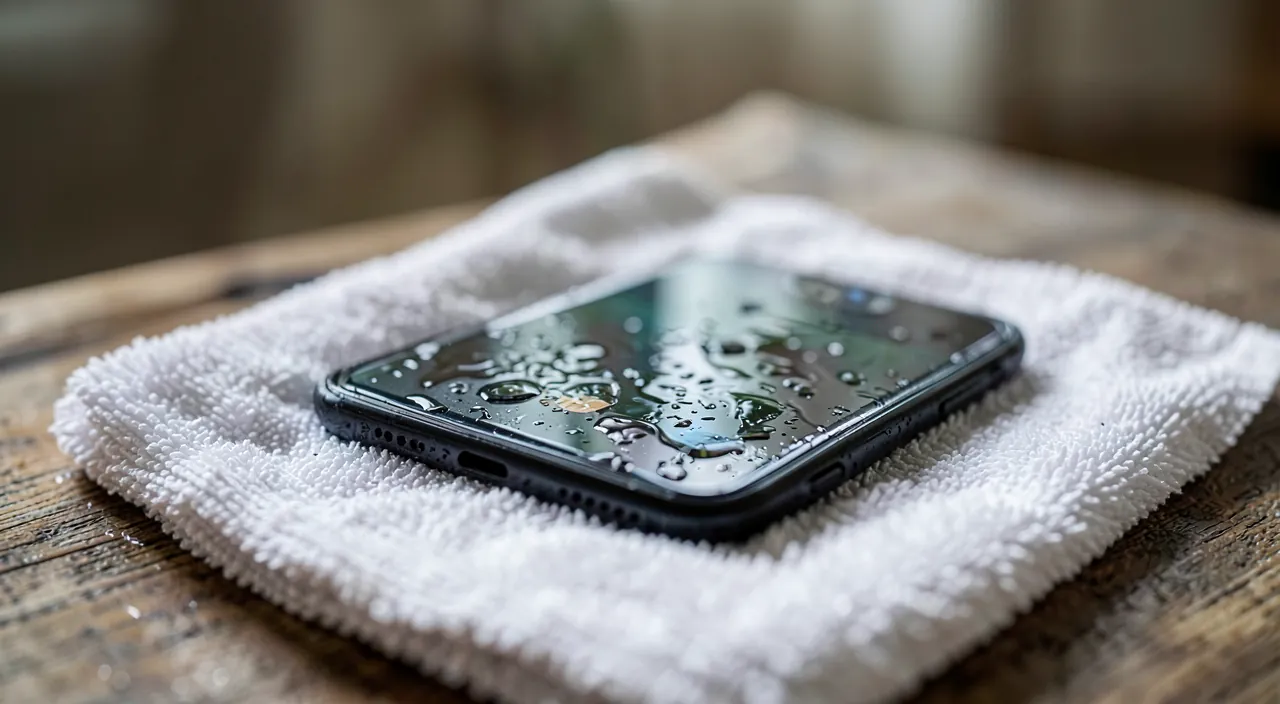
Phone fallen in water: The Right Reactions
It happens in an instant: the phone slips into the sink, falls into the toilet, gets splashed with water, or plunges into…
-
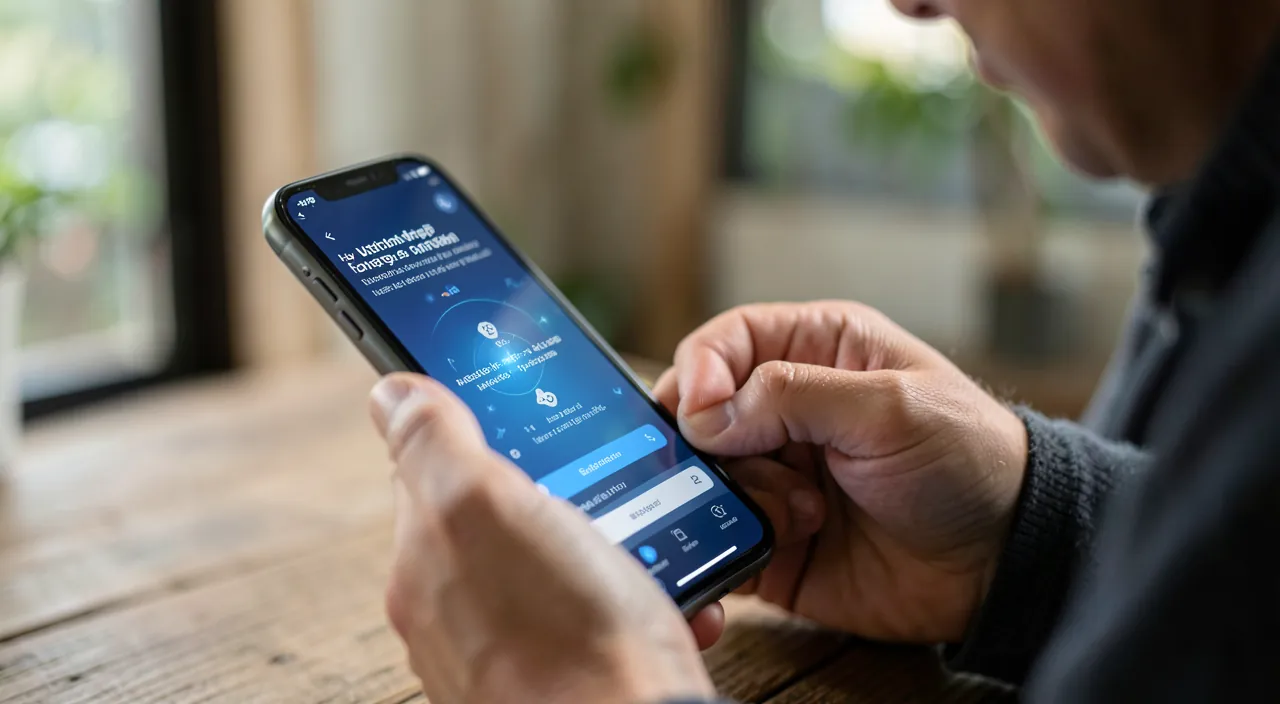
Ghost notifications and parasitic sounds
Your phone rings or vibrates: you look at it, and… nothing. No notifications, no messages. Or a small sound triggers without reason,…
-

Emails You Are No Longer Receiving
You are waiting for an important message that doesn’t arrive, a correspondent tells you “I wrote to you” when you haven’t received…
[language-switcher]
Category: IT Support
Step-by-step IT troubleshooting: black screen, unstable Wi-Fi, printer issues, slowdowns, viruses… clear fixes for PC, Mac and smartphone.
Notre Écosystème
Découvrez nos autres services
ElpisIA, c’est tout un univers — explorez nos autres services.