
Controlling the sofa lamps, viewing the gate camera on your phone, heating the bathroom before waking up, turning everything off with a « good night »: the connected home has long been an engineer’s hobby—HomeKit (Apple’s Home app) has made it mainstream: you buy compatible, scan a code, and it works—and it works for the whole family. Where to start, what to buy (and what to avoid), the automations that really work, and the security of a home that listens. The guide to a reasonable connected home.
Start small: the convincing trio
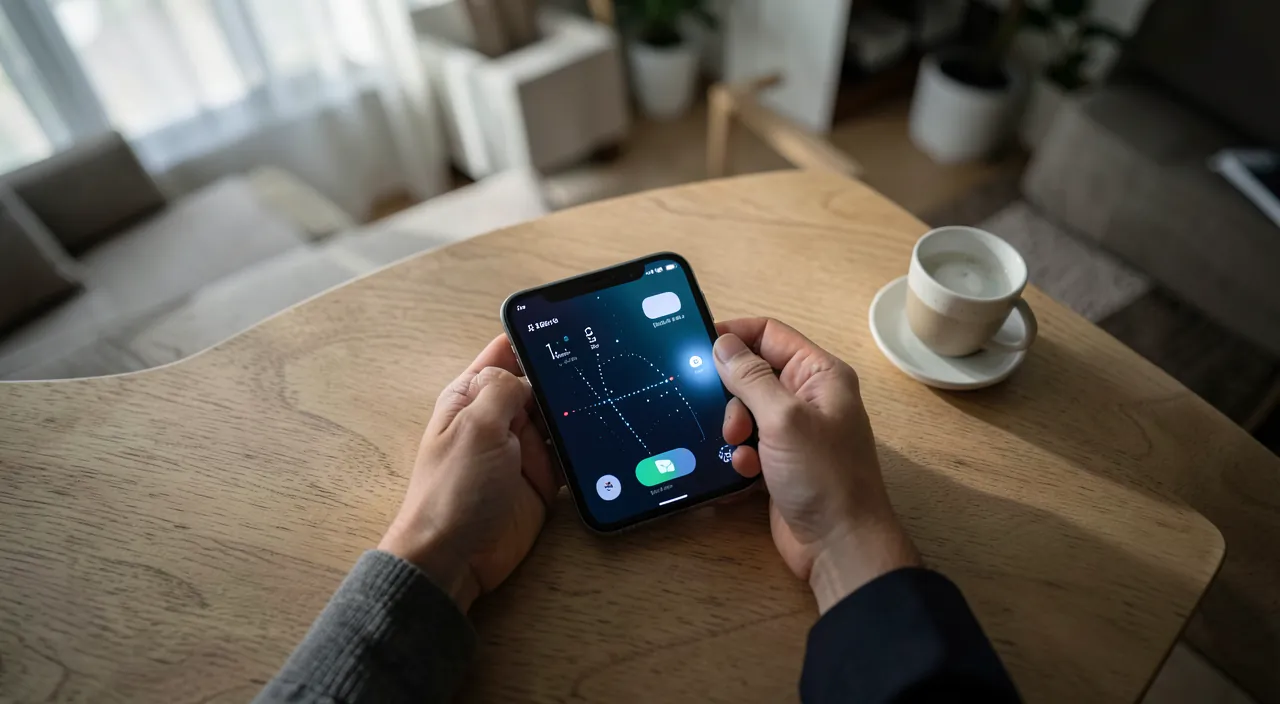
A successful connected home begins with THREE useful objects—not a box of gadgets: the connected outlet (15-25 €)—the living room lamp, the garland, the coffee maker controlled and programmed (the perfect starter object: reversible, understandable, useful from the first night); the connected bulb for points without accessible switches (the entrance lamp that turns on when you return—and the warmth/intensity variation that changes evenings: warm evening light is the 20 € luxury); and the sensor or camera depending on YOUR concern (the leak detector under the washing machine, the garage door sensor, the gate camera—the object that addresses a real concern: our home assistant guides—we equip problems, not catalogs). The setup is as promised: the Home app, the +, the code scanned on the object—named, placed in its room, and done (and the UNIQUE purchase criterion that avoids all pitfalls: the Matter logo or « Works with Apple Home »—our guides: standardized compatibility that frees you from brands and outlasts trends; the exotic object without a logo is a dead end). Three objects, one month of use—and the home KNOWS if it wants to go further: that’s the method.
The hub, the rooms, the family: the architecture that holds
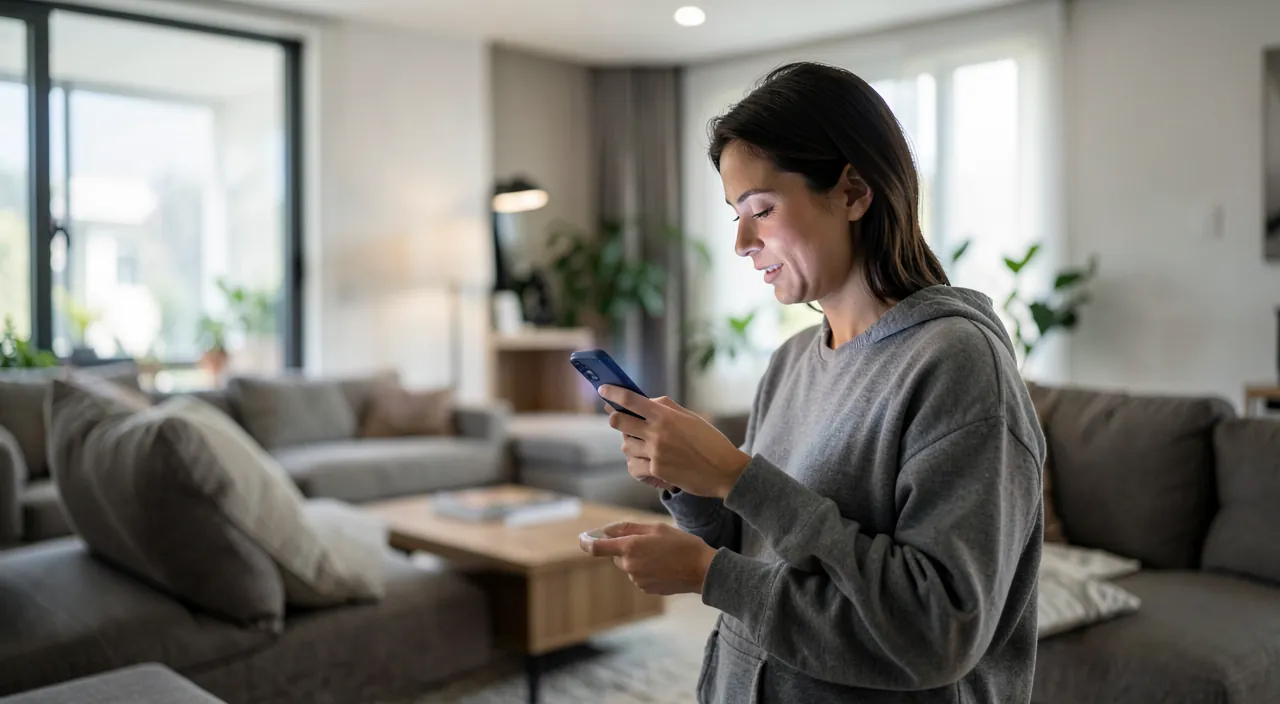
The foundations of a working home: the hub—remote access and automations require a permanent relay device (Apple TV or HomePod act as hubs WITHOUT setup: if you have one, it’s already done—the hidden feature that justifies the box alone in our guides): without a hub, the home is only controlled via local Wi-Fi—with it, it responds from anywhere; the organization by rooms and zones—each object in its room (the app asks—take care: this makes commands natural: « turn off the living room, » « turn on the upstairs »), objects NAMED for voice control (the « sofa lamp, » not « LB-Smart-03″—our Bluetooth guides already gave this advice); the family sharing—members invited in the Home app (each controls from THEIR phone—and temporary guests exist: the neighbor who waters during vacation gets access to the gate, revocable); the scenes—composed states (« Good night »: everything off, door locked, heating in eco mode; « Movie night »: lights at 20%; « Leaving »: the scene is the unit of value in a connected home—three well-made scenes are worth more than thirty objects); and the supporting network—objects on stable 2.4 GHz Wi-Fi (our Wi-Fi guides: a nearby access point stabilizes distant objects—and Thread objects, the modern mesh standard, relay among themselves via the hub: prioritize Thread at equal specs, the network self-reinforces with each object).
A smart home works best when it’s organized. You need a hub (like an Apple TV) to control things from anywhere, rooms and zones to make voice commands easy, and scenes (like “Good night”) to group actions. Also, make sure all devices are on a stable Wi-Fi network, preferably using the Thread standard for better reliability.
The right reflex. The golden rule of a family connected home: everything must keep working WITHOUT it—the physical switch keeps its function (a connected bulb on a turned-off switch is dead: the household is taught to leave the switch on, OR connected switches that keep the gesture are installed), the heating has a manual mode, the lock has a key: automation is a LAYER, never a dependency (our assistant guides: degraded mode is a design principle). The validation test: a guest who knows nothing should be able to live in the house—if they have to ask how to turn something on, it’s a failure.

Automations that work (and those that entertain)
The real power is automation—the sure bets: the daily rhythm—the exterior lights that turn on at sunset (solar time follows the seasons automatically), the entrance gate that turns off at midnight, the gentle light rise for winter wake-ups; the arrival and departure—home geolocation: « when the LAST one leaves » (everything turns off, heating lowers—the most profitable automation: it works every day without thinking) and « when the first one arrives » (the entrance lit, heating restarted); the sensors that trigger—the hallway light on a night sensor (at 20%—the toilet trip without full wake-up: the best automation of all according to its fans), the leak alert that cuts the water heater’s power, the VMC on bathroom humidity; the controlled heating—THE documented return on investment (our guides: connected valves and thermostats per room, real programming—measurable savings every winter); and the assumed pleasures (the movie scene, the Christmas garland programmed, the HomePod weather at wake-up): legitimate—knowing how to name them for what they are. The writing discipline: each automation answers « what annoyance am I eliminating? »—the one without an answer will end up deactivated (and that’s the criterion that separates the smart home from the complicated one).
Imagine you have a smart thermostat set to lower the temperature when the last person leaves the house. If everyone leaves at 8 AM, the thermostat turns down the heat to save energy. When the first person returns at 5 PM, it automatically raises the temperature to a comfortable level. This simple automation can save you up to 15% on your heating bill over a year, depending on your habits and climate.
Security and privacy: the home that listens protects itself
A connected home is an attack surface and a data source—HomeKit is structurally well-behaved, provided you do your part: the native strengths—end-to-end encryption of Home data (compatible « Secure Video » cameras store encrypted in iCloud: Apple can’t see your living room—the differentiating argument in the category, where so many cheap cameras stream to opaque servers: our camera guides), certified objects that only talk to the hub, a separate guest network for non-HomeKit questionable objects (our guest Wi-Fi guides); your part—the router and box kept up (strong password, updates—our guides), the bulletproof Apple ID (the entire home depends on this account: two-factor authentication, up-to-date recovery—our account guides: the account hacker would be the gate hacker), the accesses reviewed (temporary guests revoked, the annual member check), and the ethically placed cameras (common and outdoor areas—never bedrooms, and the law frames the field of outdoor cameras: at your place, not at the neighbor’s or the street—our guides); finally the connected lock, the controversial subject: technically mature (guest codes, history, locking on departure), to be chosen certified and ALWAYS doubled with an accessible physical key—the front door deserves double insurance, digital AND mechanical.

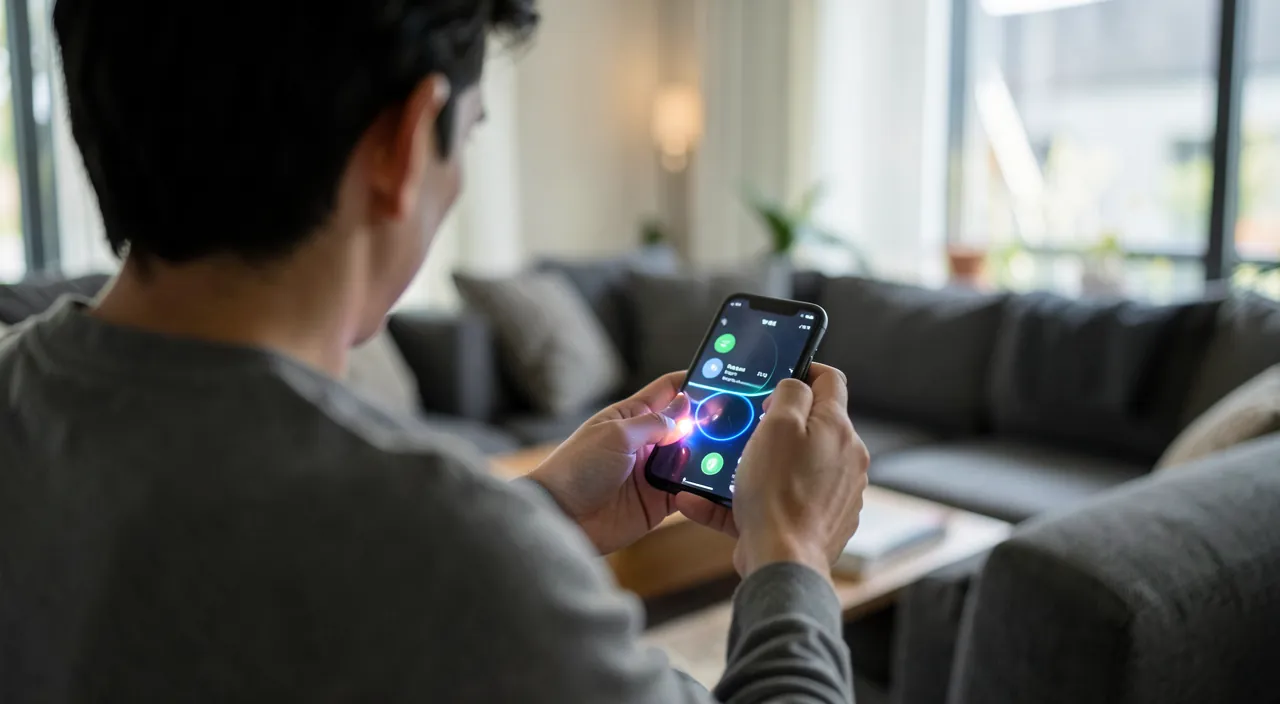
Beware of subscription-based homes and orphaned objects. Two economic pitfalls in the category: the features that switch to subscription (the camera whose video history becomes paid, the premium app—read the FULL cost before buying: HomeKit Secure Video relies on the iCloud storage you may already have—our guides—when proprietary clouds charge per camera), and the abandoned objects—the disappeared brand whose servers close turns the bulb into waste (our obsolescence guides): the Matter/Thread standard and established brands are the longevity insurance, and the object that works LOCALLY without the manufacturer’s cloud survives everything. The final purchase grid: Matter logo, local operation, no hidden subscription, established brand—four boxes, zero regrets.
Frequently asked questions
I’m a tenant: is the connected home off-limits to me?
On the contrary—the rental market is its playground: outlets, bulbs, sensors, cameras placed, thermostatic valves (replaceable upon departure)—everything is installed without a hole and moves with you. Only wired switches and locks require agreement—and work-free alternatives exist for both.
My family is half-Apple, half-Android: is HomeKit a trap?
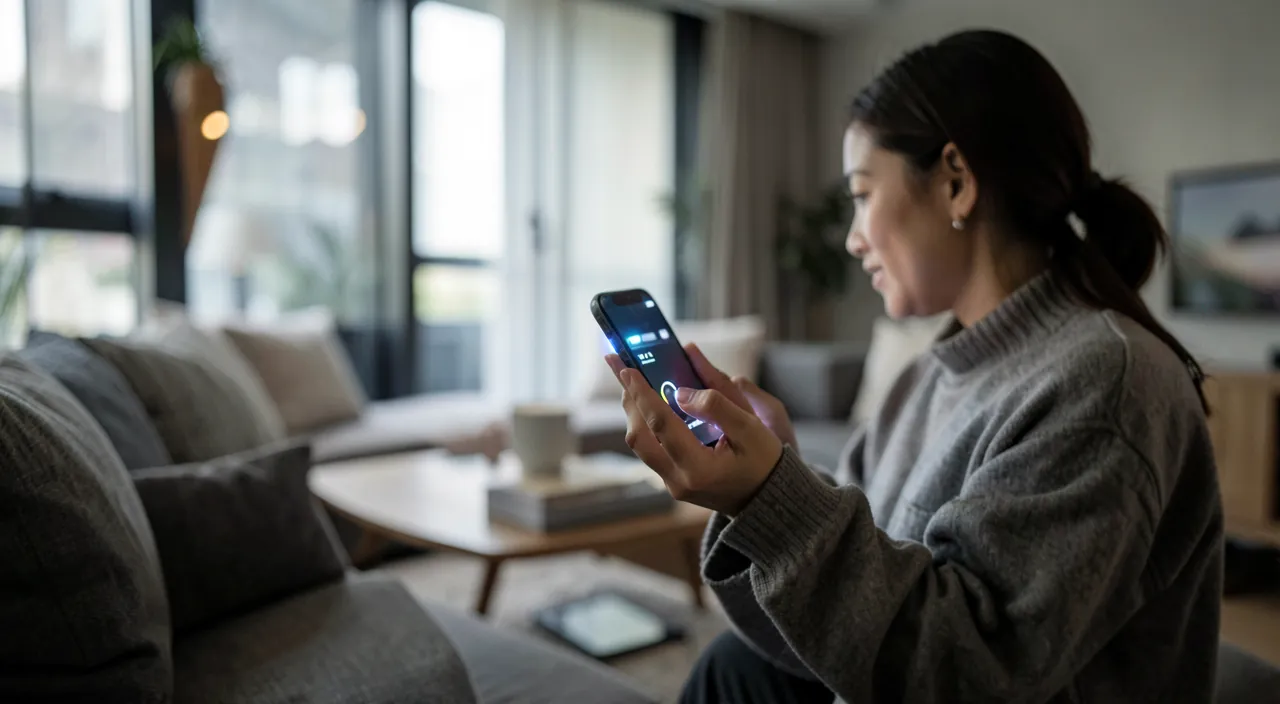
No longer—Matter changes the game: certified objects speak to ALL ecosystems (the same sensor controlled by the Home app AND the spouse’s Google Assistant): buy Matter, each their app, the home obeys both. Scenes and automations are built per ecosystem—the household chooses its « main brain, » without excluding the other.
If I could only buy ONE object, where should I start?
The thermostat or connected valves if you heat individually (the only object that PAYS FOR ITSELF—our guides); otherwise the 20 € connected outlet on the main living room lamp: the perfect initiation. And if a HomePod or Apple TV already lives at your place, the hub is already there—the home just needs a first object.
What to remember
A reasonable connected home is built around problems: the useful starter trio (outlet, bulb, THE sensor for your concern), the unique purchase criterion (Matter/Thread, local, no hidden subscription, established brand), the already present hub (Apple TV/HomePod), the lasting architecture (named rooms, shared family, three scenes worth thirty objects) and automations that eliminate real annoyances—departure that turns everything off, night hallway, controlled heating that pays for itself. All under two non-negotiable principles: the home works WITHOUT its connected layer (the switch, the key, the manual mode—the guest must be able to live), and the account that carries it is bulletproof (the entire household’s two-factor authentication). Start at 20 €, judge after a month, expand with proof—the smart home isn’t the one that does the most things: it’s the one you’ve stopped noticing.
Want to unlock the full potential of your iPhone, iPad, or Mac? Our Apple training takes you to the next level.
Leave a Reply
You must be logged in to post a comment.