
The racing heart, the pockets frantically patted, the bag turned upside down: losing your iPhone, iPad, or Mac is a universal little panic. Yet, Apple has built one of the most effective location systems out there — capable of finding a lost device, even when it’s turned off, and even protecting it against theft. You just have to have activated it before and know the right moves during. This complete guide prepares you for the worst, so it’s just a bad quarter of an hour.
How location tracking works
The Find My service relies on a remarkable idea: each Apple device can report its location, and when it has no connection — or even when it’s turned off — it can be detected by the Find My network: the hundreds of millions of Apple devices worldwide anonymously detect, via Bluetooth, lost devices nearby and relay their position in an encrypted way. In concrete terms: your iPhone dropped in a ditch without a network can be located thanks to a passerby’s phone, without anyone knowing. It’s this mesh that makes the system so effective.
Apple devices can find each other even when offline. Your lost iPhone can be spotted by nearby Apple devices, which share its location without revealing your data.
Your iPhone 14 is stolen in a café. Even if the thief turns it off, a nearby iPad in the same café can detect it via Bluetooth and relay its last position to Apple’s servers, helping you track it.
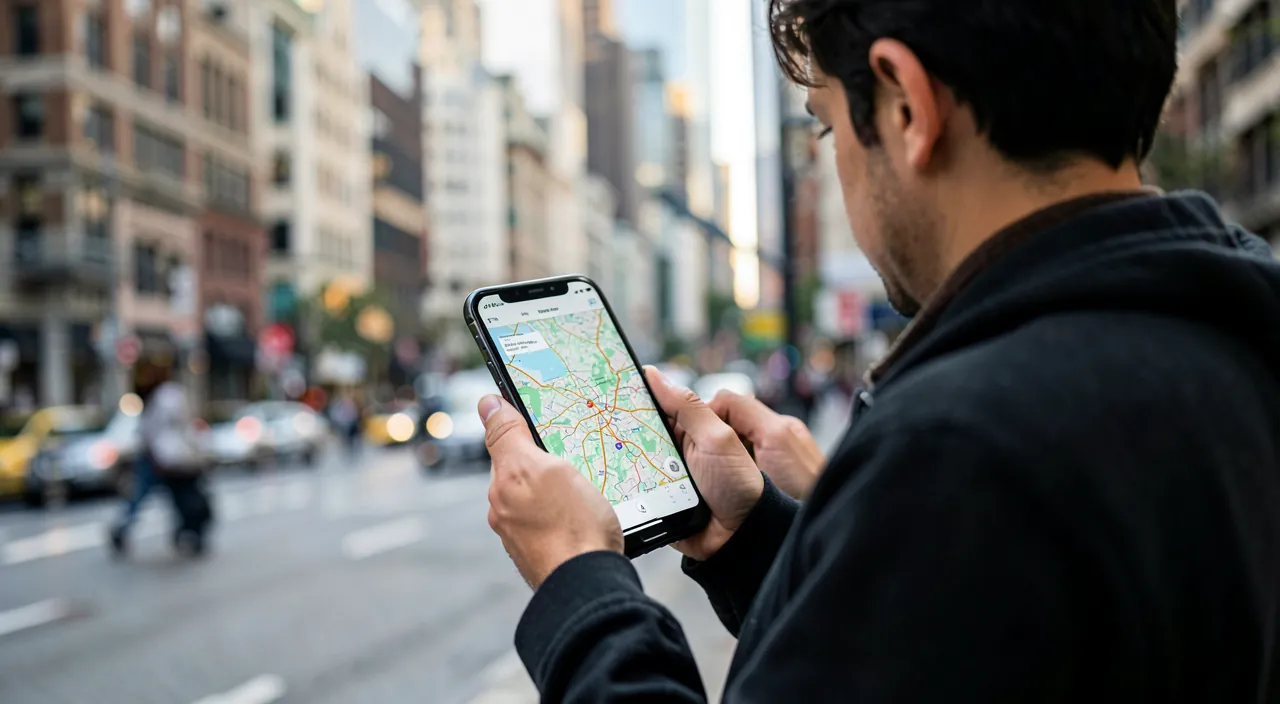
The vital setting to check today
Everything depends on one condition: location must be activated before the loss. Take two minutes now to check on each device that Find My is active, with the Find My network (for offline detection) and the option to locate the device even when it’s turned off when it’s offered. Also check that Family Sharing allows you to locate your children’s devices. Once these settings are done, you’re covered; without them, a lost device is almost impossible to find.
The right reflex. Do the rounds right now: Find My activated on each family device, including the Find My network. This two-minute preventive setting is the difference between “I see it on the map” and “it’s lost forever.” It’s THE move not to put off until tomorrow — a device already lost can no longer be configured.
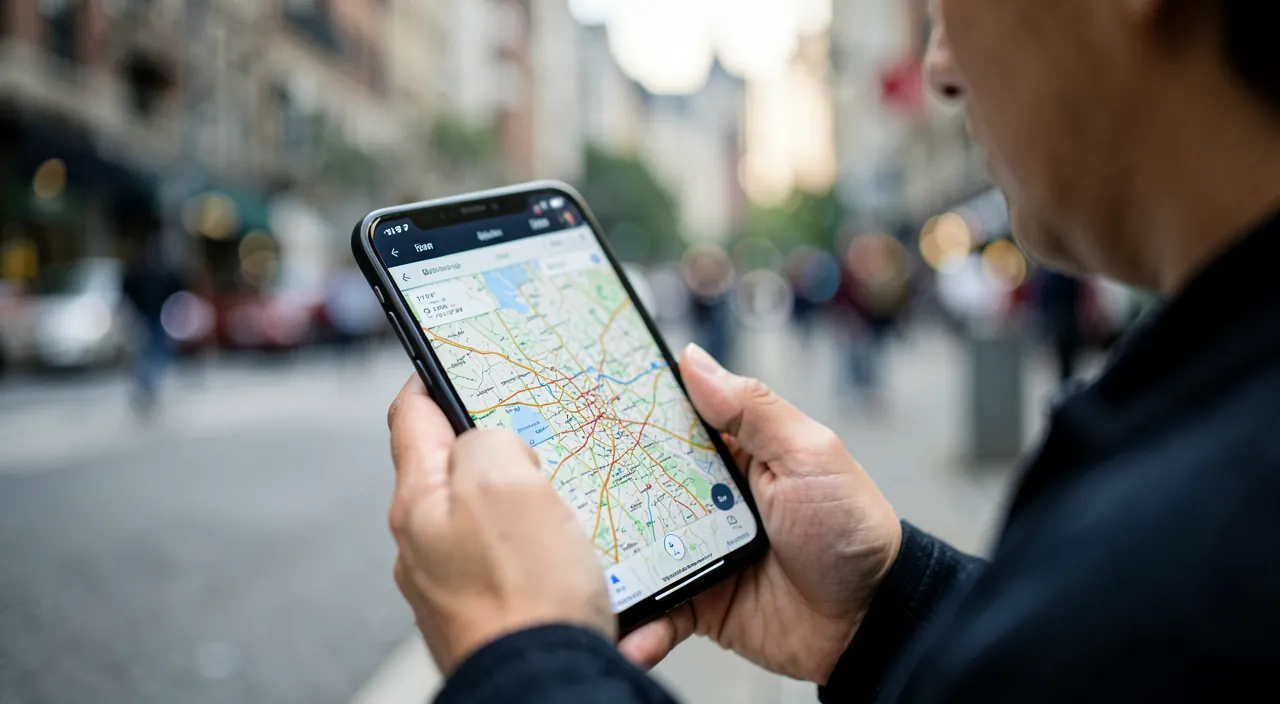
Device lost at home: the easy case
The most common scenario: the iPhone is “somewhere here.” Three quick solutions: ask your watch or speaker “where is my iPhone?” to make it ring; open the Find My app on another device and tap “Play Sound” — the sound plays even in silent mode; or use precise location at short range when available, which literally guides you to the cushion it’s hiding under. The couch won’t win again.
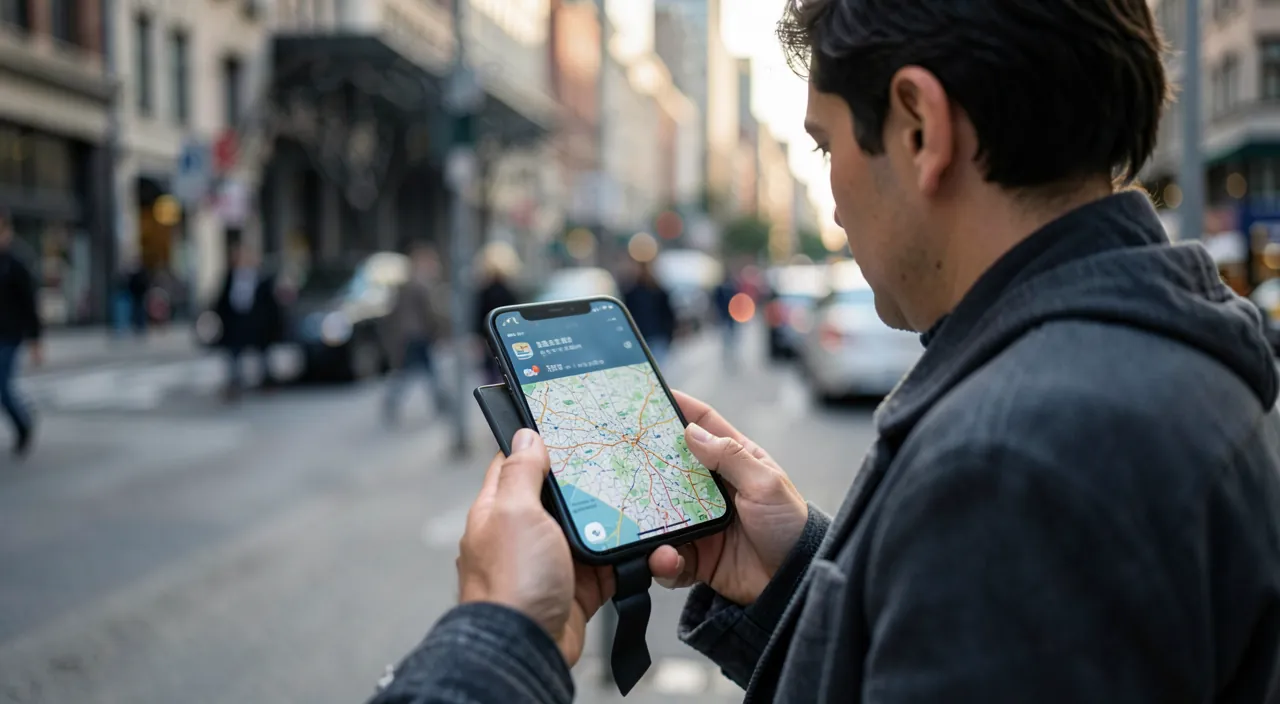
Device lost outside: the steps to follow
If the device is lost in the city, keep a cool head and proceed in order:
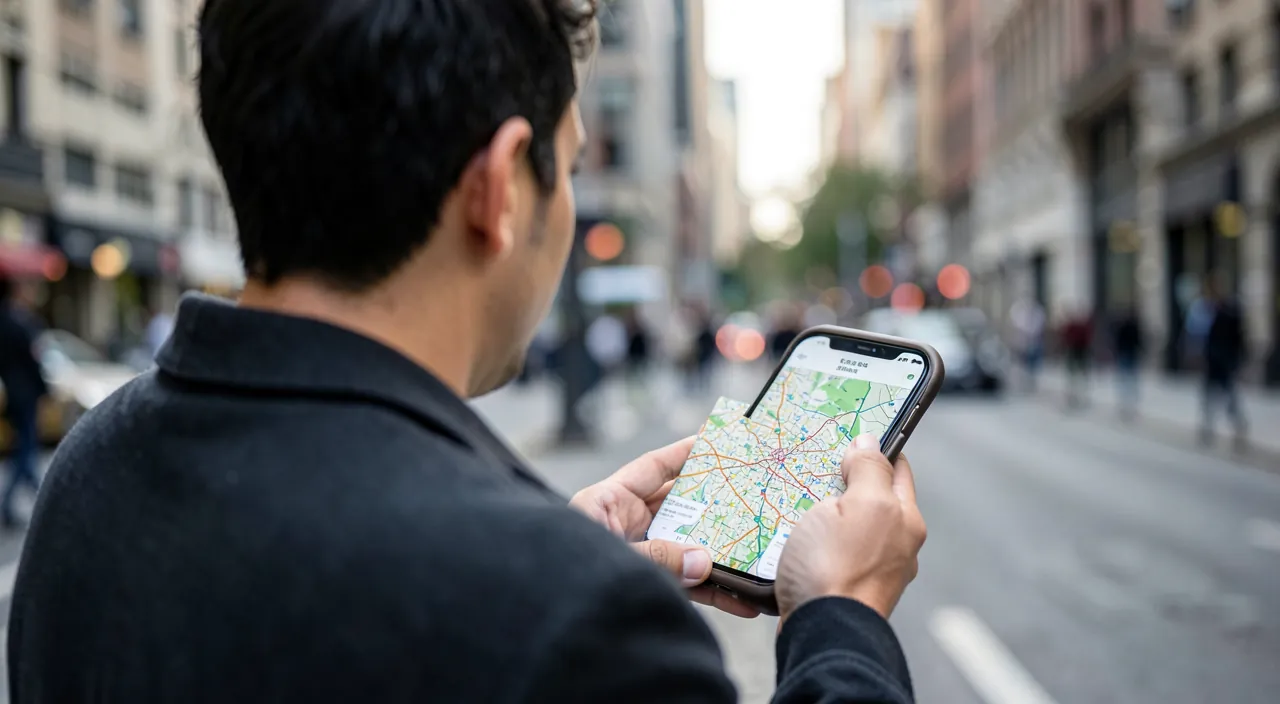
- Open Find My on another device, yours or a friend’s (via their browser if needed). Locate the position on the map.
- Make it ring if the position seems close — it may have fallen in the car or at a store.
- Activate Lost Mode: the device locks, displays a message with a number to reach you, and stops showing your notifications. Your data is protected, and an honest person can contact you.
- Follow the movements: the position updates. If the device moves suspiciously, don’t go retrieve it yourself — go through the authorities with the position as evidence.
- As a last resort, erase remotely: if all hope is lost and your data is the priority, remote erasure makes the device blank. Thanks to activation lock, it remains unusable by a third party, erased or not.
Activation lock, the anti-theft weapon
This is the most deterrent protection, and it’s automatic as soon as Find My is active: a device linked to your account cannot be reactivated without your password, even if erased, even if reset. A stolen iPhone becomes a paperweight: unsellable, unusable. That’s why the theft “for resale” of protected Apple devices has lost much of its appeal. Important corollary when buying second-hand: always ask the seller to remove the device from their account in front of you, otherwise you’re buying a device locked forever.
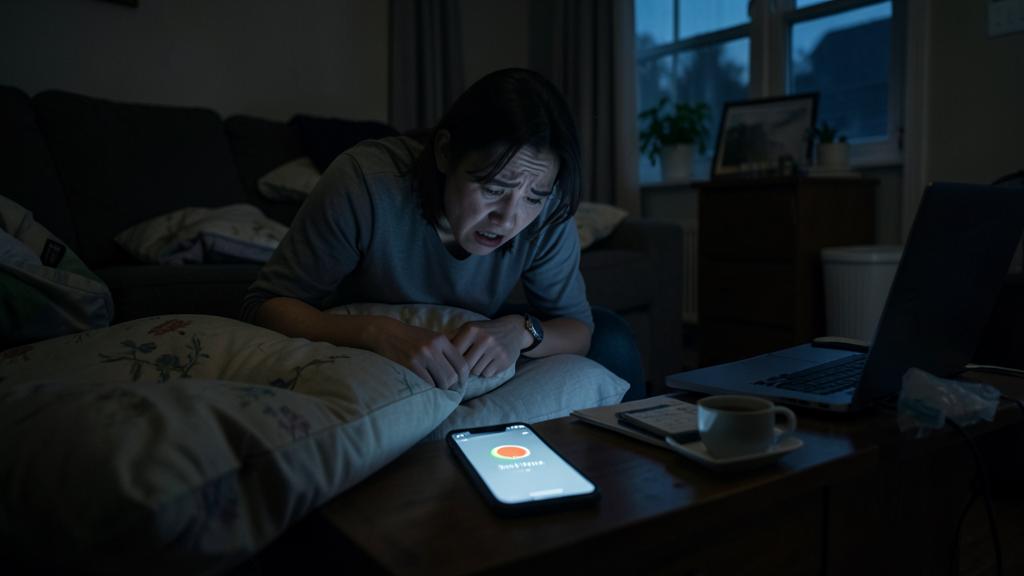
What never to do. If your stolen device is located at a stranger’s place, never go retrieve it yourself: the situation can become dangerous. Pass the position to the authorities, who know how to handle it. And beware of phishing SMS that sometimes follow a theft (“your iPhone has been found, click here”): they aim to steal your Apple password to unlock the device. Never enter your credentials via a received link.
Frequently asked questions
Can you locate a device that’s turned off or out of battery?
Often yes, on recent models: the device remains detectable for a while even when turned off, and the last known position is in any case recorded. This is precious for finding a phone with a dead battery in a taxi.
Can the thief use my stolen iPhone?
No, without your password: activation lock makes it unusable, even after erasure. Your data remains protected by your code, and Lost Mode locks everything.
How to locate my children’s devices?
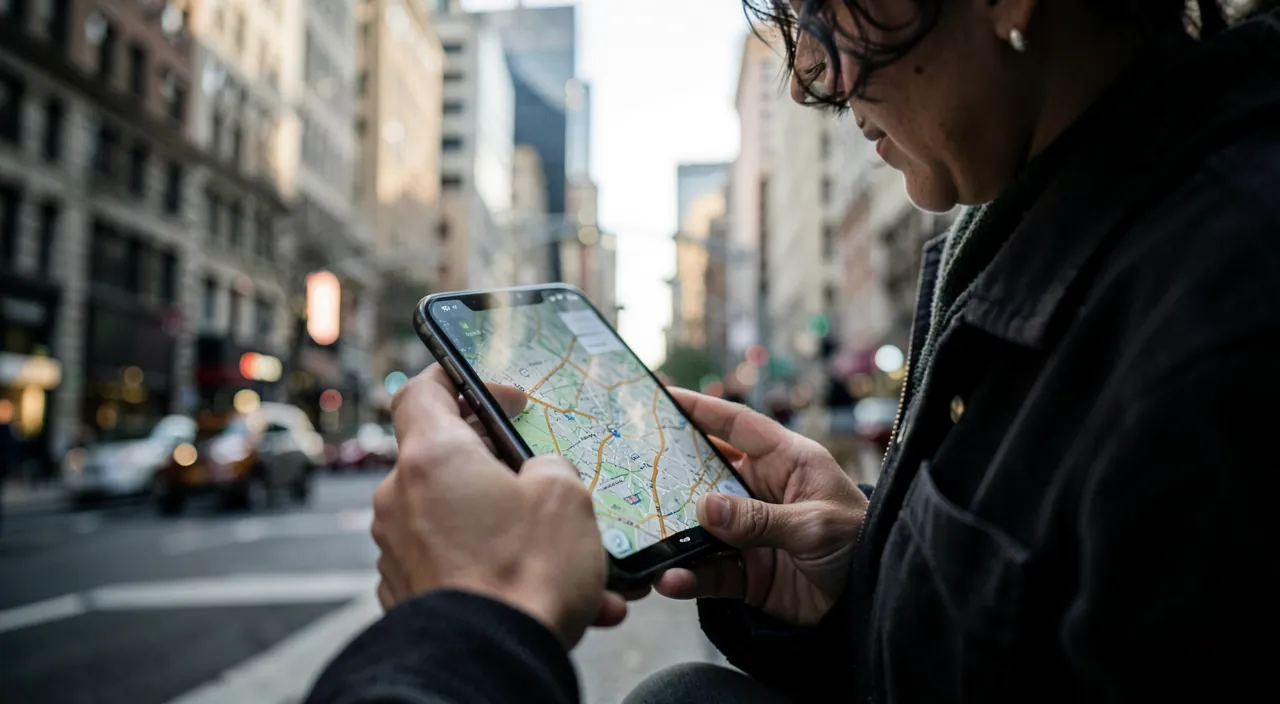
Via Family Sharing: the group’s devices appear in Find My. A child’s lost iPhone can be found from a parent’s phone in a few seconds.
What to remember
Apple’s Find My system is remarkably effective — provided it’s activated before the loss: check today that Find My and its network are active on all your devices, it’s the essential preventive move. On the day: make it ring for a nearby lost device, activate Lost Mode for a device out in the wild (lock + contact message), follow the position, and let the authorities handle a potential thief. Activation lock makes the device unusable by a third party in any case. Two minutes of setup today turn tomorrow’s panic into a simple inconvenience — don’t put it off.
Need help securing your devices?
Leave a Reply
You must be logged in to post a comment.