
« Hey Siri, set a 10-minute timer. » For many, using Apple’s voice assistant stops there — and that’s a shame. When used well, Siri acts as a pocket secretary: it takes notes, reminds, converts, sends, translates, controls the home, finds your belongings, all by voice, while your hands do something else. This guide gathers the most useful everyday uses, with concrete examples to try today — even for those who never got the hang of it.
Why (re)give voice a chance
The voice assistant suffers from a misunderstanding: you try it once, you’re disappointed by an off-response, you give up. But its real strength isn’t conversation, but micro-tasks: all those 10-second actions that interrupt what you’re doing — set a reminder, start a timer, send a short message. By voice, they’re done without stopping: while cooking, driving, carrying groceries. That’s where Siri excels and actually saves time. The secret is to use it for what it does well, and to speak simply and directly.
Siri isn’t for long chats—it’s for quick tasks. If you’re cooking and need a timer, just ask. No need to stop what you’re doing.
You’re cooking pasta and need to set a timer. Instead of stopping to tap your phone, just say, «8-minute timer.» Siri handles it while you stir the sauce.

The golden everyday uses
Here are the most helpful commands to try as-is:
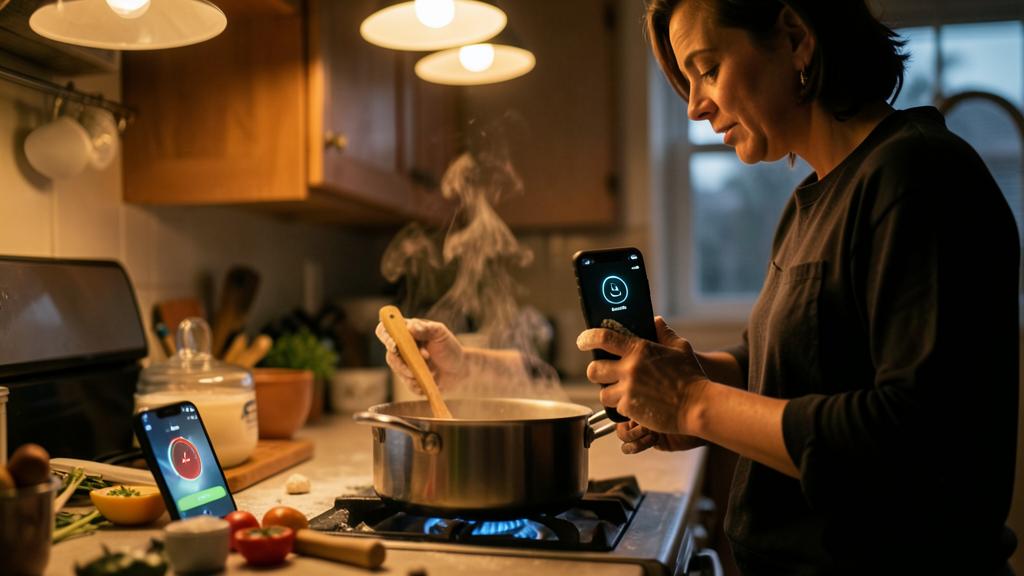
- Timers and alarms: « 8-minute timer » (the pasta), « Wake me up at 6:45 ». The king of kitchen uses.
- Contextual reminders: « Remind me to call the mechanic tomorrow at 9am », or better: « Remind me to take out the trash when I get home » — the reminder triggers at the location, not the time.
- Hands-free messages and calls: « Send a message to Marie: I’ll be there in 10 minutes », « Call dad ». Precious in the car, where the screen is forbidden.
- Quick notes: « Note: gift idea for Léa, a ceramic set ». The idea is captured before it disappears.
- Conversions and calculations: « How much is 180 dollars in euros? », « 250 grams in ounces? »
- Music and ambiance: « Play my evening playlist », « Turn up the volume ».
The right reflex. Adopt location-based reminders: « Remind me to [task] when I arrive at [location] » or « when I leave here ». This is the most underrated use of Siri: the reminder pops up exactly when useful — in front of the house for the trash, leaving the office for the bread. Once tried, you won’t do without it.
Find and control
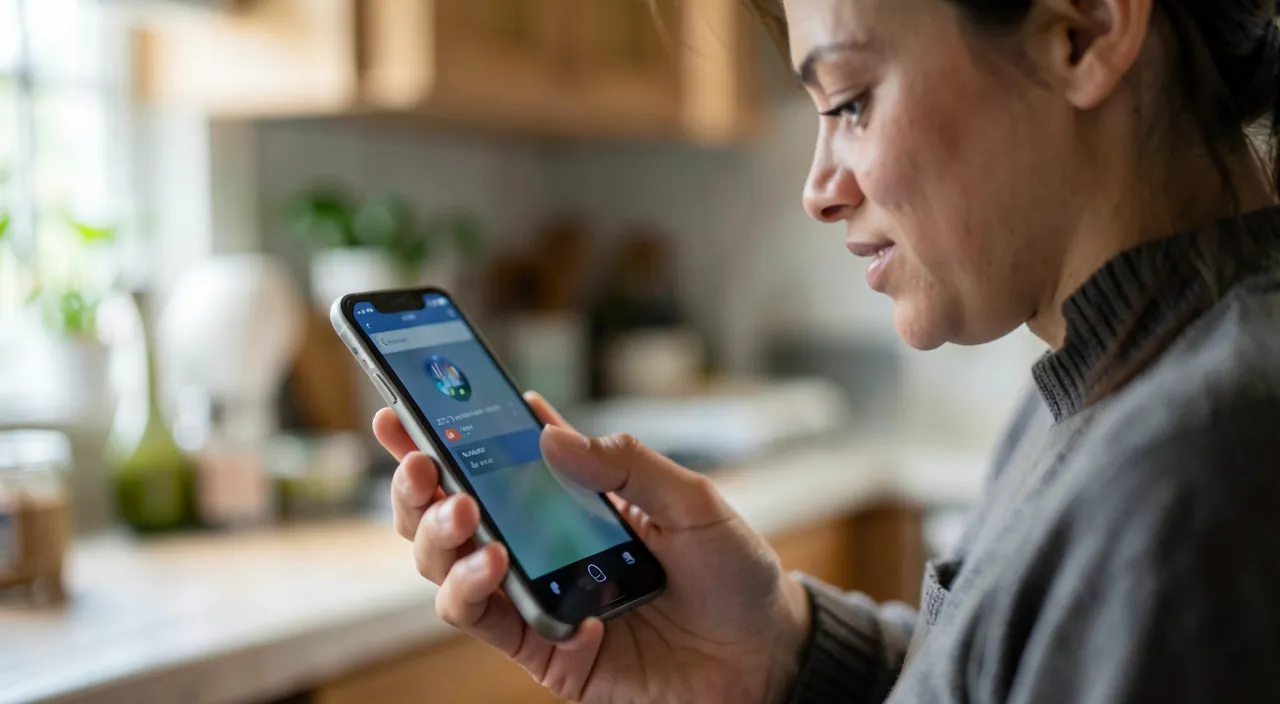
Siri also knows how to find: « Where is my iPhone? » from a watch or speaker makes the lost phone ring in the couch. « Show my photos from Lisbon » directly opens photo search. And if your home is equipped, voice-controlled home automation becomes a real comfort: « Turn off the living room lights », « Set the heating to 19 », « Is the door locked? ». Hands full or from bed, voice is simply the best switch.
Dictate instead of typing
Beyond commands, dictation deserves a place in your habits: for a long message, dictating is often two to three times faster than typing — and voice recognition has become surprisingly reliable, including punctuation (« comma », « period », « new line »). While walking, in the car (when stopped!), or simply to spare your thumbs, dictation turns long messages into a chore. Proofread before sending: the tool is good, not infallible.
Make Siri the trigger for your automations
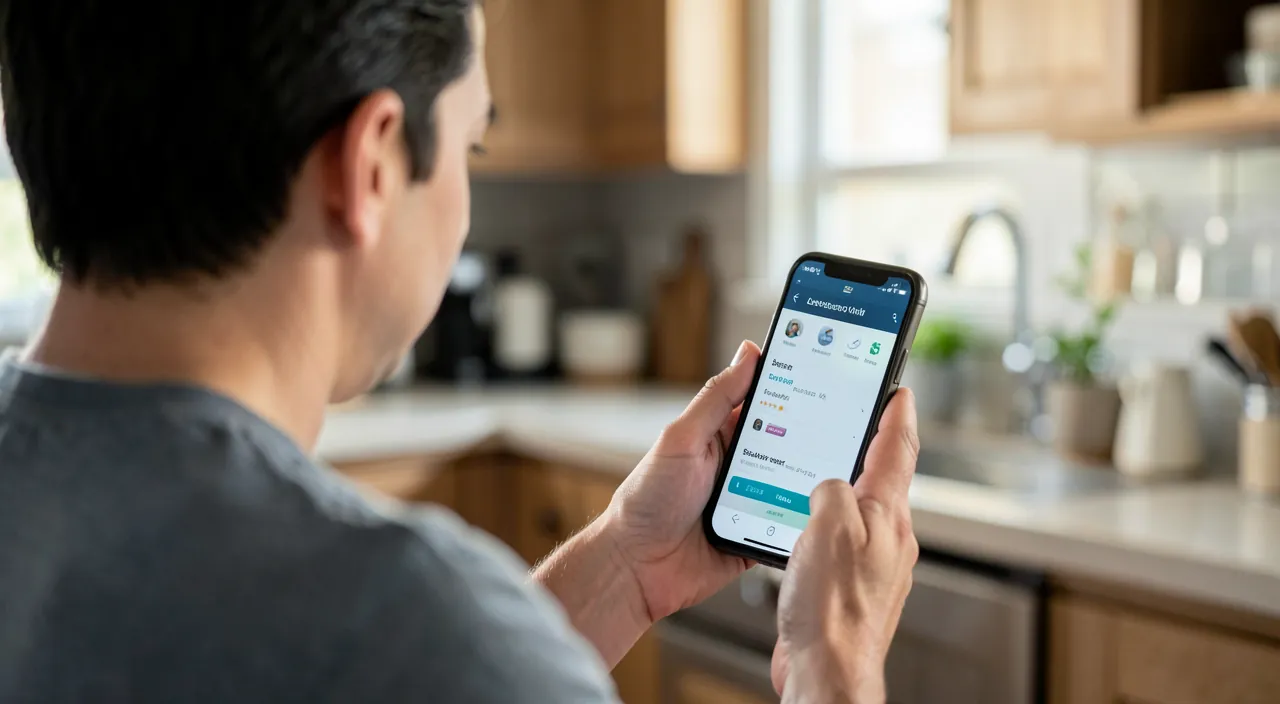
The next level: associating Siri with the Shortcuts app. Any created automation can be triggered by a custom phrase. Speaking examples: « Hey Siri, I’m leaving for work » can start your playlist, display traffic, and notify your partner; « Goodnight » can activate sleep mode, turn off the lights, and set the alarm. One phrase, multiple actions: that’s where the assistant becomes truly personal, tailored to your routines.
To keep in mind. Siri constantly listens for its activation word, which raises legitimate privacy concerns. In settings, you can view and delete your request history, disable « Hey Siri » listening (the assistant remains accessible via button), and limit its use on the lock screen. Use voice for what’s practical, and adjust privacy to your comfort level — the two aren’t incompatible.
Frequently asked questions
Does Siri understand French well?
Yes, very well for common commands — especially if you speak naturally and simply. Failures often come from overly complex formulations: a direct request (« 5-minute timer ») almost always works.
Can you use it without the voice activation word?
Yes: a long press on the iPhone’s side button summons Siri without a word. Ideal if constant listening bothers you, or in public.
Does Siri work without internet?
Basic commands (timers, settings) work locally, but most requests require a connection. In dead zones, the assistant is therefore limited.
What to remember
Siri isn’t a conversational gadget, it’s a micro-task assistant: timers, reminders (especially location-based — the golden tip), hands-free messages, quick notes, conversions, music, home automation. Its value is revealed when your hands are busy: cooking, driving, shopping. Add dictation for long messages, and Shortcuts to trigger entire routines with a custom phrase. Finally, adjust privacy according to your comfort — history, listening, lock screen. Give yourself a week trying three commands from this guide: there’s a good chance voice will become a lasting habit.
Want to save time with your Apple devices?
Leave a Reply
You must be logged in to post a comment.