
Video conferences are now part of the professional daily routine — and yet, many remain frustrating: poor sound, dark image, participants talking over each other, wasted time. A successful video call doesn’t require expensive equipment, but a few simple best practices. This guide gives you the keys to effective, professional, and enjoyable remote meetings, for both you and your interlocutors.
Prioritize sound above all
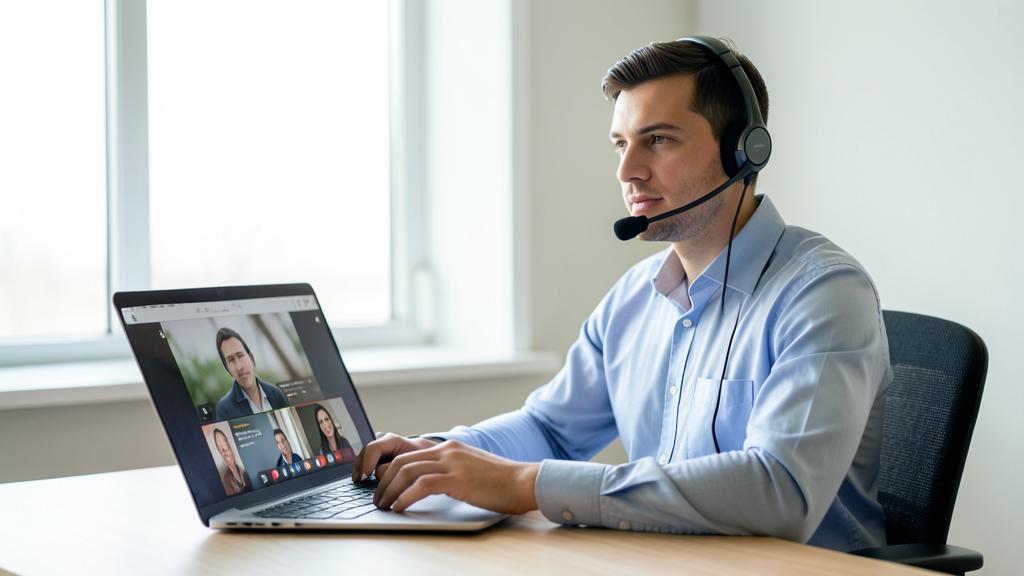
Sound is the most important aspect of a video call — far more than the image. A participant you can’t hear well ruins the entire meeting. Set up in a quiet place, preferably using a headset or earphones with a microphone (far better than built-in mics), and mute your microphone when you’re not speaking to avoid background noise. Good sound is already half a successful meeting.
If people can’t hear you clearly, the meeting fails. A quiet spot and a good mic make all the difference.
During a 30-minute team meeting, a participant’s laptop mic picked up their dog barking and a coffee machine. The whole call was disrupted. A simple headset would have solved this.

Optimize your image
A well-groomed image enhances professionalism. Position yourself facing a light source (a window in front of you, not behind) to avoid appearing as a silhouette. Place the camera at eye level and ensure a neutral, tidy background. These simple adjustments, done once, radically transform your on-screen presence and the impression you give.
The right reflex. Test your sound and image a few minutes before an important meeting: nothing worse than starting with “Can you hear me?” for five minutes. Most tools allow you to check your mic and camera in advance. This small test avoids awkward beginnings.

The rules for a smooth meeting
- Mute your microphone when you’re not speaking: the golden rule against background noise.
- Raise your hand (physically or via the tool) to avoid interrupting others.
- A clear agenda: a video call without direction drags on.
- Appoint a facilitator to manage speaking turns and timekeeping.
Video call etiquette
A few basic rules of etiquette make remote meetings much more pleasant. Arrive on time, introduce yourself if needed, look at the camera rather than your own image, and avoid multitasking — it shows and is noticeable. These simple gestures show respect for your interlocutors and make the exchange more engaging and effective for everyone.
To anticipate. Check your connection before an important meeting: a video call relies on a stable internet speed. If your connection is weak, turn off your camera to prioritize sound, close bandwidth-heavy applications, and move closer to your router. Nothing ruins a meeting more than a connection that drops.
The two-minute pre-meeting checklist
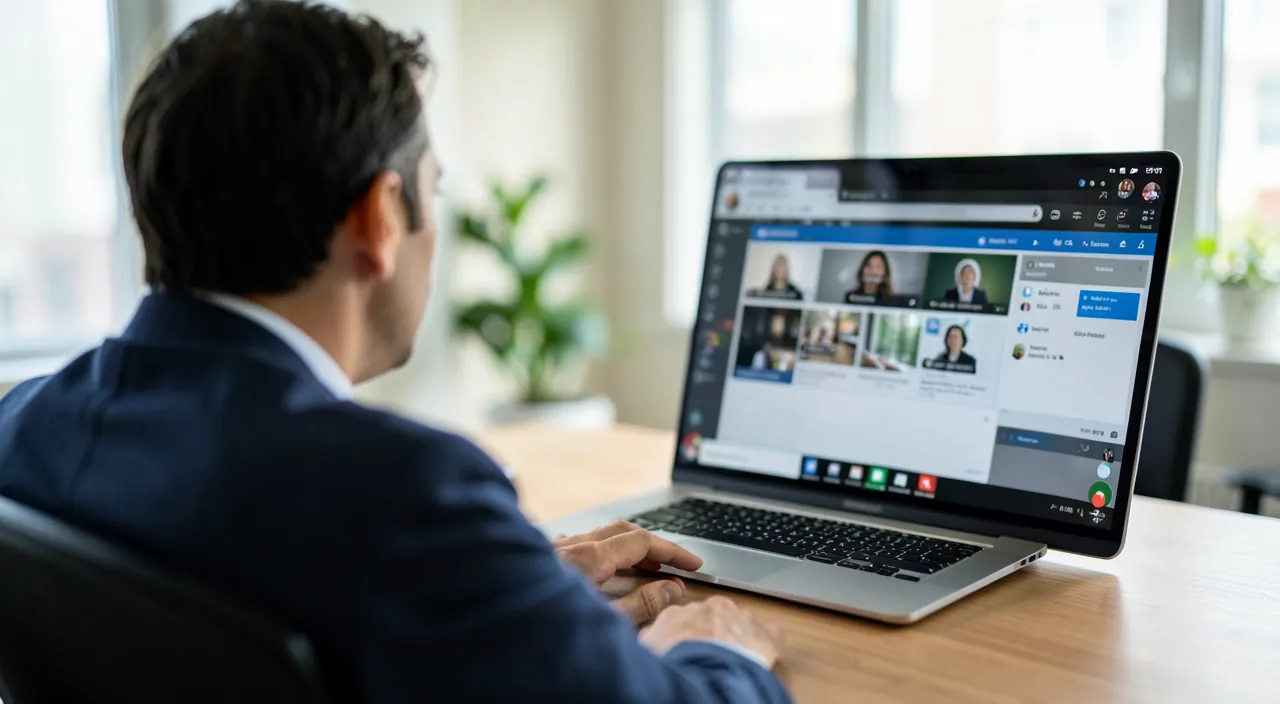
A simple routine eliminates 90% of awkward starts: 1. Test mic and camera in the tool (this feature exists everywhere). 2. Frame and lighting — face lit from the front, camera at eye level, tidy or blurred background. 3. Close unnecessary applications — for bandwidth, and to avoid embarrassing screen sharing. 4. Documents to share already open. 5. Notifications turned off (focus mode) — the chime of messages interrupting your sentences, no one escapes without this setting. 6. Headset plugged in and phone on silent. Two minutes max: that’s the difference between a stumbling improvisation and a confident presence.
Frequently asked questions
Should you always turn on your camera?
It’s often preferable for interaction, but not mandatory. In case of a weak connection, turning off the camera to maintain good sound is a good compromise.

What equipment to start well?
A simple headset with a microphone is enough to significantly improve sound. Lighting and framing can be adjusted without buying anything. No need to invest heavily to get started.
How to manage unexpected background noise (children, construction)?
Keep your microphone muted by default when you’re not speaking, and enable the noise reduction offered by most tools — it remarkably filters out keyboard sounds, street noise, and barking. In case of a major unexpected noise, a humorous remark is better than confused apologies.

Key takeaways
Succeeding in video conferences comes down to a few simple best practices: prioritize sound (headset, quiet place, microphone muted when not speaking), optimize your image (front lighting, camera at eye level), and follow the rules for a smooth meeting (agenda, facilitator, etiquette). Always test your equipment before an important meeting and check your connection. These cost-free actions transform frustrating meetings into effective and professional exchanges. A successful video call is a matter of method, not equipment.

Want to master remote work?
Leave a Reply
You must be logged in to post a comment.