
-

Health App: Tracking Activity and Well-being
Without even thinking about it, your iPhone already counts your steps, tracks your movements, and discreetly gathers information on your activity. The…
-
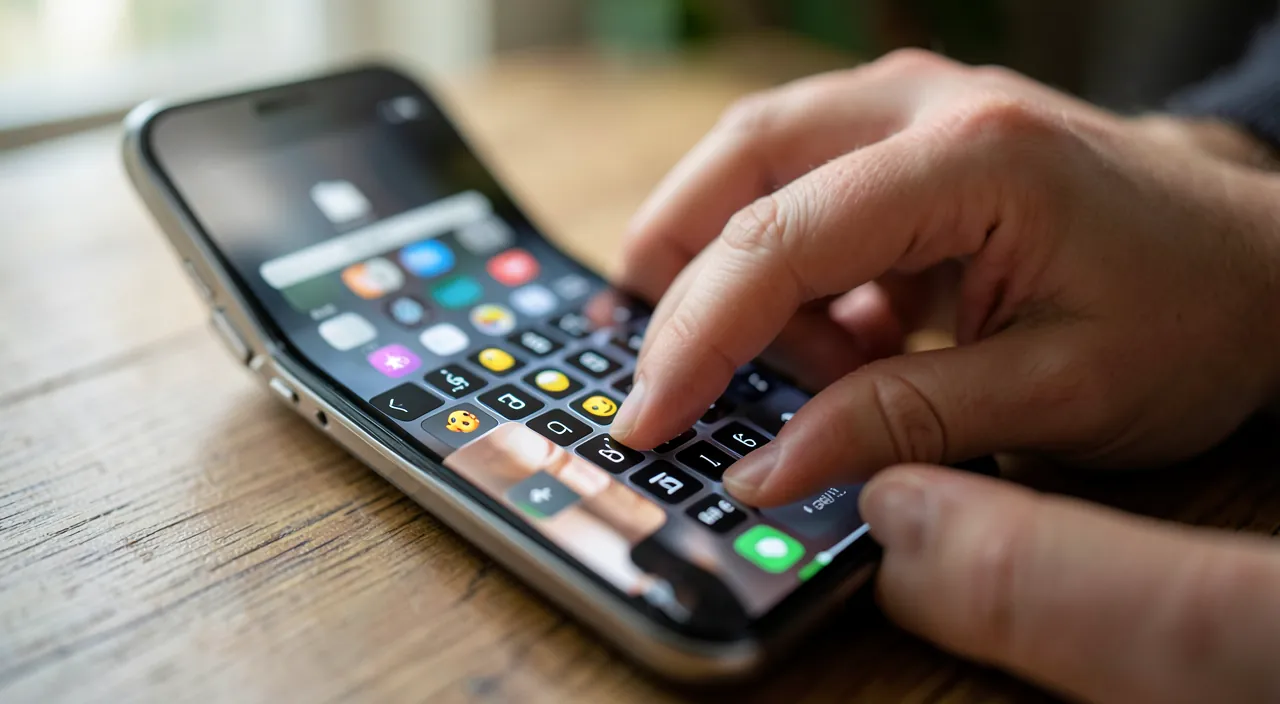
iPhone Keyboard: Emojis, Accents, and Typing Tips
Typing on a small screen can be frustrating: you search for accents, you don’t know how to make a “ç” uppercase, you…
-

Accessibility settings that help everyone
The word “accessibility” evokes settings reserved for people with disabilities. In reality, these options — originally designed to help those who see…
-

Clean and Speed Up Your Mac
Your Mac, once swift, is taking longer to start up, applications are sluggish, the multicolored wheel spins, and the disk shows “almost…
-

iMessage: The Hidden Functions to Know
You use Messages every day to send texts: that’s already good, but the iMessage app (Apple’s messaging service, those blue bubbles between…
-
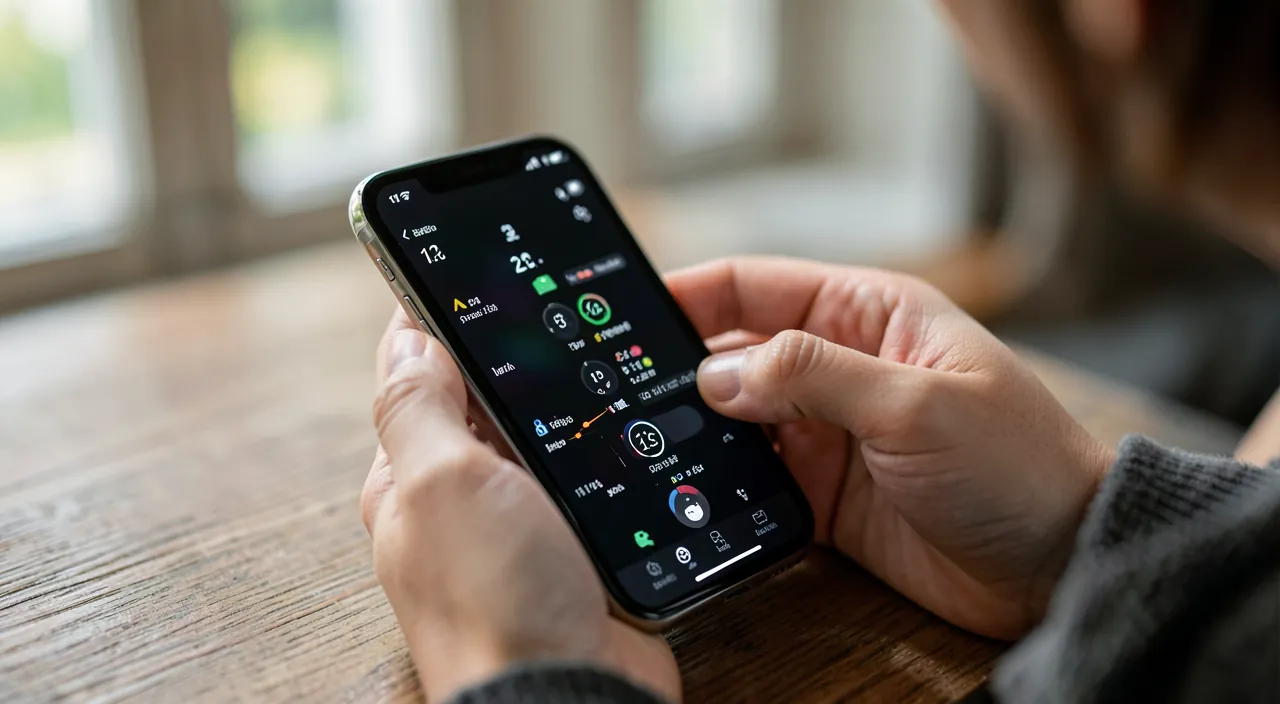
The Horloge App: Alarms, Timer, and Time Zones
The iPhone Clock app is one of the most used daily: you set your alarm, start a timer in the kitchen, check…
-

Photos: Albums, Memories, and Sharing
You take hundreds of photos with your iPhone, but they pile up in a mess and you never look at them? The…
-

The Livres app: read and listen on iPhone
Your iPhone or iPad is also a pocket library: the Books (Apple Books) app lets you READ digital books and LISTEN to…
-

The Weather App: How to Read and Use It
The iPhone Weather app is consulted automatically to check if it’s going to rain—but it offers much more than just a simple…
-
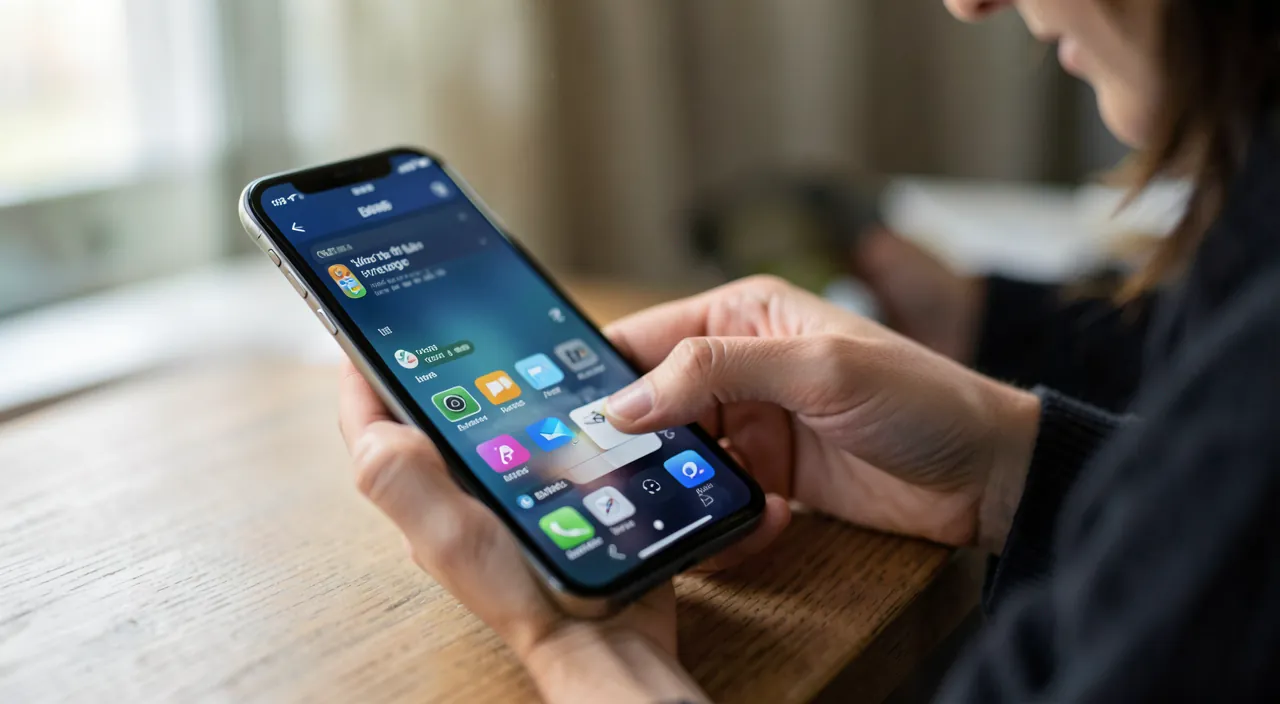
The Trousseau: Managing Your Apple Passwords
How many passwords do you use? Probably dozens — and it’s humanly impossible to remember them all, especially if they are strong…
[language-switcher]
Category: Apple & Mac
iPhone, iPad and Mac tips: useful settings, hidden features, backups, iCloud and good habits to get the most out of the Apple ecosystem.
Notre Écosystème
Découvrez nos autres services
ElpisIA, c’est tout un univers — explorez nos autres services.