
Learning the guitar is a dream many people put off, due to lack of time, a nearby teacher, or a budget for lessons. Good news: guitar learning apps have made this dream far more accessible. Thanks to your phone or tablet, you can now learn chords, follow progressive lessons, play your favorite songs, and even get feedback on your playing, at your own pace and from your living room. It’s not magic — the guitar requires practice and patience — but it’s a fantastic starting point. Let’s see how these apps work, what they offer, and how to get the most out of them to truly progress.
What a guitar app can bring you
These apps support your learning in multiple ways; here’s what they offer. Progressive LESSONS: most provide a structured path, from the absolute beginner (holding the guitar, first chords) to more advanced levels; lessons follow in steps, providing a reassuring framework. Learning CHORDS: placing your fingers, memorizing basic chords, then transitioning from one chord to another; apps clearly show positions and make you repeat. Playing SONGS: the fun part! Many apps let you play real songs, with chords or notes scrolling on screen in time; playing a song you love is the best motivation. Feedback on your PLAYING: some apps « listen » to your guitar via the mic and tell you if you’re playing the right notes at the right time; immediate feedback is invaluable when learning alone. Practical TOOLS: tuner (essential: an out-of-tune guitar sounds bad), metronome (for rhythm), chord and tab libraries. Learning at your own PACE: you can repeat as much as you want, slow down a song, restart without a teacher getting impatient; ideal for busy schedules and shy people. GAMIFICATION: many turn learning into a game (progress, challenges, rewards), which helps stay motivated and consistent. What it’s FOR: to START without a teacher or lesson budget; to PROGRESS at your own pace; to practice regularly; to play your favorite SONGS; and to keep MOTIVATION thanks to the fun side and small victories. The LIMITS (we’ll come back to them): an app doesn’t fully replace a teacher to correct bad posture or technical details; and nothing replaces regular practice, which the app facilitates but doesn’t do for you. The key idea: a guitar app is an excellent way to get started and progress, alone, at your own pace, and without lesson costs: progressive lessons, chord learning, playing real songs, feedback on your playing, practical tools (tuner, metronome), and motivating fun side. It’s not a perfect substitute for a teacher for fine technique, but it’s a fantastic starting point and practice companion. The key remains the same as with a teacher: regularity and patience.
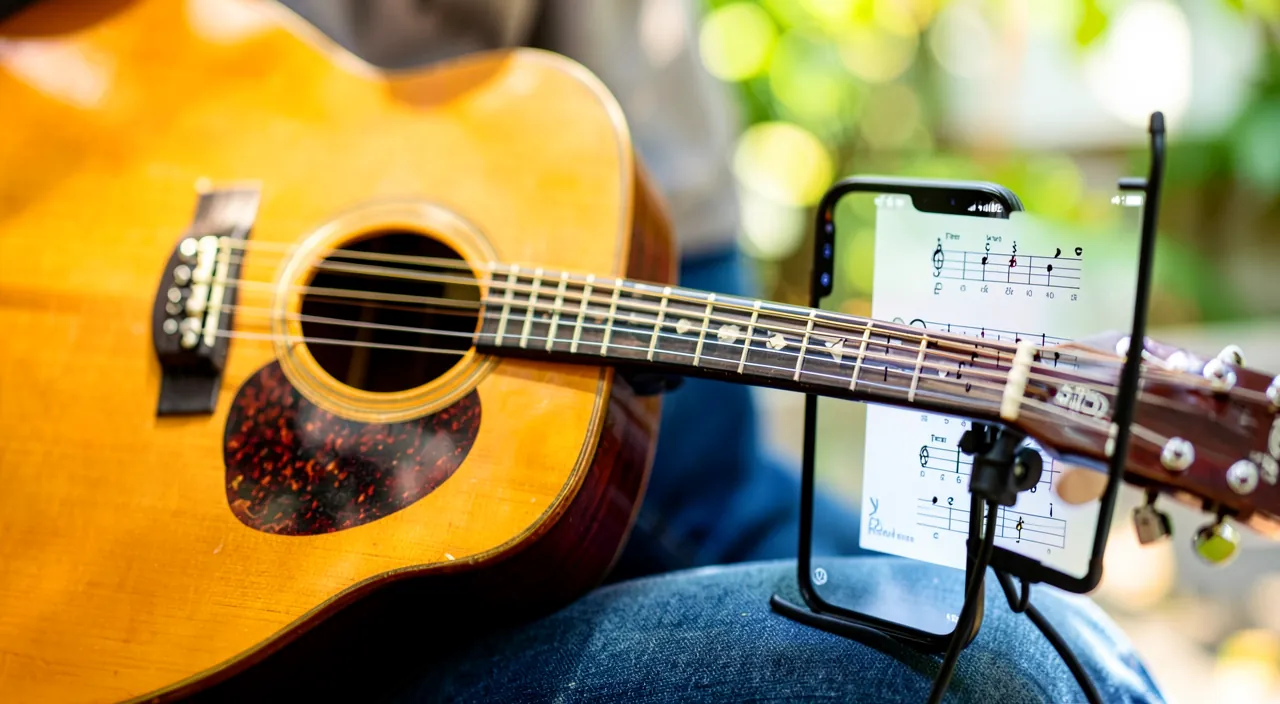
A guitar app helps you learn by teaching chords, showing you how to play songs, and giving you feedback. It’s like having a teacher in your pocket, but it can’t fix your posture or replace real practice. The best part? You can learn at your own speed, whenever you want.
Imagine you’re learning the song “Knockin’ on Heaven’s Door” by Bob Dylan. The app shows you the chords (G, D, Am, C) and slows the song down so you can practice each part. After a few days of 15-minute sessions, you can play the whole song smoothly.
How to learn effectively with an app
Here’s how to get the most out of a guitar app and truly progress. CHOOSE an app that suits you — several guitar learning apps exist, with different approaches (structured path, song playing, audio feedback); many offer a trial or free version; test one or two to find the one that works for you (our guides on how to install an app safely). TUNE your guitar every time — it’s fundamental: an out-of-tune guitar sounds bad and discourages; use the app’s tuner before each session; it will become a reflex. Follow the PATH, step by step — don’t skip steps; start from the beginning even if it seems simple; the basics (finger positioning, first chords, rhythm) set the foundation. PRACTICE regularly, a little each day — that’s THE secret: 15 minutes a day is better than a long session once a week; regularity builds finger memory. Accept that the beginning is HARD — at first, fingers hurt, chords sound bad, transitions are slow; it’s NORMAL and it passes; don’t get discouraged, everyone goes through this. Play SONGS you love — as soon as possible, play real songs you enjoy; pleasure is the best progress driver; apps that let you play songs keep motivation alive. Use the SLOWDOWN feature — for difficult passages, slow down the song, master it slowly, then gradually speed up; that’s how you learn. Use the FEEDBACK — if the app listens to your playing, use its corrections; they tell you where you’re making mistakes. Supplement if needed — for posture or a block, an explanatory video, a guitarist friend, or a few occasional lessons with a teacher can remove obstacles the app can’t see. Be PATIENT and kind to yourself — guitar is a marathon; celebrate small victories (a clean first chord, a first song played); progress isn’t linear. In summary: choose an app that suits you, tune every time, follow the path without skipping steps, practice a little each day (the secret), accept that the beginning is hard, play songs you love quickly, use slowdown and feedback, supplement if needed with outside help, and be patient. Regularity and pleasure will do the rest.
The secret to progress. If you had to remember just one piece of advice for learning the guitar — with an app or otherwise —, it would be this: REGULARITY matters more than duration. Fifteen minutes of practice EVERY DAY will make you progress infinitely more than two hours in a row on Sunday. Why? Because learning the guitar is mainly about training your fingers and brain to perform precise movements: placing a chord, switching from one chord to another, keeping the rhythm. This « finger memory » is built through FREQUENT REPETITION, like a muscle; it strengthens during rest between sessions. Short daily practice maintains and reinforces these automatisms day after day, while a long weekly session followed by six days without touching the instrument lets everything fade in between. That’s where apps are particularly valuable: their fun format, short lessons, challenges, and progress tracking are designed to make you come back a little each day, without it feeling like a chore; take advantage of this short and regular rhythm. Second pillar of progress: PLEASURE. Don’t get stuck too long on dry exercises; as soon as you know a few chords, start playing real songs you LOVE, even imperfectly. Nothing is more motivating than recognizing, under your own fingers, a song that moves you; that’s what will make you want to pick up the guitar again tomorrow, and that’s by playing what you enjoy that you’ll progress without even realizing it. Third reflex: PATIENCE and kindness to yourself. The very beginning is ungrateful — fingers hurt (they’ll toughen), chords sound muffled, transitions are painfully slow — but everyone, absolutely everyone, has been through this, and this difficult phase doesn’t last. Don’t judge your potential based on your first weeks; celebrate every small victory (a first chord that sounds clear, a first recognizable song, a chord change that speeds up), because these milestones fuel motivation. A little each day, pleasure, patience: with these three principles, the app becomes a fantastic springboard, and the guitar, a joy that grows week after week.
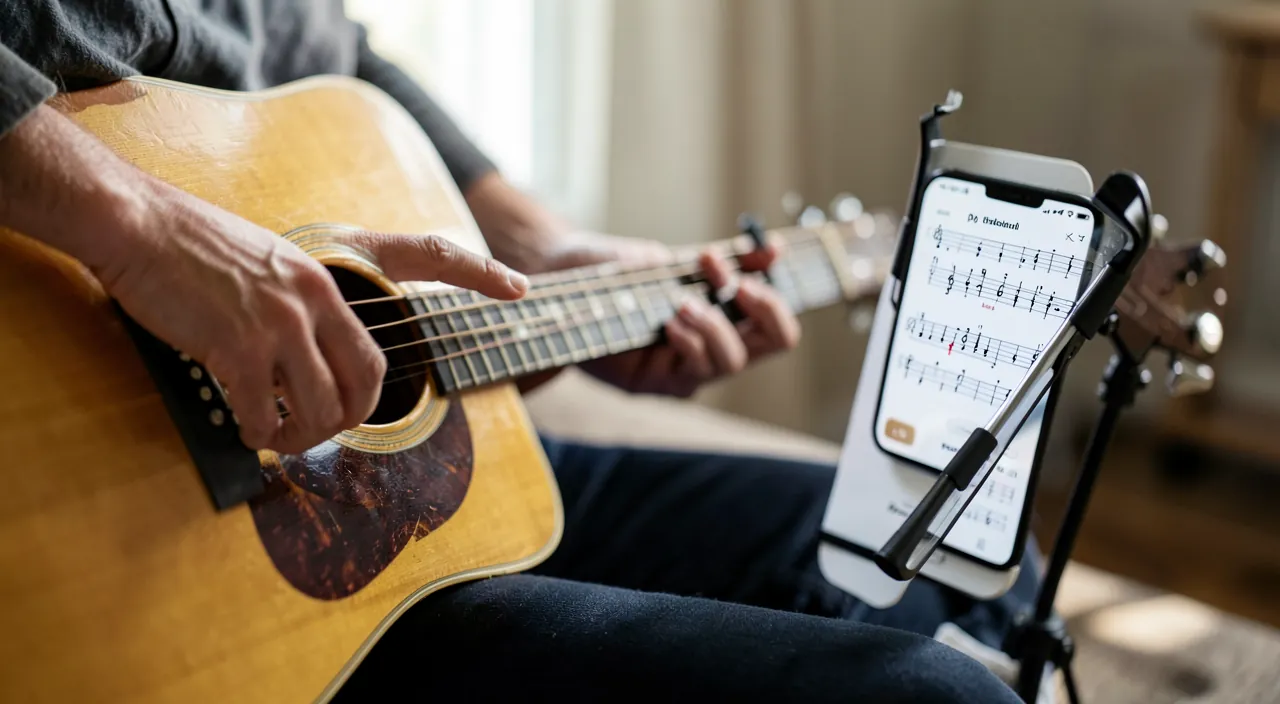
The limits of apps and how to compensate for them
Apps are excellent tools, but they have limits you should know to avoid disappointment or bad habits. Limited FEEDBACK: an app that « listens » to your playing detects the right notes, but it doesn’t see your POSTURE, hand positions, or shoulder tension; bad habits picked up early are hard to correct later; a teacher, on the other hand, spots and corrects these details. The compensation: film yourself occasionally to check your posture, watch explanatory videos on proper positioning, or take a few occasional lessons to verify your basics. No REAL personalization: the app follows a predefined path; it doesn’t adapt finely to your specific difficulties like a teacher observing you would; you’ll need to focus on what’s blocking you. Self-MOTIVATION: without a teacher or scheduled appointments, you need discipline to practice regularly; the fun side of apps helps, but self-motivation is still required; set a rhythm and stick to it. The risk of EASE: some very fun apps can give the illusion of progress by « playing » without really mastering; make sure to solidify the basics, not just « succeed » at levels. The PAID model: many guitar apps work on a SUBSCRIPTION basis, sometimes costly; the trial is often free, but full access is paid; evaluate if it suits you (it’s generally much cheaper than private lessons) and watch out for automatic renewals (our guides on managing subscriptions). The EQUIPMENT: you need a real guitar (acoustic or electric) in playing condition; a poor-quality or poorly set-up guitar (strings too high) makes learning painful; a decent instrument, even used, makes a difference. The MIC and NOISE: audio feedback works better in a quiet environment; ambient noise can disrupt detection. Don’t EXPECT everything from the app: it facilitates, guides, motivates, but doesn’t play for you; progress comes from YOUR practice. In summary, the main limits: no posture correction, limited personalization, self-motivation required, risk of progress illusion, often paid model, and need for a proper guitar. Compensate by monitoring your posture (video, occasional lessons), practicing seriously and regularly, and keeping in mind that the app is a guide, not a shortcut: the work is yours, but it makes it more accessible and enjoyable.
Warning: an app is an excellent guide, but it doesn’t see your posture — monitor it to avoid bad habits, and beware of subscriptions. Two points of vigilance deserve your attention. The first concerns POSTURE and technique. Apps that listen to your playing are remarkable for detecting if you’re playing the right notes at the right time, but they’re completely blind to how you play: your body, wrist, and finger positions, and shoulder tension. Yet it’s precisely at the beginning that you develop habits — good or bad — and a bad posture anchored in the first weeks (a wrist too bent, a hand misplaced, tension) becomes very hard to correct later, and can even cause pain or limit your progress. That’s the main blind spot of apps compared to a teacher, who corrects you immediately. Don’t neglect this: take the habit of FILMING yourself occasionally to observe your posture from the outside, watch serious educational videos on proper body and hand positioning, and if you can, treat yourself to a few occasional lessons with a teacher, in addition to the app, to check and correct your basics; it’s a modest investment that can save you months of bad habits. Also listen to your body: temporary discomfort at the fingertips is normal (they’ll toughen), but pain in the wrist, hand, or arm is a warning sign often indicating a bad position — take a break and correct it. The second point of vigilance is financial: many guitar learning apps work on a SUBSCRIPTION model, with an attractive free trial that automatically switches to a paid plan, sometimes expensive, if you don’t cancel in time. Before committing, check the real price, trial duration, and cancellation terms; watch out for automatic renewals, and don’t hesitate to use the free trial to judge whether the app suits you before paying. That said, in perspective, these subscriptions are most often much cheaper than regular private lessons; if the app makes you progress and stay motivated, it can be a very good investment — provided you choose knowingly. By keeping an eye on your posture and subscriptions, you’ll fully benefit from these fantastic tools, without their two main drawbacks.
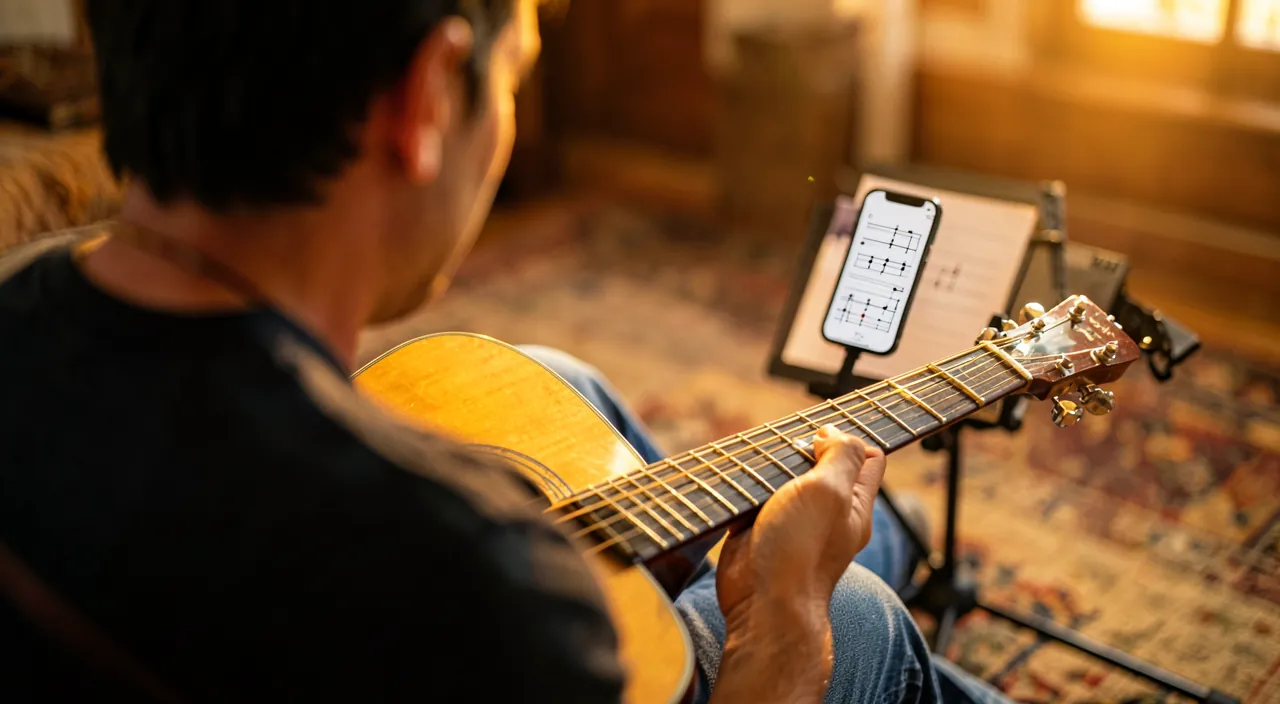
Frequently asked questions
Can you really learn guitar with an app, without a teacher?
Yes, absolutely, especially to get started and progress to a good amateur level; with some nuances it’s fair to mention. What apps REALLY allow: many people have learned to play guitar autonomously, and apps make it more accessible than ever; they teach you the basics (chords, rhythm, basic technique), guide you through a progressive path, let you play real songs, and some give you feedback on your playing; to learn for fun, play your favorite songs, and reach a good amateur level, an app can be perfectly sufficient, provided you practice regularly. It’s a serious and effective way to get started, particularly suited if you don’t have a teacher nearby, no budget for lessons, or a schedule that makes regular lessons difficult. The nuances to know: an app doesn’t fully replace a teacher on certain aspects, mainly posture correction and fine technique (which it can’t see), and personalization (it follows a predefined path, without finely adapting to your specific difficulties); also, without the framework of an appointment, you need to find the discipline to practice regularly. The best approach? For many, a HYBRID formula is ideal: learn mainly with the app (daily, at your own pace, at lower cost), while monitoring your posture (videos, filming yourself) and, if possible, taking a few occasional lessons with a teacher to check your basics and overcome difficulties; this way, you combine the accessibility of the app and the expert eye of the teacher, when needed. In summary, yes, you can really learn guitar with an app without a teacher, and reach a good amateur level; the app is an excellent way to get started and progress independently, provided you practice regularly and pay attention to your posture. Occasional teacher input, when possible, makes the method even more complete.
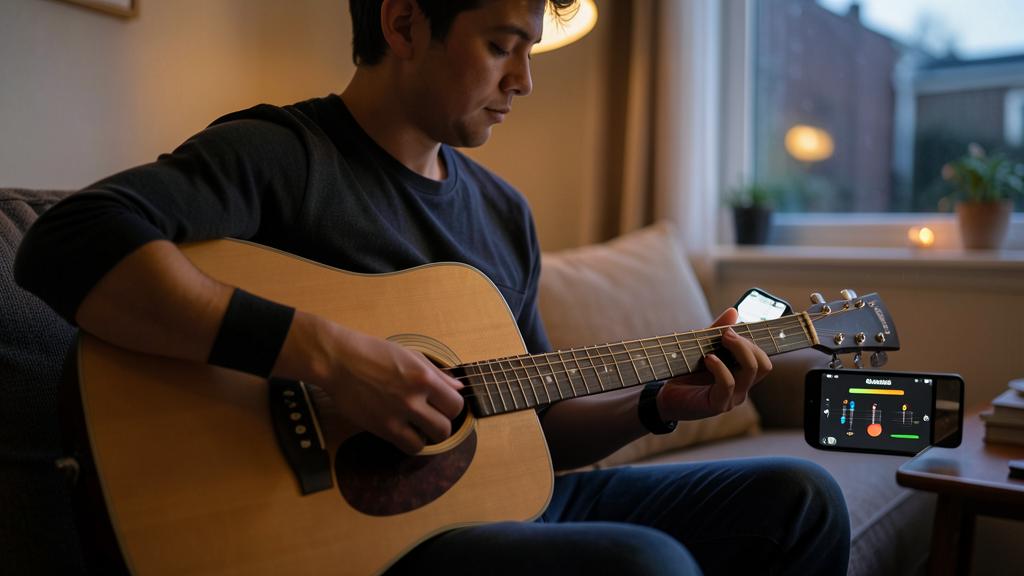
Are these apps free or paid?
It varies: many offer a free part or trial, but full access is usually paid, generally by subscription; here’s how to navigate this. The most COMMON model: many guitar learning apps work on a « freemium » or subscription model: you can often discover the app for free (a few lessons, a trial period), but full access to the path, all songs, and advanced features requires a paid subscription (monthly or annual). Some apps or features (tuner, chord libraries, basic tabs) are, however, available for free. What to check BEFORE choosing: the real price of the subscription (monthly and annual — annual is often more advantageous); the duration and content of the free trial; what’s included in the free version vs. the paid one; and cancellation terms. An important tip: use the FREE TRIAL to judge if the app suits you BEFORE paying, and watch out for automatic renewals (a free trial often switches to a paid subscription if you don’t cancel in time — our guides on managing subscriptions). Putting the cost in PERSPECTIVE: a guitar app subscription, even if it represents an expense, is generally much CHEAPER than regular private lessons with a teacher; if the app actually makes you practice and progress, it can therefore be a good investment relative to the service provided. On the other hand, if you don’t use it enough, a subscription that runs without serving its purpose is wasted money; hence the importance of only committing if you’re sure you’ll practice. In summary, these apps are rarely fully free for complete use: most offer a trial or free base, then a paid subscription; test via the trial before paying, compare what’s included, watch out for renewals, and remember that the cost, while real, remains moderate compared to private lessons — provided you practice enough to make it worthwhile.
Do you need a special guitar to use these apps?
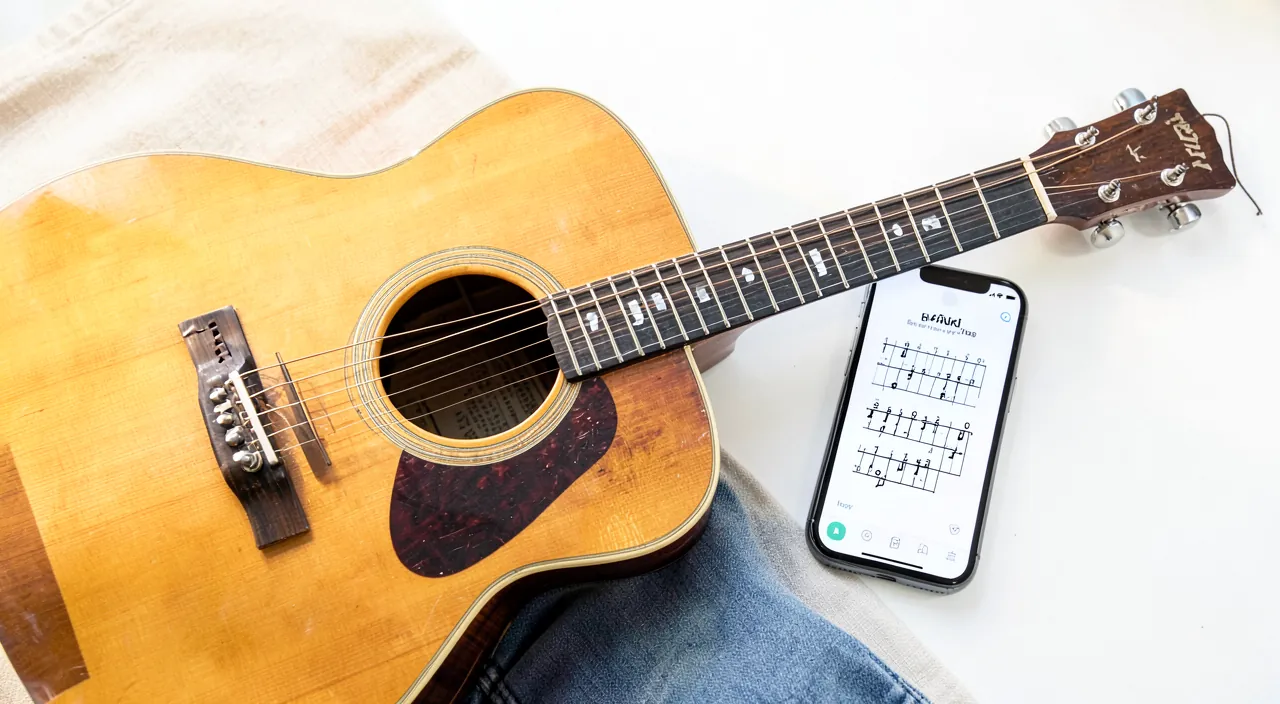
No, no « special » guitar is required: a regular guitar (acoustic or electric) in good playing condition is enough; what matters is the quality and setup of the instrument, not a specific model. Let’s clarify. What you need: simply a REAL guitar — acoustic (classical with nylon strings, or folk with steel strings) or electric — that you can play in front of the app; apps work with a normal guitar, which they « listen » to via your phone’s mic for audio feedback. No special connection or « connected » guitar is necessary in most cases (for an electric guitar, the app can either listen to the ambient sound or, depending on the case, plug in). What REALLY matters isn’t the model but the CONDITION and SETUP of the guitar: a decent, well-set-up instrument with strings not too high (which would make playing painful and difficult) makes learning much more enjoyable; on the other hand, a very poor-quality or poorly set-up guitar can discourage a beginner, as it sounds bad and hurts the fingers, no matter your efforts. You don’t need an expensive instrument: a decent entry-level guitar, or a good used one, is perfect for getting started; if you can, just have the instrument checked or set up (string height in particular) by a professional or experienced friend, as this greatly improves playing comfort. Which guitar to choose if you’re a beginner? It depends on the style that attracts you (acoustic is autonomous and versatile; electric requires an amp but is gentler on the fingers); best to choose based on the music you love. And don’t forget to TUNE your guitar before each session (the app’s tuner is there for that): an out-of-tune guitar sounds bad and discourages, no matter its quality. In summary, no need for a special guitar: a regular acoustic or electric guitar in good condition and well set up is enough; prioritize a decent and well-set-up instrument (strings not too high) over a specific model, tune it each time, and you’ll be perfectly equipped to learn with an app.
What to remember
Guitar learning apps have made an old dream far more accessible: with your phone and a real guitar, you can learn chords, follow progressive lessons, play your favorite songs, and get feedback on your playing, at your own pace, from your living room, and without private lesson costs. They offer a structured path, valuable tools (tuner, metronome), the pleasure of playing real songs, and a fun side that helps stay motivated and consistent. Yes, you can really learn guitar this way, without a teacher, and reach a good amateur level: it’s a fantastic starting point. The secret to progress has nothing to do with technology: it’s REGULARITY (15 minutes each day is far better than a long weekly session, as fingers and brain learn through frequent repetition), PLEASURE (play real songs you love as soon as possible: it’s the best driver), and PATIENCE (the beginning is tough — sore fingers, chords that sound bad — but this phase passes, and every small victory counts). Follow the path without skipping steps, tune your guitar each time, and use the slowdown feature for difficult passages. However, keep two points of vigilance in mind. First, POSTURE: it’s the blind spot of apps, which don’t see how you play; monitor your position (film yourself, watch videos, take occasional lessons if possible) to avoid anchoring bad habits that are hard to correct, and listen to your body (wrist pain is a warning sign). Second, COST: most of these apps work on a subscription basis; take advantage of the free trial to judge before paying, watch out for automatic renewals, but remember that the price remains moderate compared to private lessons. As for equipment, no special guitar is required: a regular guitar, in good condition and well set up (strings not too high), is more than enough. An app is a remarkable guide and practice companion, not a magic shortcut: it facilitates, motivates, and accompanies, but it’s your regular practice that makes you progress. With a little guitar each day, pleasure, and patience, the app becomes a springboard, and music, a joy that grows week after week.
Want to go further with your phone and apps? Our practical training is made for you.
Leave a Reply
You must be logged in to post a comment.